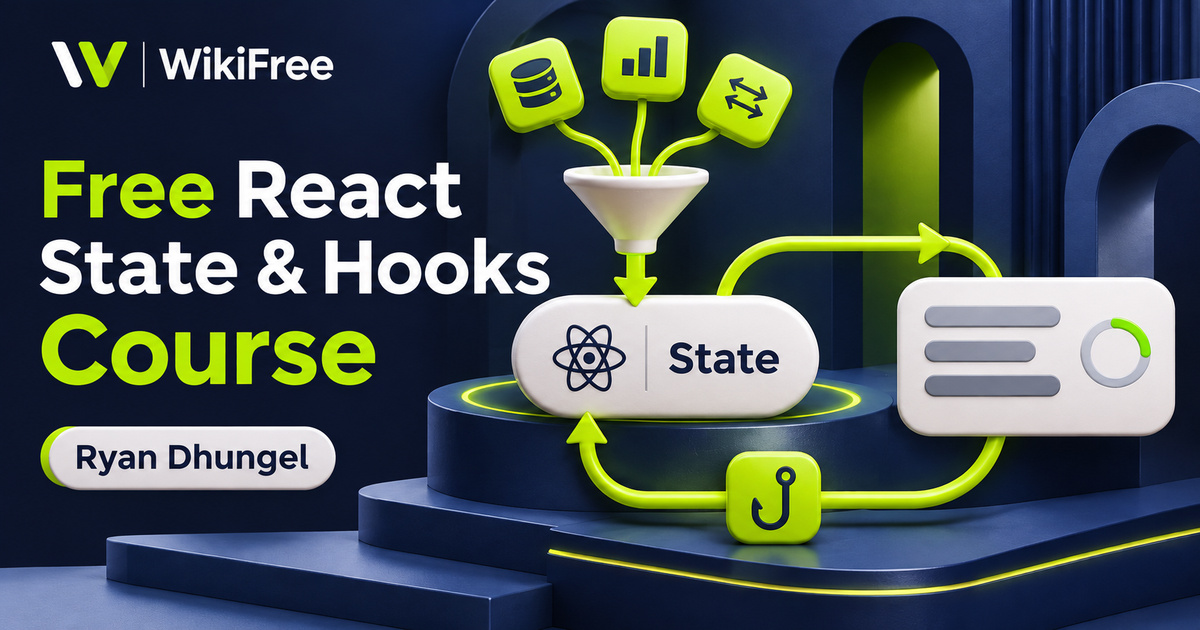
Listed as Free on Udemy when checked on 8 November 2026. No coupon or subscription trial is required for the listed lessons. Enrollment needs a Udemy account; availability can change.
About this course
An interface that fetches information has more to explain than the final list on the screen. It needs a place for data, a response to user actions and a way to show that a request is still running. Ryan Dhungel's free React introduction explores these relationships through JavaScript preparation, component examples and a news-app section using Hooks.
The course asks for basic knowledge of JavaScript or another programming language. Its four sections contain 32 lectures totaling about two hours and 49 minutes, with two articles listed alongside the video material. The page was updated in October 2025, but some setup examples describe older React tools. Use the course for its introductory scope and check the matching versions when following a demonstration.
| Official course | React JS Frontend Web Development for Beginners |
|---|---|
| Created by | Ryan Dhungel |
| Platform | Udemy |
| Language | English |
| Level | Intermediate |
| Listed duration | 169 minutes; 32 lectures across 4 sections |
| Completion terms | Not included with a new free enrollment |
What you’ll learn
Review JavaScript variables, functions, destructuring, spread syntax and classes before moving into React state, props, list rendering, click events and conditional display. The later section introduces useState and useEffect through counters and a news application, including search and loading behavior. A brief continuation item and a bonus item appear at the end; they do not establish a complete advanced React or Next.js program.
Skills you’ll gain
- JavaScript code reading
- Component state
- Props and list rendering
- Click-event handling
- Hooks awareness
- Request-state planning
Make the JavaScript refresher useful
Before studying a component, choose a small record with two or three fields and explain how you would read or copy it. Then compare that explanation with the syntax in front of you. Destructuring changes how you extract values; it does not change the underlying meaning of the record. Keeping that distinction clear makes compact component code less mysterious.
Be precise about the shortcuts you learn. A const binding cannot be reassigned, but an object stored through that binding is not automatically frozen. Spread syntax produces a shallow copy, so nested objects can still be shared. Likewise, an arrow function captures this from its surrounding context; ordinary functions do not always receive window as this. These distinctions help avoid turning a convenient introductory example into an incorrect general rule.
Trace a request before polishing the screen
Draw a simple sequence for a fictional data request: decide what to ask for, start the request, receive a result and choose what to display. Beside that sequence, write the information the component needs at each stage. This is a useful way to study state because it connects each value to a visible responsibility rather than treating state as an arbitrary collection of variables.
A loading indicator answers whether work is in progress. It does not answer whether the request succeeded, returned no items or failed. For independent study, describe those outcomes separately even when an introductory lesson focuses on the successful path. The course's examples provide a starting point for following data; they are not a guarantee of complete error handling or production readiness.
Read Hooks through their responsibilities
The class and function examples offer two ways to discuss component behavior. Focus first on what should happen, then on the mechanism used to express it. For a counter, write the expected next value. For a search, decide whether typing alone should request data or whether a separate submission should trigger the request. Those are interface decisions that deserve an explicit explanation.
Current React documentation describes useEffect as synchronization with an external system. Its dependencies and cleanup are part of that relationship, not optional details to ignore when copying a snippet. React can run an extra setup-and-cleanup cycle in development Strict Mode. Read an effect as a process that may start, stop and restart, rather than assuming it is simply a function that runs once.
Keep the setup in context
Create React App was deprecated for new applications in 2025. React's documentation now describes framework-based setup and alternatives for learning or projects with different constraints. If an example uses ReactDOM.render, note that this older API was removed in React 19; current root setup uses createRoot. A recent course-page date alone does not prove that every recorded command has been replaced.
The same care applies to external data. A demonstration of an API does not promise its ongoing availability, access terms or suitability for a production service. Optional services and later paid courses are separate from the free lesson access. This overview does not promise a certificate, hosting, search-engine results or a finished commercial news product.
For your own practice, plan a fictional reading-results panel using three invented records. Write what appears before a search, while it is loading, after an empty response and after a successful response. Identify which part needs state and which part only displays a value. This original planning exercise is separate from the instructor's assignments and is not a tested implementation.
Read React setup guidance: Compare current setup with a recorded example. Understand effects: Read dependencies and cleanup in context.
Related courses for your next step
- Explore API requestsFree Postman API Testing Course
Explore request and response data in a separate API tool.
Beginner
- Document your practiceFree Markdown Documentation Course
Write clear notes about the inputs and outputs of your examples.
Beginner
Frequently asked questions
Do I need to know React already?
No previous React knowledge is expected, but the stated prerequisite is basic JavaScript or another programming language. The JavaScript section helps prepare for the component examples.
Does the course cover both classes and Hooks?
Yes. The public outline includes class-based examples followed by useState, useEffect and a news-app section using Hooks.
Will every setup command work with the latest React version?
That is not promised. Some examples refer to Create React App and ReactDOM.render, so compare the recording's dependencies with current React documentation.
Learner reviews
Tell other learners what you actually tried. Reviews are moderated and may come from learners who have started or completed the course.
No published learner reviews yet.
Sign in to write a reviewQuestions still belong in the discussion below. Review and ranking rules.
Questions & discussion
Share a useful question or correction. Comments appear after moderation. Please avoid personal or sensitive information.