Listed as Free on Udemy when checked on 8 November 2026. No coupon or subscription trial is required for the listed lessons. Enrollment needs a Udemy account; availability can change.
About this course
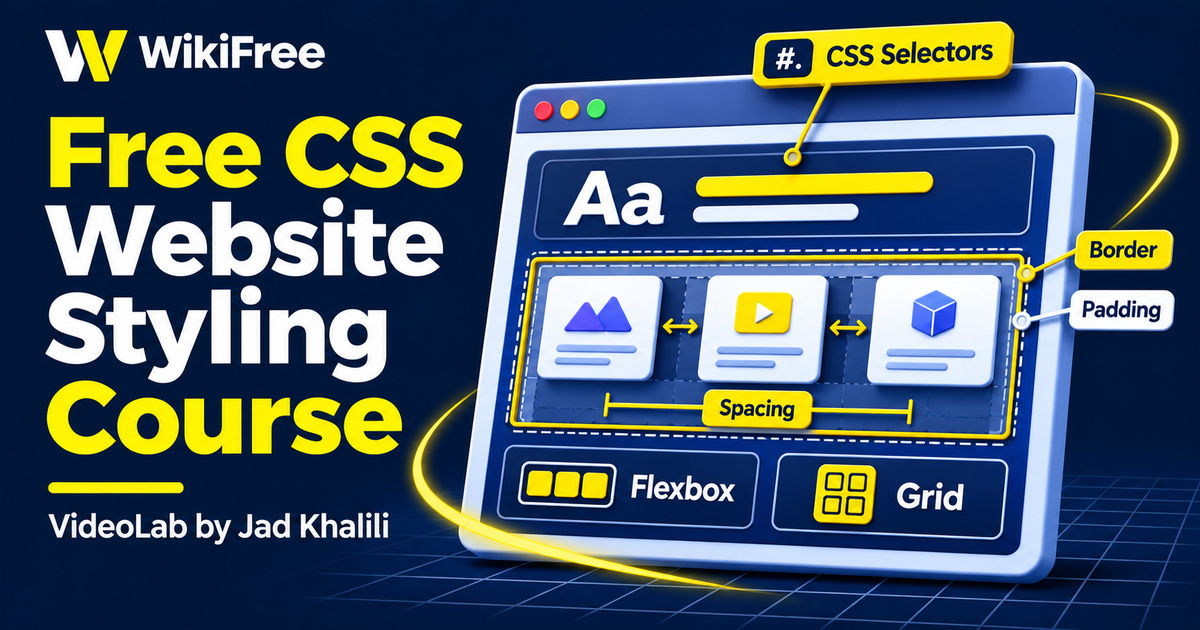
A plain HTML page already contains structure. CSS gives that structure a visual language: readable headings, deliberate spacing, aligned sections and useful emphasis. This free CSS website styling course by VideoLab by Jad Khalili follows that progression from linking a stylesheet to combining layout and animation in a website transformation.
The English course is suitable for learners beginning CSS who already understand basic HTML. Its ten sections include roughly six hours and seventeen minutes of video, alongside article entries and quiz titles. Start with a page you can understand structurally, then use the lessons to investigate how individual styling decisions change its appearance. The aim is practical familiarity through repeated experiments, rather than instant mastery of every feature in CSS.
| Official course | CSS: Zero to Hero in CSS by Styling a Website from Scratch |
|---|---|
| Created by | VideoLab by Jad Khalili |
| Platform | Udemy |
| Language | English |
| Level | Beginner |
| Listed duration | 377 minutes; 60 lectures across 10 sections |
| Completion terms | Not included with a new free enrollment |
What you’ll learn
Explore element, class and attribute selectors; compare text colors, backgrounds and gradients; and work with font families, relative units and spacing. The layout sequence introduces the box model before moving into Flexbox and Grid. Later lessons cover transitions, transforms and keyframe animations, followed by a website styling challenge and a worked solution that brings several techniques together.
Skills you’ll gain
- CSS selectors
- Typography styling
- Box model spacing
- Flexbox layout
- CSS Grid
- CSS animation
Build a reliable styling foundation
The opening lessons cover creating an external stylesheet, linking it to a page and checking that a visible change actually appears. That small feedback loop matters: if the stylesheet is not connected, changing more declarations will only make debugging harder. The course then separates the selector that identifies an element from the properties that describe its presentation.
Selector lessons progress through classes, IDs, pseudo-classes, relationships between elements and attribute matching. Treat specificity as one part of the cascade. Current CSS also considers origin, importance and cascade layers before comparing competing selector weights; a blanket rule that an ID or inline declaration always wins would be misleading. Browser developer tools can help explain which declaration applies in a particular example.
Color and typography receive their own sections. You encounter backgrounds, image sizing, transparency, gradients, font stacks and external fonts. Try changing one setting at a time so you can distinguish a font choice from a spacing problem. A useful fallback font also keeps the page readable when an external font has not loaded.
Move from boxes to layouts
The course introduces content, padding, borders and margins before using more complex layout methods. Keep the sizing calculation explicit: with `content-box`, declared width covers the content area, while padding and borders add to the rendered size. With `border-box`, that width includes padding and borders. Margins remain outside in either case.
Flexbox lessons explore direction, wrapping, alignment, visual order and flexible sizing. Grid lessons introduce tracks, gaps, lines and areas. These methods complement each other: Flexbox is designed around one dimension, while Grid coordinates rows and columns. They do not remove the need to understand the boxes being arranged. Nor does visually reordering items automatically fix the document’s reading or keyboard sequence; sensible HTML source order remains important.
Add motion with a clear purpose
The animation section moves from transitions to transformation functions and named keyframes, then explores timing, repetition and direction. Use that sequence to understand what changes, how long the change takes and whether it repeats. A subtle transition can communicate state without making every element move continuously.
The recordings were last updated in September 2019. Check present browser support before copying vendor prefixes mechanically. For your own work, consider a reduced-motion alternative through `prefers-reduced-motion`. That is an additional practice recommendation, not a claim that the course implements a complete accessibility workflow. Hover effects alone also should not be your only indication that a control can be used.
Practice on a small community notice
As an independent exercise, outline a community garden notice containing a heading, meeting details, three activity cards and a short contact link. Keep the HTML reading order logical, set a restrained type scale, and compare a wrapping Flexbox card row with a Grid arrangement. Resize the viewport and check whether long text remains usable.
Add one optional transition only after the layout reads comfortably. Record which rule controls each important result so you can explain the page instead of merely matching a screenshot. This exercise is editorial guidance, separate from the instructor’s website challenge. The course lists articles, resources and quizzes, but their bodies are not described here. Paid editor choices or other external services are separate from free access to the recorded lessons.
Review CSS specificity: Understand how selector weight fits into the cascade. Review reduced-motion preferences: Consider motion preferences in your own work.
Related courses for your next step
- Review HTML and CSS foundationsFree HTML and CSS Foundations Course
Revisit page structure and styling concepts.
Beginner
- Explore another CSS projectFree CSS Product Page Layout Course
Compare a focused page-styling example.
Beginner
Frequently asked questions
Do I need HTML experience?
Yes. The course lists basic HTML knowledge as a prerequisite, while introducing CSS from its foundations.
Is this a complete web application course?
No. The focus is page styling and layout. It does not establish training in backend systems, authentication or payment processing.
Will I receive a professional qualification?
No qualification or job outcome is promised here. Free lesson access should not be treated as proof of a certificate or professional accreditation.
Learner reviews
Tell other learners what you actually tried. Reviews are moderated and may come from learners who have started or completed the course.
No published learner reviews yet.
Sign in to write a reviewQuestions still belong in the discussion below. Review and ranking rules.
Questions & discussion
Share a useful question or correction. Comments appear after moderation. Please avoid personal or sensitive information.