Listed as Free on Udemy when checked on 8 November 2026. No coupon or subscription trial is required for the listed lessons. Enrollment needs a Udemy account; availability can change.
About this course
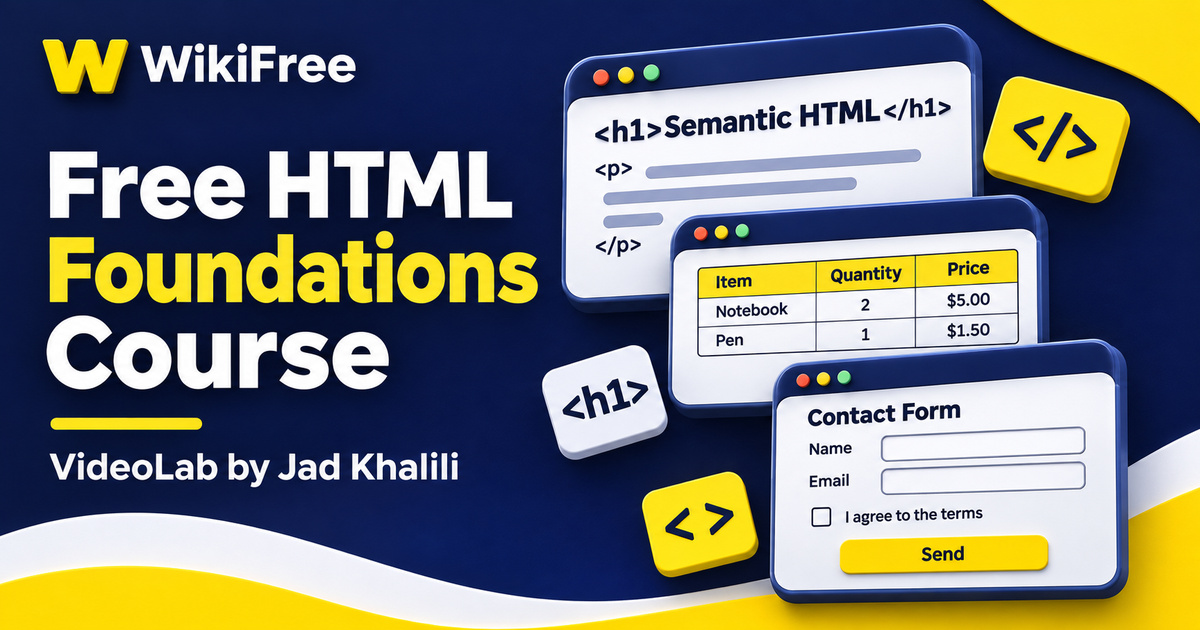
HTML gives a webpage its structure before colors, spacing or application behavior are added. VideoLab by Jad Khalili’s free HTML foundations course introduces that structure through short lessons and small page-building exercises. The sequence moves from document basics to text, links, images, tables and form controls, giving newcomers a manageable starting point for understanding what a browser displays.
The English course has seven sections, with twenty-eight videos totaling about ninety-six minutes and six additional article entries. It is presented for people with no coding experience. Although the original title promises expertise within two hours, a more useful expectation is introductory practice: enough exposure to recognize common markup and begin building simple pages, followed by further study and repetition.
| Official course | HTML: Become an Expert in HTML In 2 Hours – For Beginners |
|---|---|
| Created by | VideoLab by Jad Khalili |
| Platform | Udemy |
| Language | English |
| Level | Beginner |
| Listed duration | 98 minutes; 34 lectures across 7 sections |
| Completion terms | Not included with a new free enrollment |
What you’ll learn
Explore the structure of an HTML document, common text elements, links, images and lists. Learn how rows and cells organize tabular information, then examine form controls such as text fields, radio buttons, checkboxes and dropdowns. The course also introduces labels and basic input constraints. Its final project description combines several of these topics into one page, rather than establishing a complete server-backed application.
Skills you’ll gain
- HTML document structure
- Text markup
- Links and images
- List organization
- HTML tables
- Form controls
Begin with a page you can explain
The opening material introduces HTML and a document boilerplate before moving into editing a first file. Keeping the page small makes it easier to see the relationship between a tag, its content and the result in the browser. Read the nesting as well as the visible output: a page that appears acceptable may still have unclear or incorrect structure.
The course uses Sublime Text and a browser. Sublime Text permits evaluation, but its official licensing information requires a purchase for continued use. That editor cost is separate from free lesson access. HTML files are ordinary text, so you can also practice the underlying markup concepts in another suitable editor you already use. No editor purchase is needed simply to watch the recordings.
As you meet headings and paragraphs, think about the purpose of each piece of text. Headings should describe the document’s hierarchy, not merely provide a convenient font size. Likewise, an element’s meaning and its default appearance are different concerns. CSS can change presentation; learning HTML is the first step toward making the content structure understandable.
Connect content with links, images and lists
The next sequence adds images, anchors and ordered or unordered lists, followed by grouping elements such as `div` and `span`. These topics help turn isolated paragraphs into a more useful document. Pay attention to file paths and link destinations, because a correct-looking page can still contain a broken image or send a reader somewhere unintended.
Use images you own or have permission to reuse, and give meaningful images appropriate alternative text in your own practice. Choose a numbered list when sequence matters and a bulleted list when it does not. The course includes short project videos around these topics, but the linked solution files and other resource bodies are not described here as reviewed examples.
Keep tables and forms meaningful
The table lessons introduce rows, cells and table sections before a small table project. For your own work, use tables for related data and make the headers explicit. Current HTML guidance uses header cells and appropriate header associations to help readers understand which row or column describes a value. Visual borders alone do not provide those relationships.
Forms receive a longer section covering input types, names, values, radio groups, dropdowns and labels. A label associated through `for` must match the control’s `id`; matching only its `name` is not the same relationship. Placeholder text is also not a substitute for a persistent label. These distinctions make a form easier to understand before any data processing is added.
The validation lesson introduces required fields. Browser constraints can offer immediate feedback, but they are not a security boundary and do not replace server-side validation. A password field changes how text is displayed; it does not create an account system or secure storage by itself. Treat the login-style examples as markup practice rather than production authentication.
Try a workshop information page
As an independent exercise, outline a local craft workshop page with a clear heading, a materials list and a small timetable. Add a practice form containing a labeled name field and a choice of session. Use fictional values and keep it as a local interface exercise, without collecting or sending anyone’s information.
Review the page by reading its headings, following its links and checking each label-control relationship. This exercise is editorial guidance, separate from the instructor’s projects. The recordings were updated in March 2019 and remain an introduction to familiar HTML building blocks; they do not establish current accessibility compliance, professional qualification or mastery of all web development.
Review form labeling: Associate labels with controls. Read about form validation: Distinguish browser constraints from server checks.
Related courses for your next step
- Review HTML and CSS foundationsFree HTML and CSS Foundations Course
Explore page structure alongside styling.
Beginner
- Explore a CSS page exampleFree CSS Product Page Layout Course
See a focused page-styling project.
Beginner
Frequently asked questions
Do I need previous programming experience?
The source presents the course for complete beginners. You will need a browser and a suitable text editor for your own practice.
Will the form lessons create a working login service?
No. Form markup is only the interface. Authentication, data handling and server-side validation require additional work beyond the described scope.
Are the quizzes and resources fully described here?
No. Their listings are visible, but their bodies and solution files were not reviewed. No certificate or professional accreditation is promised.
Learner reviews
Tell other learners what you actually tried. Reviews are moderated and may come from learners who have started or completed the course.
No published learner reviews yet.
Sign in to write a reviewQuestions still belong in the discussion below. Review and ranking rules.
Questions & discussion
Share a useful question or correction. Comments appear after moderation. Please avoid personal or sensitive information.