Listed as Free on Udemy when checked on 8 November 2026. No coupon or subscription trial is required for the listed lessons. Enrollment needs a Udemy account; availability can change.
About this course
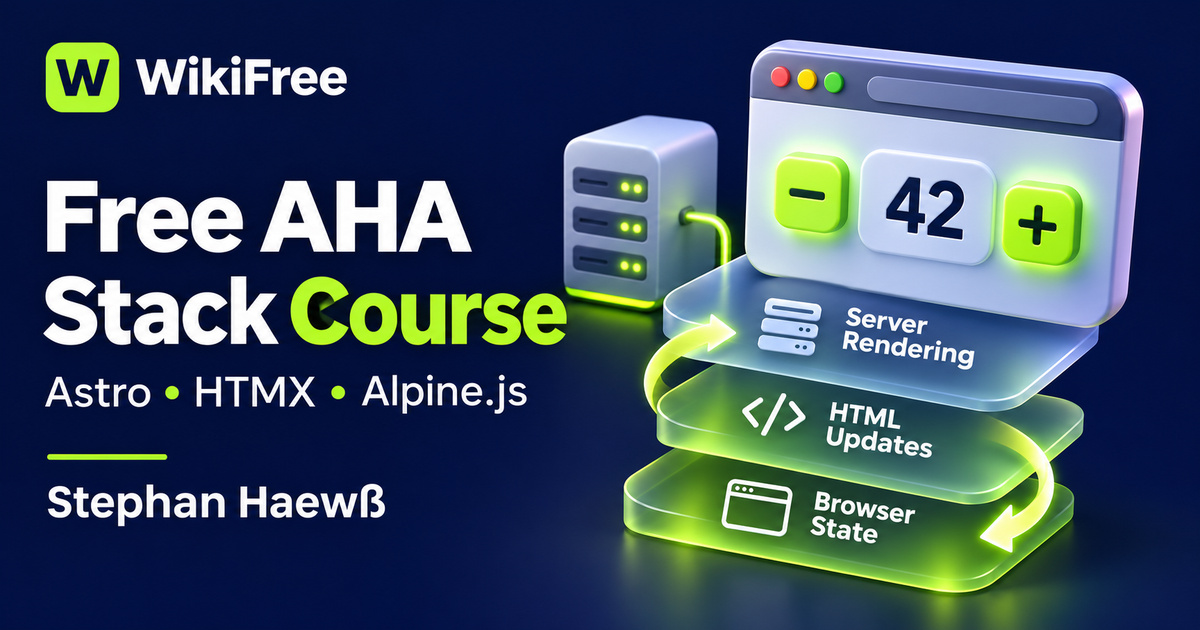
A button can change a page without sending you to a new screen. Understanding where that change happens is an excellent way to move beyond copying interface code. This free course by Stephan Haewß introduces Astro, HTMX and Alpine.js through a compact counter example, bringing server responses and browser interactions into the same learning project.
The English introduction contains two sections and ten listed items, including a short closing article. It suits learners who already understand basic HTML, CSS and JavaScript and know their way around Node.js and npm. Treat it as an introduction to coordinating three tools, with space for your own experiments afterward.
| Official course | First Steps with the AHA Stack (Astro, HTMX & Alpine.js) |
|---|---|
| Created by | Stephan Haewß |
| Platform | Udemy |
| Language | English |
| Level | Beginner |
| Listed duration | 46 minutes; 10 lectures across 2 sections |
| Completion terms | Not included with a new free enrollment |
What you’ll learn
Follow the progression from setting up an Astro project to handling increment and decrement actions, selecting an HTML update target, and adding Alpine.js state. The final integration connects the browser value with a save request. The useful takeaway is learning to distinguish a local interface change from a request that asks a server to do work.
Skills you’ll gain
- Astro project orientation
- HTTP interaction tracing
- HTML fragment targeting
- HTMX swap reasoning
- Alpine.js state binding
- Client and server boundaries
Give each tool a clear responsibility
Start with the page itself. Astro can produce HTML ahead of time, but a button that needs a fresh server response requires a runtime capable of handling that request. Current Astro guidance separates default prerendering from on-demand rendering. The latter requires an adapter appropriate to the deployment environment. A local development server working successfully does not establish that an arbitrary static host will handle the same endpoint.
Next, separate the destination of a request from the destination of its response. In HTMX, the endpoint receives the request, while hx-target identifies the page element to update. These are different addresses serving different purposes. Keeping both visible in your notes makes it easier to diagnose an action that reaches the server but updates an unexpected part of the interface.
The swap choice adds another distinction. Replacing the contents of a container preserves the container itself; replacing its outer HTML removes that element as well. If your response omits the identifier needed by a later interaction, the first click may appear successful while the next behaves differently. Read the returned fragment together with the chosen target and swap mode.
Understand what the counter remembers
Alpine.js keeps interactive data close to the markup using directives such as x-data. Its x-model directive connects input values with data in both directions. This can make a small interface easier to reason about: you can identify the value, the action that changes it, and the element that displays it without first navigating a large application structure.
Remember that binding a value is separate from storing it permanently. A browser value may disappear on reload, and an in-memory server value is not a database or a guarantee of isolation between visitors. Before extending any counter example into a real service, decide who owns each value, how long it should survive, and where durable storage belongs. Those are design questions beyond the introductory project.
A hidden form field is also an input, even though it is absent from the visible interface. Browser tools can reveal or alter its value. A server must therefore validate submitted data and enforce the relevant permissions instead of treating a hidden field as trusted evidence. The same principle applies whether the request originates from HTMX, a conventional form, or handwritten JavaScript.
Try a request diary alongside the lessons
For an optional exercise, sketch a small quantity selector for a fictional stationery page. Record the displayed quantity before and after each action, whether a network request should occur, and which part of the page should change. Keep the currently displayed quantity separate from the last acknowledged quantity so that a failed save does not look like a successful one.
Then predict what should happen after a page reload, a server restart, and two visitors using the page independently. These are suggested practice questions, not promised course assignments or tested outcomes. They turn a familiar counter into a useful conversation about state ownership without requiring you to build a complete shop.
Choose a manageable next step
The recording is listed as updated in October 2025. Match installation and deployment instructions to the versions you choose, and use current documentation when commands or configuration differ. Free lesson access does not include a promise of free hosting, certification, production security or search rankings. Finish by explaining one interaction clearly before expanding the project.
Review on-demand rendering: Understand runtime and adapter requirements. Review HTMX swaps: Distinguish target contents from the entire element.
Related courses for your next step
- Explore JavaScript fundamentalsFree JavaScript Scope and Async Course
Build the language knowledge behind event driven interfaces.
Intermediate
- Explore CSS page stylingFree CSS Product Page Layout Course
Practice layout and presentation skills.
Beginner
Frequently asked questions
Is the whole listed course free?
The public course page currently displays Free without a coupon. Hosting and other optional services are separate, and completion terms should be checked on Udemy before enrolling.
Do I need previous web development experience?
Basic HTML, CSS and JavaScript plus familiarity with Node.js and npm are expected. The course introduces this combination of tools rather than teaching programming from the beginning.
Is this a production application tutorial?
It is a short introductory counter project. Durable storage, visitor isolation, authorization and deployment decisions require additional work appropriate to your application.
Learner reviews
Tell other learners what you actually tried. Reviews are moderated and may come from learners who have started or completed the course.
No published learner reviews yet.
Sign in to write a reviewQuestions still belong in the discussion below. Review and ranking rules.
Questions & discussion
Share a useful question or correction. Comments appear after moderation. Please avoid personal or sensitive information.