Listed as Free on Udemy when checked on 8 November 2026. No coupon or subscription trial is required for the listed lessons. Enrollment needs a Udemy account; availability can change.
About this course
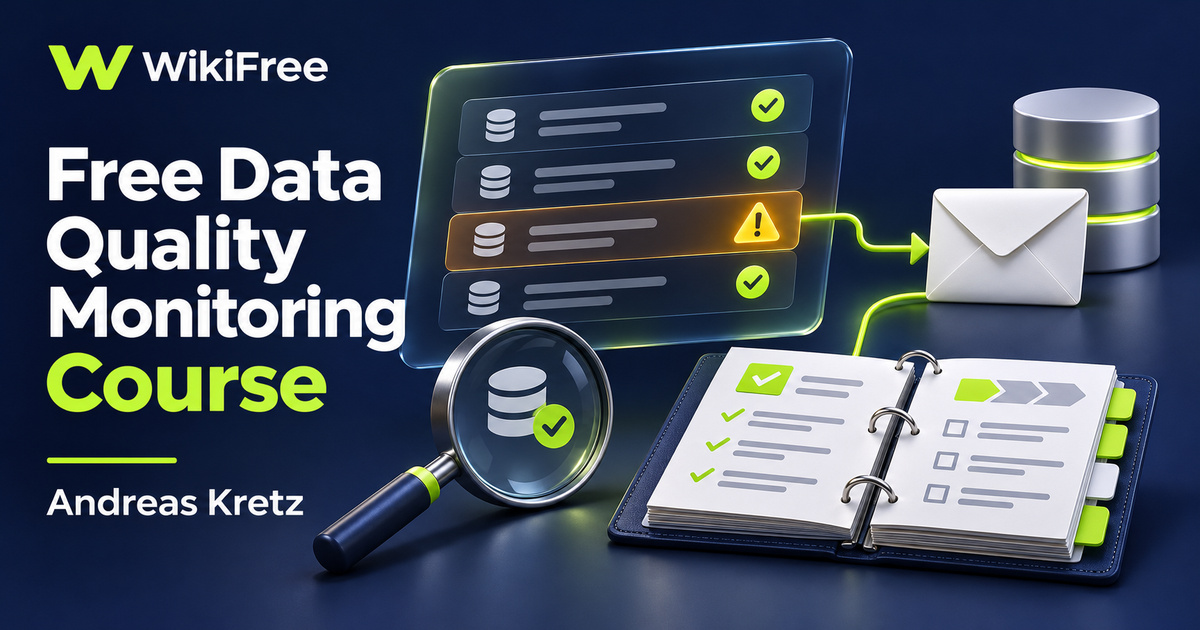
A failed data check can tell you that something went wrong without telling you who should investigate or what they need to know. Andreas Kretz's free Databricks Data Quality Monitoring with Zapier course explores that gap through three connected builds: a conversational investigation tool, a monitoring dashboard, and an alerting workflow. The focus is turning recorded check results into useful operational context.
Across twelve lessons lasting about seventy-three minutes, the course combines Databricks metrics with a runbook in Google Sheets. It then approaches the same information through both model-directed tools and explicit application code. This is useful territory for learners who already understand basic Python and SQL and want to connect data engineering work with the people responsible for maintaining it.
| Official course | Databricks Data Quality Monitoring with Zapier |
|---|---|
| Created by | Andreas Kretz |
| Platform | Udemy |
| Language | English |
| Level | Intermediate |
| Listed duration | 74 minutes; 12 lectures across 4 sections |
| Completion terms | Not included with a new free enrollment |
What you’ll learn
Follow how run results and a runbook become complementary sources: one records outcomes, while the other supplies severity, ownership, and suggested next steps. Explore a Zapier MCP connection used by a Streamlit chat, then examine a dashboard and quality alerter built with the Zapier SDK. The sequence helps you compare conversational investigation with repeatable application logic, including the point where a proposed notification should be checked before it becomes a real message.
Skills you’ll gain
- Data quality monitoring
- Runbook design
- MCP tool selection
- SDK integration
- Incident routing
- Alert preview review
Start with questions the metrics cannot answer
The opening lessons explain the three intended outputs and the limitations of a bare failure result. A metric table might identify an unsuccessful check, but a person still needs context to decide whether it deserves immediate attention. Keeping ownership and remediation information in a separate runbook makes that relationship visible rather than burying it inside every notification.
The first build loads run results into Databricks and the runbook into Google Sheets, connects both through Zapier MCP, and tests the connection before adding application code. A Streamlit chat then lets Claude select tools to answer questions about the results. Another lesson demonstrates an optional handoff to ChatGPT through a Zapier action. These examples illustrate the recorded workflow; they do not establish that a model's explanation is always correct.
Compare a conversation with a defined workflow
The SDK section shifts attention to code. It explores connections and available actions with a command-line tool, then builds a dashboard using a Next.js interface. Joining metrics to runbook information supports views such as pass rates and incidents, while making the owner of a failed check easier to locate.
The alerting lessons carry that join into a message workflow. The course includes a preview stage before demonstrating a Gmail alert to the owner's inbox with remediation information. That order matters: fetching a result, selecting a recipient, and sending a message are different decisions. Extensions involving other destinations appear as possibilities, so this short course should not be read as complete training for every ticketing or messaging integration.
Try a small routing exercise first
For an independent practice exercise, invent three failed checks and a four-row runbook. Give one failure a clear owner, leave another without a matching runbook entry, and give the third an outdated contact. On paper, write the expected severity, intended recipient, and next step for each. Mark the missing and doubtful matches for review instead of silently filling them with guesses.
Then sketch an alert preview containing the check identifier, observed result, source timestamp, and proposed action. Ask whether a recipient could distinguish an observed failure from a suggested explanation. Finally, decide how a repeated run would be recognized so the same incident does not automatically become another message. This exercise is an editorial addition, not a supplied course assignment or a claim that the demonstrated application implements every safeguard.
Prepare the accounts as carefully as the code
The lessons expect Python and Node tooling, Claude Code, and several service accounts. Free course viewing does not promise a cost-free implementation: Zapier operations have usage limits, model APIs can incur charges, and optional integrations may have separate requirements. Confirm current plan allowances before reproducing the examples rather than relying on a recorded free-tier description.
Databricks connections also depend on workspace configuration and appropriate permissions. Use an approved account and expose only the actions the exercise needs; keep credentials out of browser-visible code and shared examples. The September 2026 recording offers a concrete learning path, not a guarantee of identical interfaces, production readiness, or automatic certification. Its strongest outcome is a clearer understanding of how results, runbooks, tools, and responsible recipients fit together.
Check connection requirements: Confirm workspace and permission prerequisites. Review usage limits: Free viewing is separate from account quotas. Understand SDK billing: Actions and API use may consume paid usage.
Related courses for your next step
- Revisit table transformationsFree SQL to Python pandas Course
Compare SQL operations with a familiar tabular programming workflow.
Beginner
Frequently asked questions
Is watching the course free?
The course is currently offered free in English. Hands-on services, API usage, and optional accounts have their own limits and possible costs.
Do I need programming experience?
Basic Python and SQL knowledge is expected, along with readiness to work with Python, Node, and the tools listed in the requirements. This is not a first introduction to programming.
Does the course send alerts for me?
No. It demonstrates building and testing an alert workflow. You must configure your own authorized connections, review recipients and content, and decide whether to enable real sending.
Learner reviews
Tell other learners what you actually tried. Reviews are moderated and may come from learners who have started or completed the course.
No published learner reviews yet.
Sign in to write a reviewQuestions still belong in the discussion below. Review and ranking rules.
Questions & discussion
Share a useful question or correction. Comments appear after moderation. Please avoid personal or sensitive information.