Listed as Free on Udemy when checked on 8 November 2026. No coupon or subscription trial is required for the listed lessons. Enrollment needs a Udemy account; availability can change.
About this course
An AI application becomes easier to discuss when each component has a clear responsibility. This free English course from Syncloop API Development Platform offers a short introduction to its AI workspace, starting with registration and moving through apps, agents, teams, model connections and import/export operations. It is a practical orientation to the platform’s vocabulary and basic organization.
The seven listed lectures run for about twenty-eight minutes across five sections, and the material was updated in January 2026. Basic web-application knowledge can help, while the stated requirements do not make programming experience essential. The course suits learners who want to understand the workspace before deciding whether to investigate a larger project. Its brief format is best approached with a small, specific learning objective.
| Official course | Syncloop AI |
|---|---|
| Created by | Syncloop API Development Platform |
| Platform | Udemy |
| Language | English |
| Level | Beginner |
| Listed duration | 28 minutes; 7 lectures across 5 sections |
| Completion terms | Not included with a new free enrollment |
What you’ll learn
Follow how an app brings components together, how agents receive responsibilities and how a team organizes their work. The demonstrations include a travel-app example, connecting a language model and moving configuration through import and export. These lessons introduce the platform’s building blocks; they do not establish a complete operational solution for every business scenario mentioned in the broader course description.
Skills you’ll gain
- AI app organization
- Agent role definition
- Team task planning
- Model connection awareness
- Configuration interpretation
- Output review planning
Give each component a job you can explain
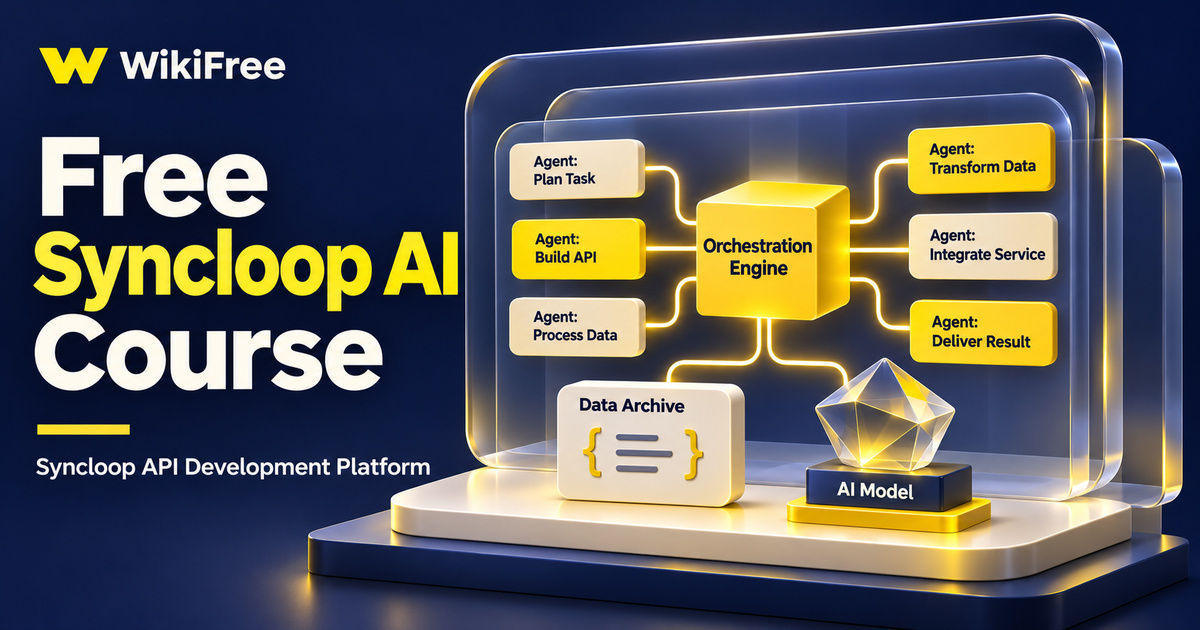
Syncloop’s official FAQ describes apps as containers for components such as teams, agents, tools and language models. It distinguishes an agent’s assigned task from the tools that connect it to outside services. A manager agent can divide a request into tasks, route work to other agents and assemble their responses. This vocabulary gives you a useful set of questions to bring to the demonstrations.
For each component, write down its input, expected output and stopping condition. “Research the subject” leaves many decisions unstated. “Extract three venue names from this supplied list, preserving their opening times” is easier to inspect. A narrow responsibility also makes it easier to identify which part of a proposed workflow needs revision when the result is incomplete.
Sketch a small team before configuring it
For an independent practice exercise, invent a catalogue of three museums with opening hours, locations and accessibility notes. Imagine a visitor who wants two suggestions for a Saturday afternoon. Assign one role to extract relevant facts, another to arrange suitable options and a third to check the proposed visit against the visitor’s constraints.
Keep the exercise on paper initially. Draw the information passed between those roles, and decide which supplied facts must accompany the final suggestion. If the catalogue has no opening time for one museum, the response should preserve that uncertainty instead of filling the gap with an invented time. This editorial exercise is separate from the instructor’s travel example and requires no booking, payment or account.
Now change one constraint: the visitor has only ninety minutes. Does the planner receive the revised request, or is it still working from the earlier version? Does the reviewer see the same source information? Questions like these help you distinguish a collection of named agents from a workflow with understandable responsibilities and shared inputs.
Treat configuration as something to inspect
The import/export lesson introduces structured configuration. When learning this feature, consider what a transferred configuration is intended to represent and which external dependencies would still need attention. An exported file should not automatically be treated as proof that accounts, permissions, model access and runtime conditions will work in a different environment.
Use a simple checklist for your imaginary museum app: component names, assigned roles, supplied data, expected outputs and review points. Compare that checklist with the configuration concepts demonstrated in the course. You can learn to ask better setup questions before importing anything into a real workspace, particularly when a project would involve personal or confidential information.
Review results before expanding the scope
A connected language model does not make an output automatically correct. In your practice plan, reserve a human review point before any suggestion leads to an external action. Check that the proposed answer respects the supplied facts and clearly identifies missing information. The platform FAQ describes human approval checkpoints, but their availability is not evidence that a particular workflow has been tested successfully.
The Udemy lessons are listed free. Platform access and external model services have separate conditions and possible costs. Begin with synthetic examples and a narrowly defined task, then consult current documentation for any implementation. Completing this introductory course is not a guarantee of production reliability, professional qualification or compliance for the business examples mentioned in its marketing.
Read the platform FAQ: Review the roles of apps, teams, agents and tools before configuring a workflow.
Related courses for your next step
- Compare a code-based API exampleFree Node API Course
Explore a separate introductory API project using Node and Express.
Beginner
Frequently asked questions
Is this a complete agent-development program?
It is a short platform orientation covering seven lectures. Use it to understand the basic components before pursuing a larger implementation.
Does free enrollment include model and platform usage?
The free offer applies to the recorded Udemy lessons. Check workspace access and external model charges separately.
Must I build a booking system to follow along?
No. The course uses a travel example, but the independent planning exercise suggested here can be done on paper with invented information and no transactions.
Learner reviews
Tell other learners what you actually tried. Reviews are moderated and may come from learners who have started or completed the course.
No published learner reviews yet.
Sign in to write a reviewQuestions still belong in the discussion below. Review and ranking rules.
Questions & discussion
Share a useful question or correction. Comments appear after moderation. Please avoid personal or sensitive information.