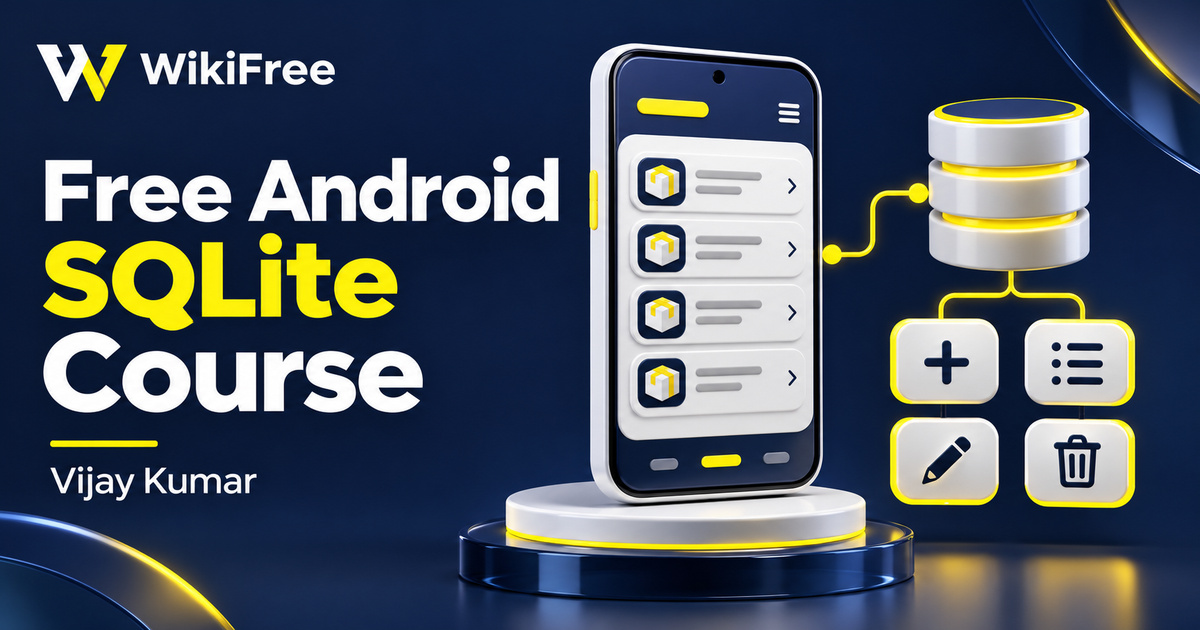
Listed as Free on Udemy when checked on 8 November 2026. No coupon or subscription trial is required for the listed lessons. Enrollment needs a Udemy account; availability can change.
About this course
A useful mobile app needs a clear connection between what someone types, what gets saved, and what appears when they ask to see it again. Vijay Kumar’s free Android SQLite course follows that connection through a small application with controls for inserting, querying, changing and deleting records. It gives you a focused way to approach local data storage through a concrete Android project.
The course uses Java and Android Studio, with a product record as the working example. Its sequence moves from a demonstration of the app to layout preparation, database helper classes and individual CRUD operations. The English lessons are presented across eight sections, with about 101 minutes of timed material. This is a compact introduction to the direct SQLite approach, rather than a complete mobile development programme.
| Official course | Learn Android SQLite for Beginners Practical Application |
|---|---|
| Created by | Vijay Kumar |
| Platform | Udemy |
| Language | English |
| Level | Beginner |
| Listed duration | 101 minutes; 18 lectures across 8 sections |
| Completion terms | Not included with a new free enrollment |
What you’ll learn
Follow the relationship between input fields, activity code and database operations. Explore the role of a contract class in naming tables and columns, and see how SQLiteOpenHelper fits into database creation. Work through the course’s insert, display-all, query-by-ID, delete and update features. The project also provides a setting for distinguishing the values being stored from the criteria used to select existing rows.
Skills you’ll gain
- Android SQLite concepts
- Java app layout wiring
- Database contract classes
- SQLiteOpenHelper structure
- CRUD operation tracing
- Row selection reasoning
Start with the app’s data journey
The opening demonstration establishes the application you are working towards. Before concentrating on individual methods, identify the actions available to a user: enter a product, list saved entries, find a particular entry, revise information and remove a record. Keeping those actions in view helps the later classes feel like parts of one small system.
Project creation and layout work come before the detailed database implementation. The course includes fetching views inside an activity and connecting controls to operations. That order gives beginners a practical question to carry through each lesson: which input supplies this value, and which action is supposed to use it? Understanding that route is more useful than memorising a button handler without its surrounding context.
Give the database a consistent vocabulary
The middle sections introduce a contract class and a helper class, then create both for the example. A contract collects schema names so the application can refer to its tables and columns consistently. The helper deals with the database’s creation and version-related callbacks. These are related responsibilities, but changing a name in a contract is not, by itself, a migration of existing stored data.
The lessons then develop the insert feature, including a short layout correction. Later sections cover displaying records and looking up one entry by row ID before moving to deletion and updates. Treat each feature as a small question about inputs, selection and observable results. A working interface should make it possible to tell whether an operation affected the intended record.
Read operation results carefully
The methods do not all report success in the same way. Android’s documentation explains that an insert returns the new row ID, or -1 on failure, while update and delete return affected-row counts. Queries supply a Cursor for reading results. Avoid treating every returned number as a newly created ID. Selection arguments also separate supplied values from selection expressions; they are not a substitute for reviewing the complete operation.
For an independent practice exercise, sketch a tiny stationery list with two products that share a name but have different IDs. Predict what should happen when you query one ID, change one category and delete by name. Write the expected remaining rows before trying it with disposable sample data. This exercise adds a useful test of selection scope without requiring personal information or a live business database.
Place this introduction in your learning path
The recording was last updated in September 2023, so Android Studio screens and project defaults may differ today. Android currently recommends Room as an abstraction over direct SQLite APIs. Learning the underlying classes can still help you understand existing code, while Room offers a separate next step. This course should not be treated as a Room tutorial or a guarantee of compatibility with every current project configuration.
The instructor welcomes beginners without prior Android experience. Some familiarity with Java, basic SQL and navigating Android Studio will nevertheless make the project easier to follow. Free access to the lessons does not establish a certificate entitlement or a production-ready result. Plan further study for testing, schema migrations, background work and any synchronization or security requirements your own application needs.
Check Android SQLite APIs: Review helper classes, selection arguments and operation results. Explore Room as a next step: Compare the recommended abstraction with direct database APIs.
Related courses for your next step
- Review query foundationsFree SQL Essentials Course
Practise selecting, grouping and joining data before applying queries in an app.
Beginner
Frequently asked questions
Is this Android SQLite course free?
The Udemy page currently offers the English course for free without a coupon. Check the displayed offer before enrolling. External services, optional products and certificate availability are separate from access to the lessons.
Does the course teach Room?
Its visible project follows direct Android SQLite APIs, including contract and helper classes. Room is mentioned here as current Android documentation context, not as an additional course module.
Are the bonus article and downloads required for this overview?
The page advertises one article and two downloadable resources. Their contents are not described here. The overview follows the public lesson descriptions and the visible CRUD project sequence.
Learner reviews
Tell other learners what you actually tried. Reviews are moderated and may come from learners who have started or completed the course.
No published learner reviews yet.
Sign in to write a reviewQuestions still belong in the discussion below. Review and ranking rules.
Questions & discussion
Share a useful question or correction. Comments appear after moderation. Please avoid personal or sensitive information.