Listed as Free on Udemy when checked on 7 November 2026. No coupon or subscription trial is required for the listed lessons. Enrollment needs a Udemy account; availability can change.
About this course
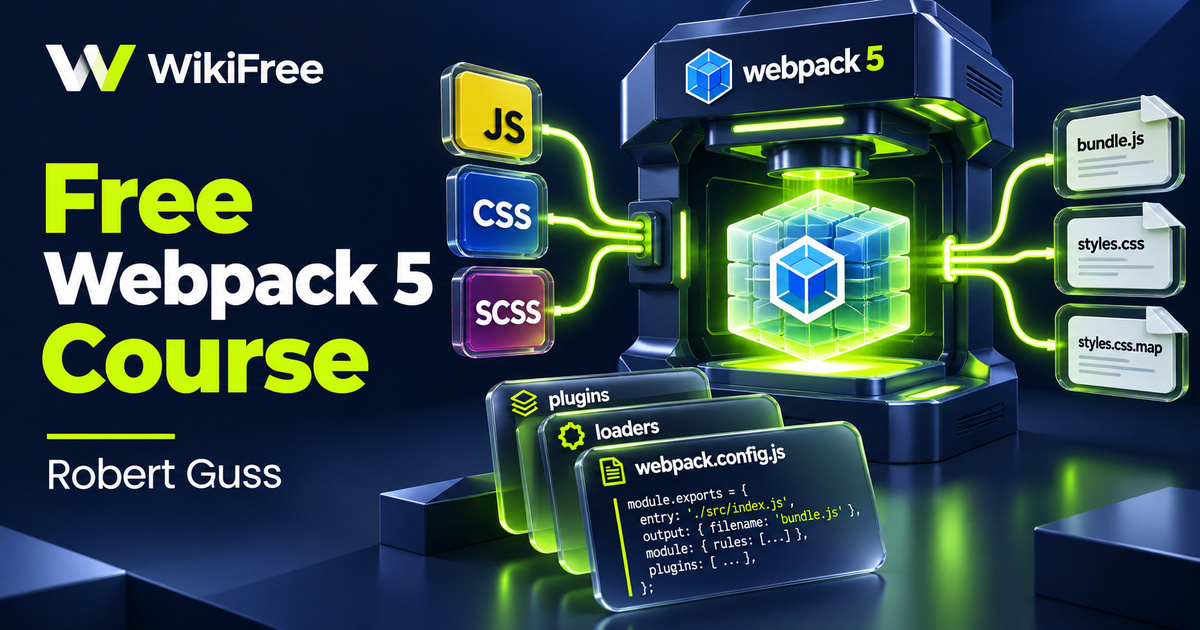
A front-end build is easier to maintain when you understand how source files become browser-ready assets. This free Webpack 5 course follows that transformation from an empty directory to a configurable starter project. Robert Guss connects bundling with everyday development tasks, including stylesheet processing, separate environment settings and a small collection of code-quality tools.
Webpack 5 Fundamentals contains thirteen videos totaling eighty-four minutes and thirty seconds, organized into two sections. Two additional bonus articles are listed separately. The main section develops the build setup; the bonus videos introduce Jest, ESLint, Prettier, Husky and lint-staged. Basic JavaScript knowledge is expected, making this a useful next step for developers who can already read and edit a small project.
The listing was updated in November 2025. Its value lies in explaining configuration decisions and directing learners to documentation, rather than providing a starter kit that will remain compatible with every future package version. Follow the purpose of each step and compare the package versions in your own environment before copying an installation command.
| Official course | Webpack 5 Fundamentals |
|---|---|
| Created by | Robert Guss |
| Platform | Udemy |
| Language | English |
| Level | Intermediate |
| Listed duration | 84 minutes; 15 lectures across 2 sections |
| Completion terms | Not included with a new free enrollment |
What you’ll learn
Trace entry points, outputs, loaders and plugins through a front-end build. Explore a development server and hot module replacement, add Babel and stylesheet processing, then organize development and production configurations around shared settings. Continue into code splitting and introductory testing, linting, formatting and checks on staged files.
Skills you’ll gain
- Webpack configuration
- Loader and plugin selection
- CSS and SCSS processing
- Build environment separation
- Code splitting
- Front-end quality tooling
Give each build tool a clear job
Webpack starts from the modules your project uses and follows their dependencies. An entry identifies where that process begins, while output settings describe the generated assets. Loaders handle particular file types, and plugins participate in wider build tasks. Distinguishing those responsibilities helps you ask a focused question when a stylesheet is missing or a browser receives an unexpected file.
The lessons on Babel, CSS, SCSS and PostCSS show how several tools can cooperate without doing the same job. JavaScript transformation is different from style processing, and extracting a stylesheet is different from injecting styles during development. For a loader-based setup, do not combine style-loader and MiniCssExtractPlugin as interchangeable steps in the same rule. Choose the behavior appropriate to that environment.
Separate feedback from delivery
A development server supports a short edit-and-check cycle. Hot module replacement can update modules while an application is running, but it is not a production hosting strategy. The course then separates development and production configurations and introduces a common configuration to reduce repetition. Keep shared choices together while making environment-specific decisions explicit enough to inspect.
Code splitting introduces another useful question: which dependencies need to travel together? Separating shared code can reduce duplication between bundles, but the right result depends on the application. More output files do not automatically mean a faster page. Inspect what the build emits and how the page loads it before treating any particular splitting setting as a universal performance improvement.
Add quality checks with a purpose
The bonus section gives testing, linting and formatting distinct roles. A unit test checks a behavior you chose to assert; a linter applies configured rules; a formatter makes code layout consistent. A green test or neatly formatted file cannot establish that an entire application is correct. Learn which command produced a result before deciding what that result tells you.
Tool configuration evolves. ESLint has used flat configuration by default since version nine, and current Webpack guidance also describes native CSS support and migration from older extraction setups. Existing loader-based projects are not automatically invalid, but their instructions should be matched to their versions. Treat the course as a guided explanation of a build architecture, with current documentation alongside it.
Practice with a small change
For an optional practice exercise, use a small page with one JavaScript module and one stylesheet. Predict which output should change when you edit each file, then compare the resulting build. Next, identify one setting shared by development and production and one that differs. Keep the example small enough that you can explain each change in the output.
The recorded course is listed as free. Installing local development tools and using any external services remain separate choices. Choose the course to become more deliberate about front-end configuration, then extend your project gradually instead of adding every available plugin at once.
Related courses for your next step
- Build the page behind the bundleFree HTML and CSS Course: Build a Page from Structure to Style
Connect build tooling with the page structure and styles it processes.
Beginner
Frequently asked questions
Is this a JavaScript course for complete beginners?
Basic JavaScript understanding is expected. The focus is configuring a build and its supporting tools, rather than teaching programming from the beginning.
Can I copy every configuration into a new project unchanged?
Check the versions and current documentation first. Webpack, its plugins and tools such as ESLint have evolved; the course explains their roles but does not guarantee compatibility with every release.
Does a production build prove my application is ready to launch?
No. A build prepares assets. Application behavior, accessibility, deployment, security and performance still need their own checks.
Questions & discussion
Share a useful question or correction. Comments appear after moderation. Please avoid personal or sensitive information.