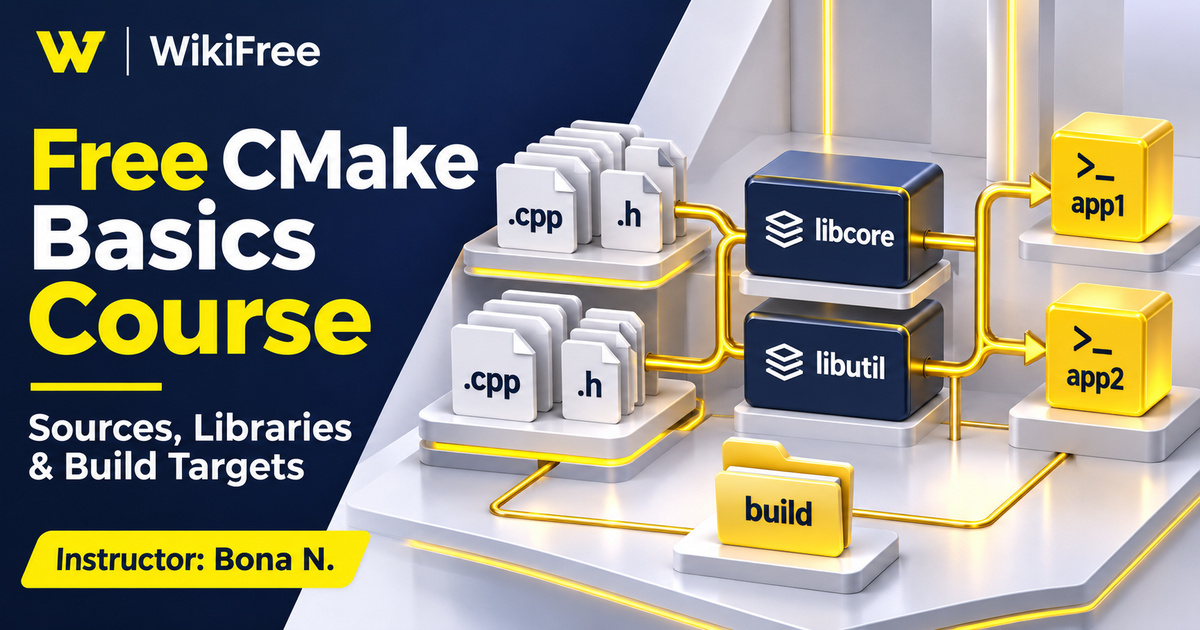
Listed as Free on Udemy when checked on 7 November 2026. No coupon or subscription trial is required for the listed lessons. Enrollment needs a Udemy account; availability can change.
About this course
When a small C++ program grows beyond one file, its build instructions become part of the project’s design. This free CMake basics course introduces the configuration work that connects source files, headers, libraries and executable targets. Bona N. uses a compact Windows-based example to move from an initial program toward a more organized project structure.
The single section contains seven videos totaling thirty-six minutes and thirty-three seconds. Installation, a basic CMake script, additional commands and variables lead into a homework explanation and an answer walkthrough. Four downloadable resources are listed. The instructor presents nine commands across the course, but the main learning opportunity is understanding how a few build concepts work together.
No programming experience is formally required, although familiarity with C++ will make the examples easier to follow. The stated environment is Windows, and the material was updated in December 2023. Treat it as a short introduction to build organization, with toolchain-specific setup checked against the system you actually use.
| Official course | Learn the Basics to using CMake |
|---|---|
| Created by | Bona N. |
| Platform | Udemy |
| Language | English |
| Level | Beginner |
| Listed duration | 36 minutes; 7 lectures across 1 sections |
| Completion terms | Not included with a new free enrollment |
What you’ll learn
Understand the roles of source files, header locations, libraries and executable targets in a small CMake project. Follow the installation and configuration sequence, explore variables that affect paths, and use the published homework objectives to reason about how separate outputs depend on different groups of files.
Skills you’ll gain
- CMake project structure
- Build-tool distinctions
- Library target organization
- Executable dependencies
- Source and build paths
- Header location reasoning
Understand which tool performs each job
CMake helps configure and generate a build system; it is not itself a C++ compiler. A working environment also needs a compatible compiler and the build tool associated with the chosen generator. This distinction helps explain why installing CMake alone does not guarantee that a program can compile. When setup fails, separate the question “Can CMake run?” from “Can the selected toolchain build this project?”
Read the project as a set of targets
The course begins with script naming and a minimal project before introducing organization commands. The standard project entry file is CMakeLists.txt. As you read one, identify the project being described, the sources associated with each target and the relationships among those targets. A well-organized directory tree is helpful, but its folder names do not automatically tell the build system what should be compiled.
Libraries and executables provide a useful next distinction. A library groups code for use by another target, while an executable is a runnable program. Ask which source files belong to each target and how a caller reaches the declarations it needs. Current CMake documentation also describes target-specific include directories, allowing header requirements to be associated with the target that uses or exposes them.
Keep source paths and build paths distinct
The variables lesson addresses paths and executable placement. Be careful with the difference between the source directory currently being processed and the corresponding build directory. CMAKE_CURRENT_SOURCE_DIR refers to the former; CMAKE_CURRENT_BINARY_DIR refers to the latter. An executable output folder is a further configuration choice, so moving an output does not mean the source tree and generated build tree have become the same thing.
Use the homework to trace dependencies
The published homework asks for two libraries, two executable targets, header locations and a shared bin destination. Its named examples are frogbook and math for the libraries, with frogger and calculator as executables. Approach those names as labels for build targets. The key task is to explain which implementation files each library contains and how the executable targets use that organization.
The instructor notes that some supplied C++ and header resources need their file extensions restored after download. That is a practical reminder to inspect file names before troubleshooting a configuration. The visible homework requirements describe what to arrange, but this overview does not claim to have tested the downloadable files or verified every line of the answer walkthrough.
Adapt the example to a clean build tree
For your own experiments, keep generated build files separate from editable source files. CMake’s source and build directory options support that separation. Different generators and configurations can produce different output layouts, including configuration-specific subdirectories. A Windows example can teach transferable ideas while still requiring adjustments for another compiler, shell or operating system.
Plan a separate two-program exercise
An optional planning exercise is to sketch a tiny temperature-conversion library and two console programs that use it. Mark the implementation files, shared header and each executable on paper. Then explain where generated files would go and which target needs access to the header. This exercise is independent of the supplied homework and does not require copying its file layout.
The course is most useful when you pause to articulate those relationships before adding another command. It does not promise a complete cross-platform release pipeline, packaging strategy or production build configuration. The recorded lessons are offered free in English. Aim for a small project whose inputs, outputs and dependencies you can explain clearly, then expand the configuration as actual requirements appear.
Related courses for your next step
- Explore the wider delivery workflowFree Docker Containers Course
Compare build organization with container fundamentals while keeping their responsibilities separate.
Beginner
Frequently asked questions
Does installing CMake also install a C++ compiler?
No. CMake configures a build system. A compatible compiler and the build tool selected by the generator are separate requirements.
Which operating system does the course use?
The instructor lists Windows and demonstrates a C++ project. Other environments require suitable toolchain and path adjustments.
Is the homework a separate assessment item?
The homework explanation and answer walkthrough are video lessons. No separate practice-assignment or quiz item is listed.
Questions & discussion
Share a useful question or correction. Comments appear after moderation. Please avoid personal or sensitive information.