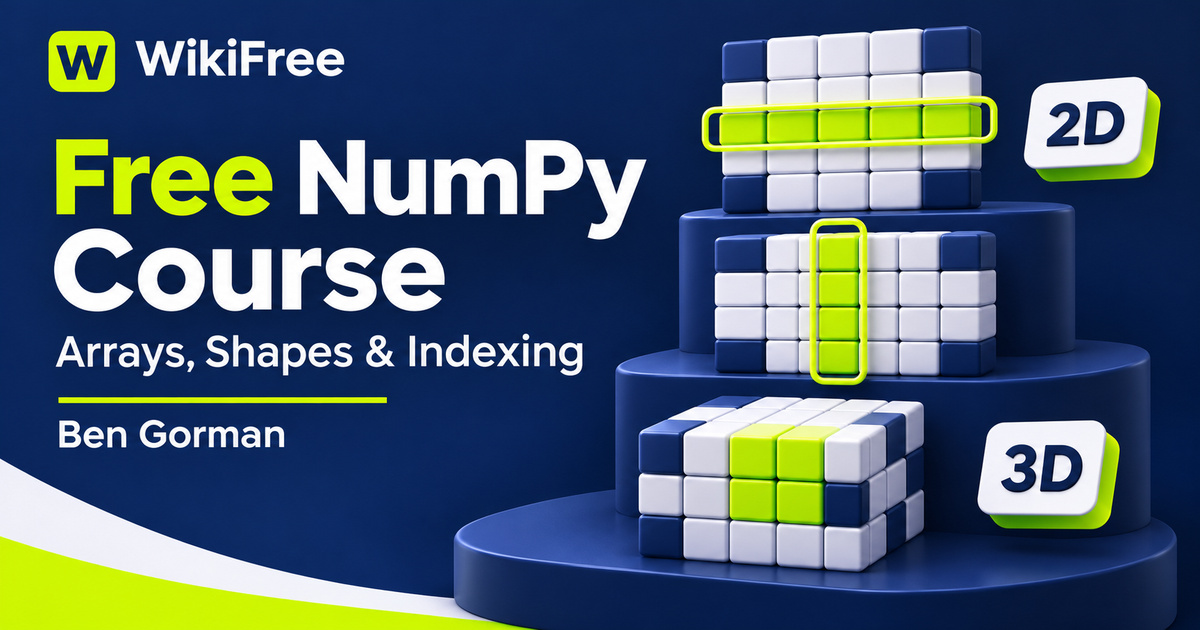
Listed as Free on Udemy when checked on 7 November 2026. No coupon or subscription trial is required for the listed lessons. Enrollment needs a Udemy account; availability can change.
About this course
A short array expression can replace a long sequence of Python operations, but only when you understand what its dimensions mean. In this free NumPy course, Ben Gorman builds that understanding through explanations and small coding challenges. The emphasis is on representing values in arrays, selecting the values you need and choosing operations that preserve the intended relationships between them.
The course is titled Python NumPy For Your Grandma, but it assumes Python programming experience. It is not a first introduction to variables, functions or writing code. The source labels it All Levels; the combination of a Python prerequisite and later advanced indexing makes it most suitable here for learners moving beyond basic Python. The recorded lessons are in English.
Five sections contain thirty-one videos totaling one hour, fifty-six minutes and fifty-six seconds, plus a short article entry. The listing shows a March 2022 update, and the introduction names NumPy 1.19.3. Google Colab is suggested as a convenient environment, although another suitable Python editor can be used. Check installation details and version differences against current NumPy documentation.
| Official course | Python NumPy For Your Grandma |
|---|---|
| Created by | Ben Gorman |
| Platform | Udemy |
| Language | English |
| Level | Intermediate |
| Listed duration | 117 minutes; 32 lectures across 5 sections |
| Completion terms | Not included with a new free enrollment |
What you’ll learn
Create and inspect arrays, use their shapes to guide indexing and arithmetic, and reason about broadcasting before combining different dimensions. Practice masks, reductions, sorting and reshaping, then examine advanced indexing and the difference between a view and a copy.
Skills you’ll gain
- Array shape reasoning
- Multidimensional indexing
- Broadcasting rules
- Boolean selection masks
- Axis-based reductions
- View and copy awareness
Read the shape before changing the values
The basic section starts with why arrays are useful and how they differ from ordinary Python lists. Shape, size and data type give you a compact description of the object you are manipulating. Creation routines then provide ways to construct regular sequences or filled arrays. These details are worth reading together: the values alone do not tell you whether an operation is working across rows, columns or another axis.
One-dimensional and multidimensional indexing turn that description into a selection. The course introduces ways to retrieve particular positions and ranges, followed by elementwise operations. Its early challenges translate small stories into array tasks, such as locating cells in a grid or comparing distances. The useful skill is identifying the coordinates and the desired output, rather than copying a solution without tracing which entries it selects.
Make broadcasting deliberate
Broadcasting is a central intermediate topic. NumPy compares shapes from the trailing dimensions; corresponding dimensions must be equal or one of them must be one. Adding an axis can make a row-versus-column relationship explicit, and reshaping changes how existing elements are arranged. Neither operation should be a guessing exercise. Write down the expected shape first, especially when an expression may produce a much larger result than either input.
Boolean masks offer another way to choose values: select the entries that satisfy a condition rather than listing their positions. The syllabus also covers NaN, infinity and random-number generation. These topics introduce useful representational choices, but a special value still needs a meaning in your own dataset. A missing observation is not automatically equivalent to zero, and a randomly generated example is not evidence about a real population.
Compare random-number APIs
The random-number lesson distinguishes older usage from the Generator approach. Current NumPy documentation recommends default_rng as a way to construct a Generator. Treat that as a reason to compare the recorded examples with current APIs, not as a claim that every legacy function has disappeared. Reproducible practice benefits from understanding how the generator is created and where a chosen seed is used.
Choose operations that preserve meaning
The operations section brings together conditional selection, sums, all and any, concatenation, stacking, sorting and unique values. Pay attention to axis arguments and to whether a reduction removes a dimension. The difference between sorting values and obtaining the indexes that would sort them is particularly useful when several arrays describe the same records and their correspondence must be preserved.
Later challenges combine these operations into more involved array transformations. One example uses fallback values across columns; another represents collisions within a three-dimensional grid. These are opportunities to translate a verbal rule into an output shape and a selection rule. Before trying a compact expression, manually work through a tiny example where the correct result can be checked by inspection.
The final section addresses advanced indexing and memory relationships. Basic array slicing generally creates a view, while advanced indexing creates a copy. Reshaping can produce a view when possible and a copy otherwise. This matters when changing a result might also change the original array. The listing mentions as_strided and einsum among its broader outcomes, but the visible lesson sequence does not establish dedicated, in-depth instruction for each.
Predict a small result first
For an independent exercise, sketch a three-by-four table of fictional sensor readings. State which axis represents sensors and which represents observations, then predict the shape of a row selection, a column mean and a mask result. Compare those predictions with a small implementation you write yourself. This is an editorial practice suggestion, not a supplied assessment or an experiment already executed.
Use the course as a focused bridge from Python syntax to array reasoning. It does not establish a complete data-science pipeline, a validated statistical model or a production-performance guarantee. The listed lessons are free; optional hosted computing services can have their own limits or paid tiers. Course access should not be treated as a promise of an accredited credential, professional qualification or particular career result.
Related courses for your next step
- Connect arrays with tabular analysisFree SQL to Python pandas Course
Explore tabular analysis while keeping pandas labels and NumPy positional array operations distinct.
Intermediate
Frequently asked questions
Can I take this without knowing Python?
Python programming experience is a prerequisite. The course introduces NumPy concepts rather than teaching programming from the beginning.
Do the recordings use the current NumPy version?
The introduction names NumPy 1.19.3 and the listing shows a March 2022 update. Compare APIs and installation steps with current documentation.
Does the course provide a complete data-science qualification?
No. Its focus is array operations and coding challenges. The listing does not establish an accredited qualification or a complete professional data-science program.
Questions & discussion
Share a useful question or correction. Comments appear after moderation. Please avoid personal or sensitive information.