Listed as Free on Udemy when checked on 7 November 2026. No coupon or subscription trial is required for the listed lessons. Enrollment needs a Udemy account; availability can change.
About this course
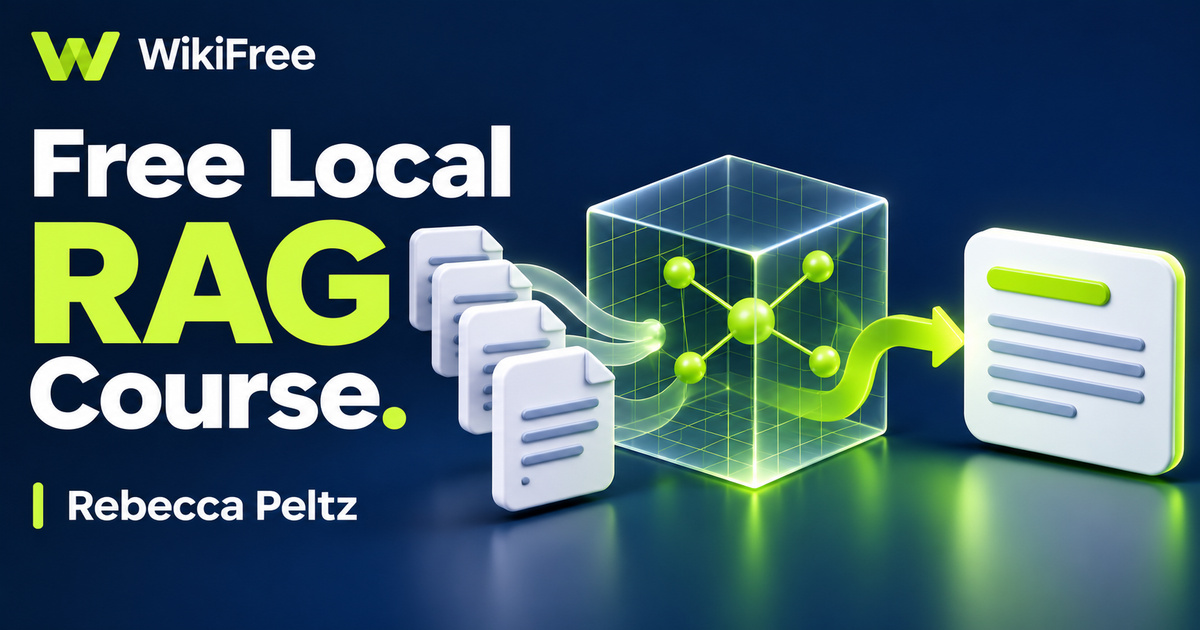
A language model can generate a fluent answer without having access to the documents you actually need. Retrieval-augmented generation addresses that gap by finding relevant material and placing it alongside a question. This free local RAG pipelines with Python course by Rebecca Peltz introduces the path from documents to retrieved context, using Docker Model Runner, LangChain and FAISS in a local application.
The English-language course is marked Intermediate and was updated in June 2026. Its five sections contain eleven videos totaling one hour, forty-three minutes and fifty-two seconds, plus a short memory-requirements article. Five quizzes and seven resources are also listed. The focus is understanding an application and its two connected pipelines, rather than gaining a professional qualification or a production-ready system.
You should already be comfortable with basic Python, virtual environments, external libraries and AI prompts. Docker setup is introduced, but running models locally still depends on suitable hardware and software. The course calls for at least 16 GB of memory for its example. Treat that as an example requirement rather than a guarantee that every model, dataset or computer will perform well.
| Official course | Building a RAG Application From the Ground Up |
|---|---|
| Created by | Rebecca Peltz |
| Platform | Udemy |
| Language | English |
| Level | Intermediate |
| Listed duration | 104 minutes; 12 lectures across 5 sections |
| Completion terms | Not included with a new free enrollment |
What you’ll learn
Follow document conversion, chunking and embedding into a local vector index. Trace a question through retrieval and reranking, understand how context enters a model prompt, and inspect debugging information that helps explain which source passages an application used.
Skills you’ll gain
- RAG architecture
- Document preparation
- Embedding and indexing
- Retrieval and reranking
- Prompt context assembly
- Local workflow evaluation
Understand the pieces before setup
The opening section establishes the architecture before moving into setup demonstrations. Python 3.13 is used for the virtual environment example, and Docker Model Runner supplies the local model runtime. Keeping the environment, the models and the application distinct helps you diagnose where a problem belongs. A missing Python dependency, an unavailable model and an unhelpful retrieved passage are different problems, even when all three appear as a failed answer.
Prepare useful source material
Document preparation begins with PDF-to-Markdown conversion. The example uses four PDFs as input before ingestion. This stage matters because later retrieval operates on the text that survives conversion, not on an idealized version of the original document. Check headings, tables and reading order when choosing your own practice material. A polished answer cannot compensate for important information that was lost before indexing.
Trace data into the index
The ingestion section introduces chunking and embeddings, then stores the resulting representation for similarity search. The authored description names ai/embeddinggemma and describes a 768-dimensional check in the example. That number belongs to the selected model and configuration; it is not a universal size for embeddings. The useful concept is the relationship between a text passage, its vector representation and the metadata needed to identify its source.
Know where index files came from
The demonstration stores information in index.faiss and index.pkl. The application walkthrough explicitly advises using indexes you create yourself. This is a practical distinction, because Python pickle data is unsafe to load from untrusted or tampered sources. Preserve the origin of your index files and understand how they were produced. A local file is not automatically trustworthy simply because it sits on your own computer.
Follow the question through retrieval
The query walkthrough connects environment settings, an embedding model, the vector store, a language model, a retriever, a cross-encoder reranker, the prompt, the chain and a user interface. Retrieval finds candidate passages; reranking changes their order using an additional relevance assessment. The course example combines the top four chunks as context. That is a design choice to inspect, not a universal rule that guarantees the best answer.
The prompt demonstration combines instructions, context and the user question. These instructions can guide the model, but they do not guarantee factual accuracy or reliable refusal of unrelated questions. Use the debugging lesson to connect an answer back to the retrieved passages and scores. Relevance scores are not truth scores: a highly related passage can still be incomplete, outdated or unsuitable for the question.
Use explanations with care
The course also discusses using AI to explain code. Treat an explanation as a starting point for checking the actual program. If you use an external assistant, share only code and information you are authorized to send, and remove credentials or private material. This matters especially when the project goal is local processing. A local model endpoint does not make every optional service in your broader workflow local.
Evaluate local and cloud tradeoffs
The final comparison considers local and cloud operation, including memory and scale. Local inference can reduce dependence on hosted generation, while downloads, hardware, electricity, model licenses and software terms still matter. One lesson describes a Hugging Face access token for the reranking setup, so a claim that every step requires no account or token would be too broad. Check the requirements for the particular components you choose.
For optional practice, write three short fictional help-desk notes and two questions: one that the notes answer and one they do not. On paper, identify which passage should be retrieved and what evidence would justify the response. This planning exercise is separate from the course quizzes and does not require running its repository. It gives you a concrete way to think about retrieval quality before attempting a larger application.
Related courses for your next step
- Build your Python foundationFree Python Programming Course
Review Python fundamentals before following an intermediate application walkthrough.
Beginner
Frequently asked questions
Is this suitable for a complete programming beginner?
The source level is Intermediate and the prerequisites include basic Python, virtual environments, external libraries and AI prompts.
Does local RAG guarantee private and accurate answers?
No. Privacy depends on the complete configuration and services used, while answers still need to be checked against their supporting sources.
Are all models and external tools included without cost?
The recorded course is offered free. Hardware, model licenses, software terms and optional external services remain separate considerations.
Questions & discussion
Share a useful question or correction. Comments appear after moderation. Please avoid personal or sensitive information.