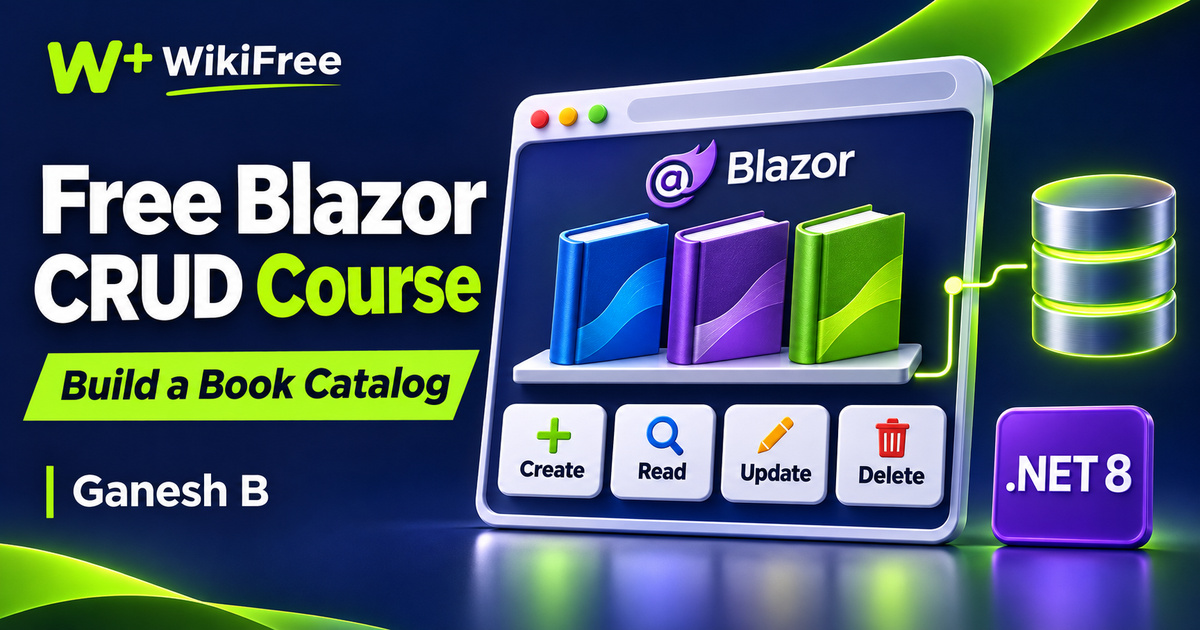
Listed as Free on Udemy when checked on 7 November 2026. No coupon or subscription trial is required for the listed lessons. Enrollment needs a Udemy account; availability can change.
About this course
A book catalog offers a compact way to connect a web interface with persistent data. A reader needs to see the collection, add an entry, correct its details and remove an entry when appropriate. Ganesh B’s Blazor CRUD Jumpstart with Entity Framework Core in .NET 8 follows those operations through one small application.
This free English mini-course has nine videos across three sections, totaling one hour, seven minutes and forty-eight seconds. It expects basic Blazor and Entity Framework Core knowledge. The source lists All Levels and describes its audience as beginners with those foundations; it is best approached after learning C# classes, components and basic database access. The material dates from January 2024.
| Official course | Blazor CRUD Jumpstart with Entity Framework Core in .NET 8 |
|---|---|
| Created by | Ganesh B |
| Platform | Udemy |
| Language | English |
| Level | Intermediate |
| Listed duration | 67 minutes; 9 lectures across 3 sections |
| Completion terms | Not included with a new free enrollment |
What you’ll learn
Connect a Blazor book catalog to a database through Entity Framework Core, follow create, read, update and delete operations, and identify the responsibilities of a form, repository and persistence context. Explore a reusable form for adding and editing, a deletion-confirmation interaction, and the role of enhanced navigation, streaming and interactive server rendering.
Skills you’ll gain
- CRUD workflow design
- EF Core persistence
- Asynchronous data access
- Reusable Blazor forms
- Deletion interactions
- Database lifetime reasoning
Prepare the teaching environment
The course begins with its project and required tools. The stated environment uses .NET 8 and Visual Studio 2022 Community Edition, with the ASP.NET web-development workload and SQL Server Express LocalDB appearing in the tool summary. This is a specific teaching setup. Check the documentation and applicable tool terms when choosing your own environment; the course does not establish compatibility with every newer template or deployment platform.
Connect models and database structure
The database lesson introduces the domain and application layers, configures the local database and uses migrations. A model describes application data, while a migration records a proposed change to the database structure. Keeping those ideas separate makes it easier to understand what should happen when a property is added or changed. A local demonstration is a useful starting point, not a production migration procedure.
Follow a save through the application
The saving lesson connects an edit form with a repository operation for adding a book. Follow the route from the submitted values through the application boundary to persistence. A form displayed successfully and a database write completed successfully are different outcomes. Thinking in those stages helps you decide where an error should be detected and how the interface should communicate it.
Read persisted records back
Reading comes next, using an asynchronous repository method to obtain the books and display a list. This completes the basic feedback loop: data entered through the interface can be retrieved and shown again. Asynchronous database work still needs to be awaited correctly. Async does not mean that multiple operations can safely share the same EF Core context at the same time.
Distinguish updating from creating
Updating introduces retrieval by identifier and an edit operation. That is a different task from blindly adding another row. A useful reading question is how the application knows which existing book is being edited, and what should happen when that record no longer exists. Treat missing records and failed saves as behavior to design and test, rather than assuming a successful demonstration covers every outcome.
Share the form deliberately
A dedicated lesson then creates a reusable form component for the add and update pages. Shared markup can reduce duplication while allowing the surrounding operation to differ. Notice which values belong to the form and which action the caller needs to perform. Reuse is helpful when the common structure is real; it should not conceal the difference between creating a record and changing an existing one.
Separate confirmation from permission
The delete lesson combines deletion by identifier with a reusable confirmation dialog and interactive server rendering. Confirmation gives the user a chance to reconsider an intended removal. It is not an authorization check or a substitute for validating the operation on the server. A finished application needs rules about who may change which records, independently of the presence of a dialog.
Connect persistence with rendering
Enhanced navigation, form handling and streaming rendering appear within the course’s overall scope. These features affect how a page is delivered and updated. Streaming can show initial content while asynchronous work completes; it does not accelerate the underlying query. Interactive server rendering supports component interaction on the server, so its connection and lifetime model deserve attention when adapting a small example.
Review the context lifetime
One particularly important extension is DbContext lifetime. Microsoft explains that server-side Blazor can share scoped services across components in a user circuit, while DbContext is not thread-safe. Its guidance includes considering a context per operation and using a factory where appropriate. Do not treat a long-lived component as proof that one database context should serve every operation throughout that lifetime.
Treat migrations as reviewed changes
Database changes also need a deliberate release process. Microsoft distinguishes convenient local migration commands from production deployment, where generated SQL and data impact may need review. This does not make the course’s local database exercise unsuitable; it defines the boundary between learning how a migration works and applying schema changes to data that other people rely on.
Define observable catalog behavior
For an optional editorial exercise, write a short acceptance checklist for a personal reading catalog: add one valid book, retrieve it, change a field, cancel a deletion, then confirm deletion. Add expected behavior for a missing record and an unavailable database. This checklist is an extension to the learning activity, not an instructor-provided assignment. Use the course to understand the flow, then develop the testing and access rules your actual application requires.
Related courses for your next step
- Review C# classes and fundamentalsExplore C# Console Basics
Strengthen core C# knowledge before working with components and persistence.
Beginner
Frequently asked questions
Do I need Blazor and Entity Framework Core experience?
Yes. The course expects basic knowledge of both frameworks and focuses on connecting them through a small CRUD application.
Is a deletion-confirmation dialog an access-control mechanism?
No. It helps confirm user intent. Server-side authorization and validation remain separate application responsibilities.
Can I use the example as a complete production application?
The course is a short learning project. Production use requires suitable testing, access rules, context-lifetime decisions and a reviewed database deployment process.
Questions & discussion
Share a useful question or correction. Comments appear after moderation. Please avoid personal or sensitive information.