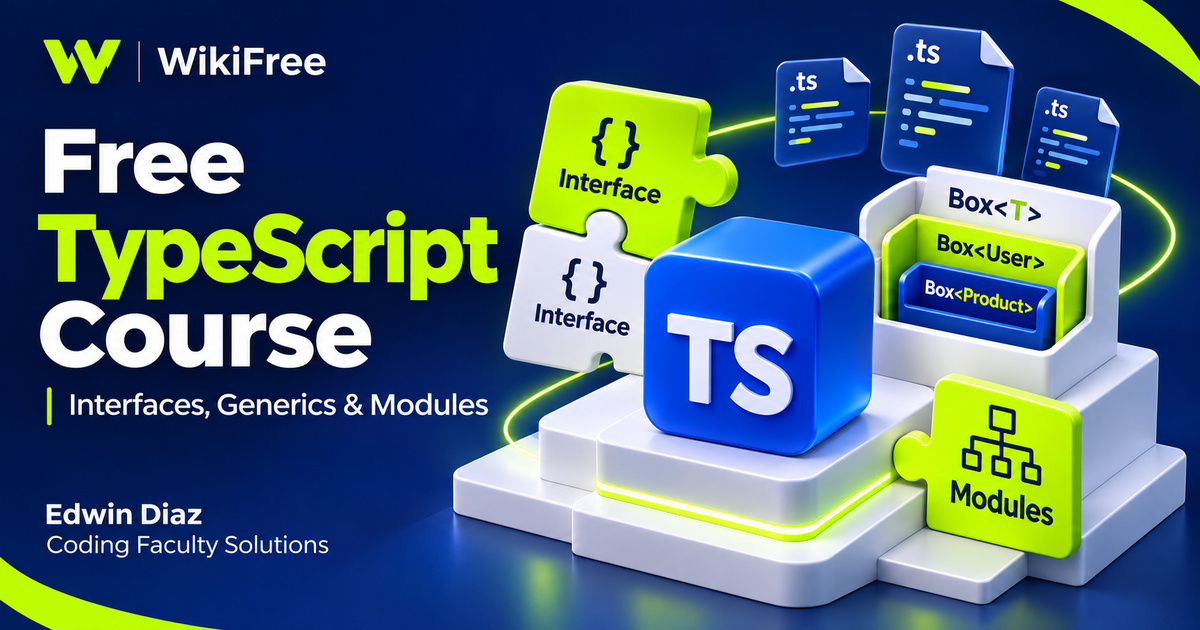
Listed as Free on Udemy when checked on 7 November 2026. No coupon or subscription trial is required for the listed lessons. Enrollment needs a Udemy account; availability can change.
About this course
When a JavaScript project grows, the relationship between values, functions and objects becomes harder to keep in your head. TypeScript offers another way to describe those relationships before running the program. Edwin Diaz and Coding Faculty Solutions introduce that approach in TypeScript Fast Crash Course, moving from setup and basic types toward interfaces, classes and code organization.
The free English course lists thirty-four videos across six sections, totaling three hours, thirty-five minutes and twenty-three seconds. Six quizzes and one downloadable resource are also listed. JavaScript knowledge is the stated prerequisite. Although the source says All Levels, the material is most useful to someone already comfortable writing JavaScript who wants a structured introduction to typed code. The recording was last updated in April 2018.
| Official course | TypeScript Fast Crash Course |
|---|---|
| Created by | Edwin Diaz; Coding Faculty Solutions |
| Platform | Udemy |
| Language | English |
| Level | Intermediate |
| Listed duration | 215 minutes; 34 lectures across 6 sections |
| Completion terms | Not included with a new free enrollment |
What you’ll learn
Explore inferred and explicit types, function signatures, object types and unions. Follow interfaces through functions and classes, then examine inheritance, abstract classes and generic constraints. Compare namespace organization with module exports and loading, while keeping the historical tooling examples separate from the requirements of a current project.
Skills you’ll gain
- Type inference
- Function contracts
- Interface composition
- Class access rules
- Generic constraints
- Module organization
Prepare a reproducible environment
The setup section includes separate Node.js installation lessons for macOS and Windows, followed by compiler use and several editor choices. Its sequence can help you distinguish installing a runtime from installing the TypeScript compiler and configuring an editor. Record the versions in your own environment and check current installation instructions rather than assuming an older screen or menu will match.
Separate editor access from course access
WebStorm, Visual Studio and an online editor appear in the syllabus. An editor is a tool for following the lessons, not a benefit included with free course access. JetBrains currently distinguishes free non-commercial WebStorm use from commercial licensing and trial options. Check the applicable terms for your own use; there is no reason to interpret a demonstration of an editor as a promise of an unrestricted software license.
Read the type checker’s assumptions
The types section moves from inference to functions, objects and unions. Inference is worth observing before adding annotations everywhere: the type checker may already know useful information from an initial value. An annotation becomes especially helpful when it documents a boundary or makes an intended contract explicit. Try explaining why a value is accepted or rejected instead of simply making the error disappear.
Describe a function contract
Function types encourage a different view of a function: consider its inputs and output as a contract that another piece of code can rely on. For an optional editorial exercise, describe a function that formats a product label from a name and a quantity. Write down the accepted argument types and expected result before implementing its body. This exercise is not an instructor-provided assignment.
Connect interfaces with consumers
Interfaces then connect object shapes with the functions and classes that use them. A useful study question is whether a consumer needs every property of a large object or only a small, meaningful subset. Keep the contract understandable enough to explain without reading the implementation. Interface inheritance can extend a contract, but the resulting structure should still communicate a coherent responsibility.
Distinguish design rules from runtime controls
The class material includes access modifiers, inheritance and abstract classes. These features can help express design intentions, but their meanings deserve care. TypeScript’s private keyword is principally enforced by type checking and differs from JavaScript’s runtime-private # fields. Neither should be treated as a replacement for application authorization or a way to conceal secrets shipped to a client.
Give generics a clear purpose
Generics introduce a reusable relationship between types rather than permission to ignore types. A generic container can preserve information about what it holds, while a constraint describes the capabilities its implementation needs. As a reading exercise, ask which operation would become invalid if that constraint were removed. This makes the reason for a type parameter more concrete than memorizing angle-bracket syntax.
Compare namespaces and modules
The final sections cover namespaces, aliases, exports and module loading. Those ideas address related organizational problems, but namespaces and JavaScript modules are not interchangeable terms. The TypeScript documentation recommends modules for new projects. The course’s older loader examples should therefore be read as a particular setup, not as the required architecture for every browser or Node application.
Choose settings for the actual runtime
The description discusses ES5 output in the context of its recording date. A current project should select compiler settings for its actual runtime and build system. Choosing an output target is not proof that every library or runtime API will be available everywhere. Similarly, a successful type check does not establish that data obtained from outside the program has the shape you declared.
Build a small reasoning exercise
To consolidate the material, sketch a small inventory model with a product interface, a formatter function and a generic collection. Decide which parts need runtime behavior and which exist to describe types. Then split one responsibility into a separate module and explain how another file uses it. Treat this as a personal learning experiment, with tests and current documentation alongside the recordings, rather than a complete production application or a guaranteed path to employment.
Related courses for your next step
- Revisit the introductory compiler workflowExplore TypeScript Basics
Review basic annotations and compilation before extending your type models.
Beginner
Frequently asked questions
Do I need JavaScript knowledge first?
Yes. JavaScript is the stated prerequisite; this course introduces TypeScript features on top of that foundation.
Does free access include a WebStorm license?
No editor license is bundled as a course benefit. WebStorm has separate terms, including conditions for non-commercial use.
Does the course teach a current complete application stack?
It is a language fundamentals course recorded in 2018. Adapt its compiler, editor and module-loader examples using current documentation.
Questions & discussion
Share a useful question or correction. Comments appear after moderation. Please avoid personal or sensitive information.