CourseBeginner
Google Workspace Studio: Free Google Micro-Lesson
Explore Starters, Steps and Variables in a short no-code workflow-agent demonstration.
Free learningView details
Company
Courses and learning resources
Explore Google courses and learning resources listed on Coursya. Search the complete catalogue, compare subjects and levels, and follow new additions.
See matching new resources in your interests feed.
Choose your next step
Learning route: Work and project skills · Show all routes
Showing 25–48 of 89 listings.
Explore Starters, Steps and Variables in a short no-code workflow-agent demonstration.
Explore Gemini Notebook cover and welcome-summary customization for clearer shared notebooks.
Explore a short demonstration of scheduling help, meeting notes and follow-up summaries.
Explore a short Sheets demonstration turning Drive meeting notes into a status-tracked project roadmap.
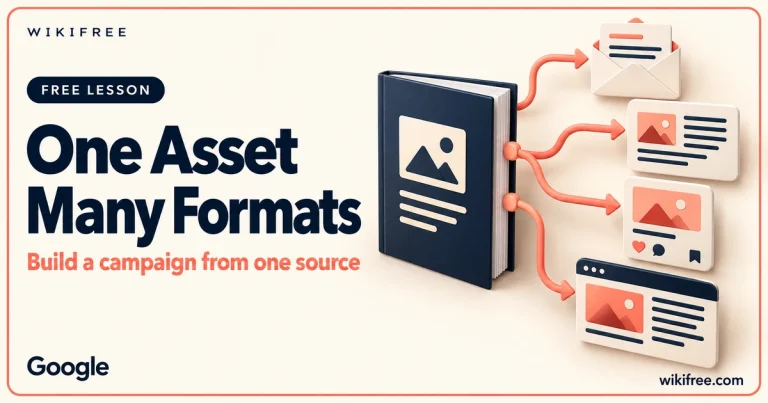
Explore repurposing a whitepaper or PDF into landing-page, social and email material using Gemini in Docs.
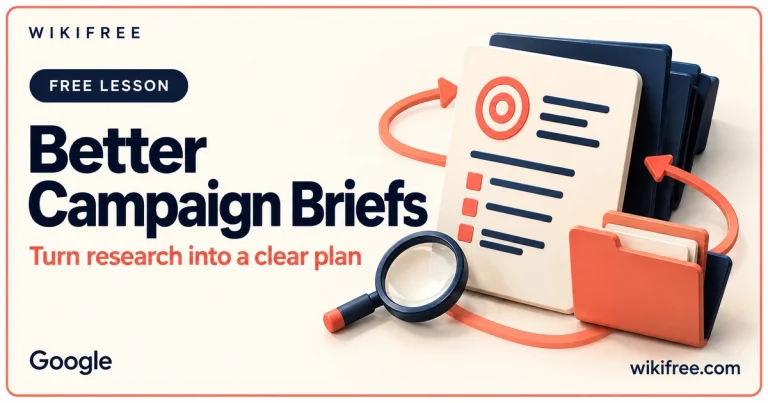
Explore synthesizing notes, performance data and survey material into a Canvas campaign brief, then exporting to Docs for collaboration.
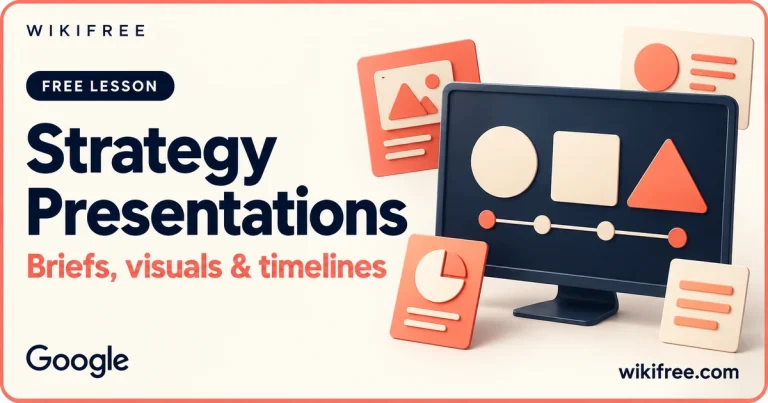
Explore turning a campaign brief into a Canvas slide deck and developing visuals and timelines in Google Slides.
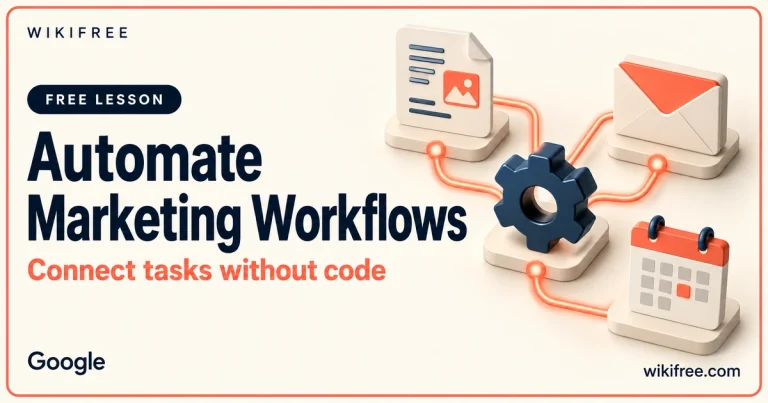
Explore a no-code Workspace Studio workflow connecting global operations with regional execution teams.
Explore building a custom Brand Checker with Agent Designer in Gemini Enterprise to review content and images.

Explore synthesizing client documents into a sales pitch and question-and-answer guide through one focused Gemini Notebook demonstration.
Explore a short workflow connecting source material, Gemini Notebook, Custom Gems and Google Vids with a presentation narrative.

Explore configuring a Strategic Challenger Gem to question an initiative through multiple stakeholder perspectives.
Explore a short Gemini demonstration for examining customer-usage spreadsheets and adoption patterns.
Explore summaries of documents, selected text and multiple Drive files in a short Gemini demonstration.
Explore configuring a Brevity Gem to turn notes and long documents into concise executive-facing summaries.

Explore using a nuanced personal prompt to request a comparative product-research report with Gemini Deep Research.
Explore a custom Pomodoro-style timer prototype and learn to translate a small personal workflow into clear app requirements.
Explore configuring a Work with Me Gem for foundational feedback and more focused meeting preparation.
Explore Drive-referenced slide creation and image prompting in a short Google Slides demonstration.

Explore =AI() examples for generating text, summarizing feedback and categorizing spreadsheet records.
Explore checking a schedule and creating calendar events from Gmail with Gemini assistance.
Explore a short demonstration of turning Drive notes into a formatted budget tracker in Google Sheets.
Explore Ask Gemini commands for organizing spreadsheet data through natural language.

Explore a short demonstration of Gemini-assisted spreadsheet visualization and questions about data.
Need a starting point?
Start with a concrete work task such as planning a project, improving a written brief or evaluating an AI-generated draft. Choose a general introduction before a specialized tool workflow.
89 matching listingsSeparate introductory concepts from implementation. Understanding generative AI does not require the same preparation as building a machine-learning pipeline or deploying a model.
96 matching listingsRead the prerequisites carefully. Free instructional material may describe services or environments whose practical use is separately charged.
105 matching listingsThis page brings together the published, available listings assigned to Google on Coursya. New listings appear automatically. Counts refer to our current library; the provider may offer additional courses elsewhere.
Read each course page for prerequisites, study time, learning access and recognition. Free learning does not always include a free certificate, exam, software or hosted lab. Listings marked unavailable or awaiting review are excluded.
Choose whether to allow Google Analytics to measure visits, or also Meta to measure how our Facebook and Instagram ads lead to content views and purchases. Optional tracking stays off until you allow it. You can change your choice at any time. Privacy details