Listed as Free on Udemy when checked on 7 November 2026. No coupon or subscription trial is required for the listed lessons. Enrollment needs a Udemy account; availability can change.
About this course
Flags offer a compact way to explore vector graphics. A few stripes, shapes, and repeated elements can make small differences in proportion or alignment easy to notice. WorldMapHD .com uses this subject in Adobe Illustrator & Inkscape: Vector Tracing for World Flags, a short introduction that places two drawing applications alongside familiar geometric designs. It is a practical starting point for understanding what a vector version of an image can offer.
The course is currently free on Udemy and taught in English. Its four sections contain eight lessons totaling about thirty-three minutes. You need Illustrator or Inkscape installed to follow along. The course presents introductory overviews and examples, so expect an initial look at the tools rather than comprehensive training in either application. The free viewing offer is separate from Adobe's paid Illustrator subscription; Inkscape provides a free, open-source alternative.
| Official course | Adobe Illustrator & Inkscape: Vector Tracing for World Flags |
|---|---|
| Created by | WorldMapHD .com |
| Platform | Udemy |
| Language | English |
| Level | Beginner |
| Listed duration | 33 minutes; 8 lectures across 4 sections |
| Completion terms | Not included with a new free enrollment |
What you’ll learn
Get an introduction to vector tracing, compare the broad working environments of Illustrator and Inkscape, and see how flag graphics serve as examples. The course also includes a short lesson about finding flag imagery and finishes with examples of vector results. Its central value is connecting the idea of editable vector artwork with a manageable subject. You can use that starting point to ask better questions about shapes, edges, proportions, and the source image you choose.
Skills you’ll gain
- Vector tracing awareness
- Illustrator orientation
- Inkscape orientation
- Geometric observation
- Reference-image assessment
- Vector result inspection
Compare two ways into vector work
After the introduction and a definition of vector tracing, the first module gives an overview of each application. The authored descriptions identify a United States flag example for Illustrator and a Honduras example for Inkscape. These give the software introductions a concrete subject, while the course's requirement allows you to begin with either program. You do not need to buy both simply to explore the central idea.
A useful distinction is between a raster image's pixels and vector artwork's geometric objects and paths. Scaling editable vector shapes can preserve their defined edges, but converting a poor reference does not automatically recover accurate design details. Start by identifying the large forms you can see. In your own work, deciding how a design is constructed is often as important as finding the command that produces an initial trace.
Inspect the result instead of trusting a button
The second module contains tracing examples labeled for Illustrator and Inkscape. The descriptions identify Cuban and United Kingdom flag references, although one description names a different application from its lesson title. The reliable takeaway is the course's introductory comparison and flag-based practice; this overview does not promise an exact sequence of controls for that inconsistent entry. The material is dated September 2020, so newer interface layouts can also differ.
Modern Illustrator documentation describes Image Trace as a way to convert raster artwork, with adjustable options and an Expand step for editing the resulting paths. Inkscape likewise offers bitmap tracing, but its documentation emphasizes that tracing supplies curves to work with rather than a guaranteed finished duplicate. These are helpful reference points for independent practice, not a claim that this short course covers every automatic tracing option or its latest interface.
Keep the reference and its use in view
The course includes a lesson on where to find flag images, but its short public description does not identify every source or establish the terms of a particular download. Inspect the source and usage conditions for the actual file you choose, especially before distributing work. A tracing operation changes the graphic's representation; it does not by itself settle permission to reuse a reference or an official emblem.
Flag designs can also contain details that are easy to overlook when reduced to a small thumbnail. Compare the reference's proportions, the spacing of repeated elements, and the relationship between separate color regions. This is visual inspection, not a guarantee that a traced file matches an official specification. The course uses flags as drawing examples and does not establish authority over national-symbol usage or provide legal clearance.
Try an original geometric design
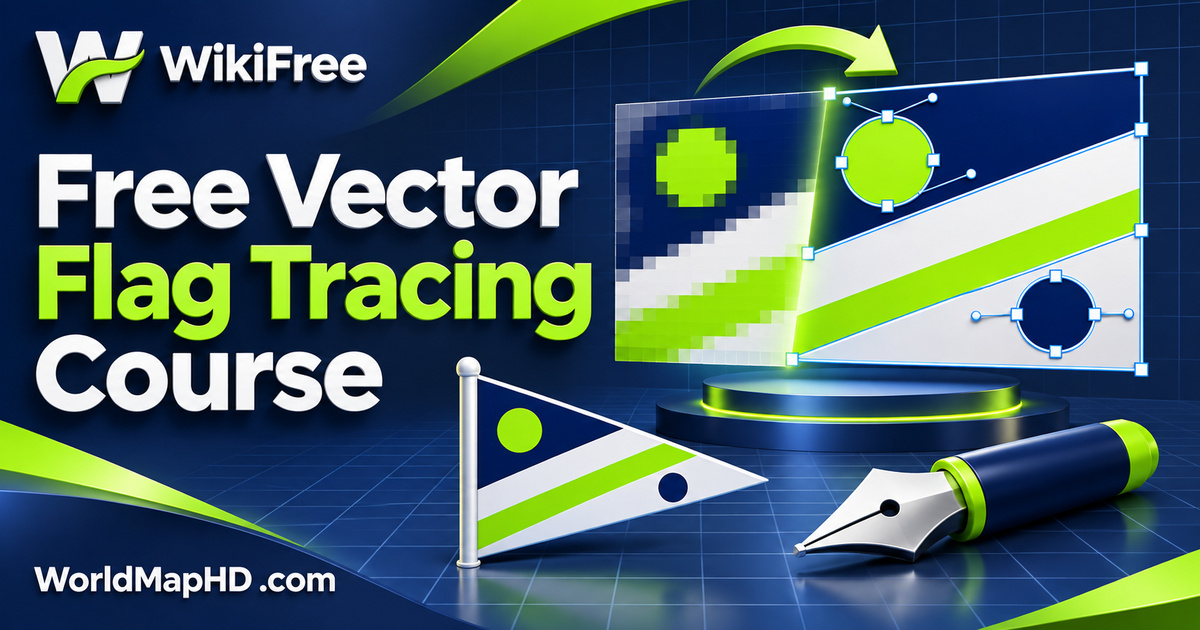
As an optional exercise suggested here, invent a small rectangular design using two color bands and a circle. Draw it as editable shapes, save a copy, and compare its appearance at two sizes. If you also try an automatic trace, inspect whether it introduces unnecessary points or alters the circle. Because the design is your own simple exercise, you can concentrate on the difference between representation and appearance. This activity is editorial guidance, not an additional instructor assignment.
Read about editing image traces: Official explanation of editable paths and trace expansion.
Related courses for your next step
- Explore shape-based vector drawingFree Illustrator Vector Shapes Course
Practice selecting and combining two-dimensional vector shapes.
Beginner
- Describe simple graphics in codeFree SVG Basics Course
Explore a different route to geometric images with shapes, text and links.
Beginner
Frequently asked questions
Is Illustrator included in the free course?
No Illustrator license is promised. The lessons are currently free to watch, while Illustrator has separate subscription terms. The course also introduces Inkscape.
Is this suitable for a beginner?
The instructor presents it as a beginner introduction. It offers software overviews and short tracing examples, rather than a complete curriculum in graphic design.
Can I automatically reuse any flag image I find?
Do not infer permission from the act of tracing. Check the actual image source and applicable usage conditions before distributing your work; the overview does not verify a particular file's rights.
Learner reviews
Tell other learners what you actually tried. Reviews are moderated and may come from learners who have started or completed the course.
No published learner reviews yet.
Sign in to write a reviewQuestions still belong in the discussion below. Review and ranking rules.
Questions & discussion
Share a useful question or correction. Comments appear after moderation. Please avoid personal or sensitive information.