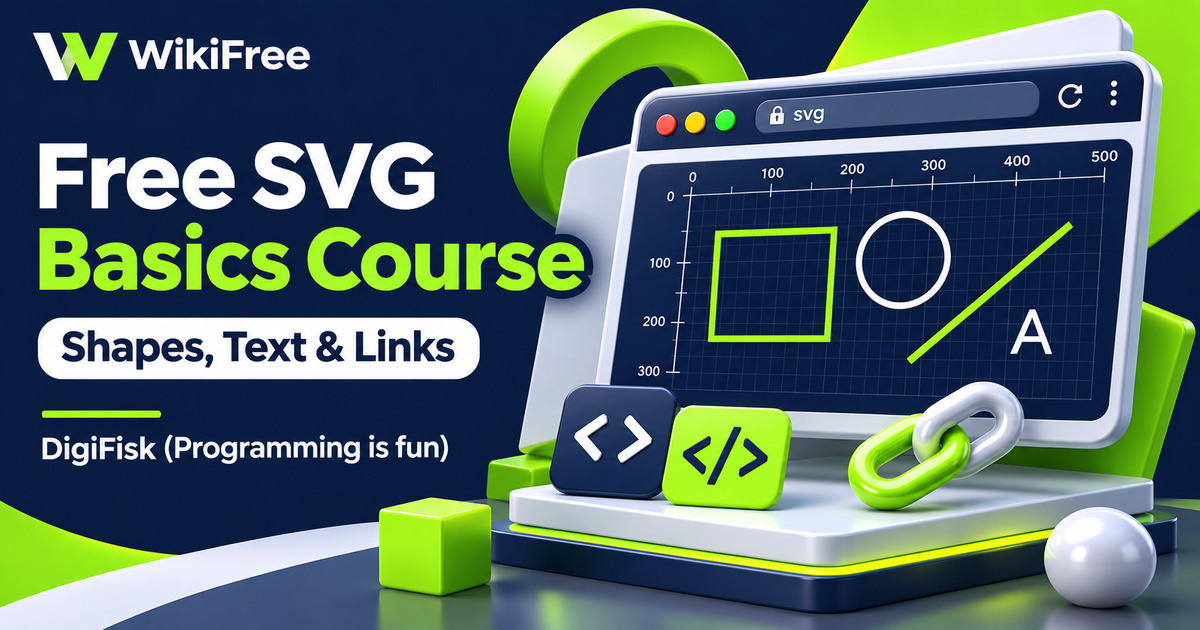
Listed as Free on Udemy when checked on 7 November 2026. No coupon or subscription trial is required for the listed lessons. Enrollment needs a Udemy account; availability can change.
About this course
A small graphic can become much easier to adjust when its shapes are described in code. Change a coordinate, a color or a line width, then see how the drawing responds. DigiFisk’s free SVG course introduces this way of working through simple two-dimensional elements that you can place inside a web page.
SVG basics for beginners is taught in English by DigiFisk (Programming is fun). Its three sections contain thirteen videos totaling one hour, twenty-seven minutes and six seconds, followed by a bonus article entry. The stated prerequisite is a basic understanding of HTML, and familiarity with CSS will help with the styling examples. This is an introduction to drawing with markup, rather than a complete illustration or animation program.
| Official course | SVG basics for beginners – concepts explained with examples |
|---|---|
| Created by | DigiFisk (Programming is fun) |
| Platform | Udemy |
| Language | English |
| Level | Beginner |
| Listed duration | 88 minutes; 14 lectures across 3 sections |
| Completion terms | Not included with a new free enrollment |
What you’ll learn
Learn the role of the SVG container, how coordinates position elements, and how an SVG graphic can be included in an HTML page. The practical lessons cover rectangles, circles, lines, text, bitmap images and links. You will also encounter fill, stroke, opacity and drawing order, giving you a manageable set of building blocks for experimenting with small graphics.
Skills you’ll gain
- SVG markup basics
- Coordinate positioning
- Basic shape drawing
- Fill and stroke styling
- SVG text placement
- Graphics embedding awareness
Start with the drawing environment
The first teaching section establishes the drawing environment before moving into individual shapes. It introduces the SVG tag and measurements, then spends two lessons on displaying graphics in HTML. Inline markup and a separate SVG file offer different ways to organize the same kind of drawing. Understanding that distinction helps you decide where to make an edit and how the graphic belongs within the surrounding page.
Read coordinates before moving shapes
The coordinate lesson is especially useful if your previous experience comes from school graphs. In the initial SVG coordinate system, positions start at the upper left, with positive x going right and positive y going down. Coordinates are expressed in user units. Their initial relationship to CSS pixels can change through a viewBox or other transformations, so a number in the markup is not an unconditional promise about physical screen pixels.
Build confidence with rectangles
Rectangles receive three separate lessons, giving the course room to develop positioning, styling and overlapping elements. Width and height describe the shape, while x and y determine its placement. Fill and stroke control different parts of its appearance. Later examples introduce opacity and stacking, which help explain why an element can appear covered even when its coordinates are correct. Change one property at a time to make the effect easier to understand.
Combine shapes with labels
Circles and lines add two more ways to describe a drawing. A circle uses a center and radius, while a line uses endpoints. The text lesson then brings labels into the composition. Together, these elements are enough for modest experiments such as a labeled diagram or a simple status graphic. The description mentions charts and logos as possible applications, but the listed lessons should not be mistaken for dedicated training in chart construction or professional brand design.
Keep bitmap and vector content distinct
The final technical lessons introduce bitmap images and links within SVG. Keep the two image types distinct: vector shapes can be redrawn at different scales, while an embedded photograph still has its own pixel resolution. Putting that photograph inside an SVG does not turn it into vector artwork or create missing detail. This is a useful boundary when choosing which parts of a graphic to draw and which parts to include as existing images.
Update older linking examples
The recording was last updated in February 2018, so some syntax deserves current context. Older examples may use xlink:href; modern SVG uses href. Also, embedding choices affect behavior. An SVG displayed as an image does not provide the same interactive environment as inline SVG: its internal links cannot be activated in image mode. Check the intended embedding method when testing a linked shape, rather than assuming every display method behaves identically.
Try a small graphic of your own
For independent practice, build a small information card using one rectangle, one circle, a divider line and a short text label. Adjust spacing, compare two fill colors and save a second version with a different size. This is an editorial exercise suggested for applying the topics, not a verified course assignment. Use original shapes and images you have permission to include, and check the result in the browser where you plan to use it.
Choose the introduction that fits your next step
The free lessons provide a compact starting point for code-based graphics. A separate, larger course from the instructor is outside this free course’s scope. No professional design outcome, certificate or advanced animation coverage is promised here. The bonus article body was not reviewed, so it is not presented as a downloadable toolkit or an additional taught project.
Related courses for your next step
- Review the markup around your graphicsExplore HTML Basics
Build familiarity with text, links and tables in an HTML page.
Beginner
Frequently asked questions
What should I know before starting?
Basic HTML is the stated requirement. Some familiarity with CSS helps when following the styling examples.
Does this course teach complete animation or chart projects?
The listed lessons focus on SVG foundations, shapes, text, images and links. Advanced animation and complete chart projects are not promised as part of this introduction.
Do I need paid design software or receive a certificate?
You can practice basic SVG markup with a text editor and browser. No paid design package is specified as necessary, and no certificate is promised here.
Questions & discussion
Share a useful question or correction. Comments appear after moderation. Please avoid personal or sensitive information.