Listed as Free on Udemy when checked on 8 November 2026. No coupon or subscription trial is required for the listed lessons. Enrollment needs a Udemy account; availability can change.
About this course
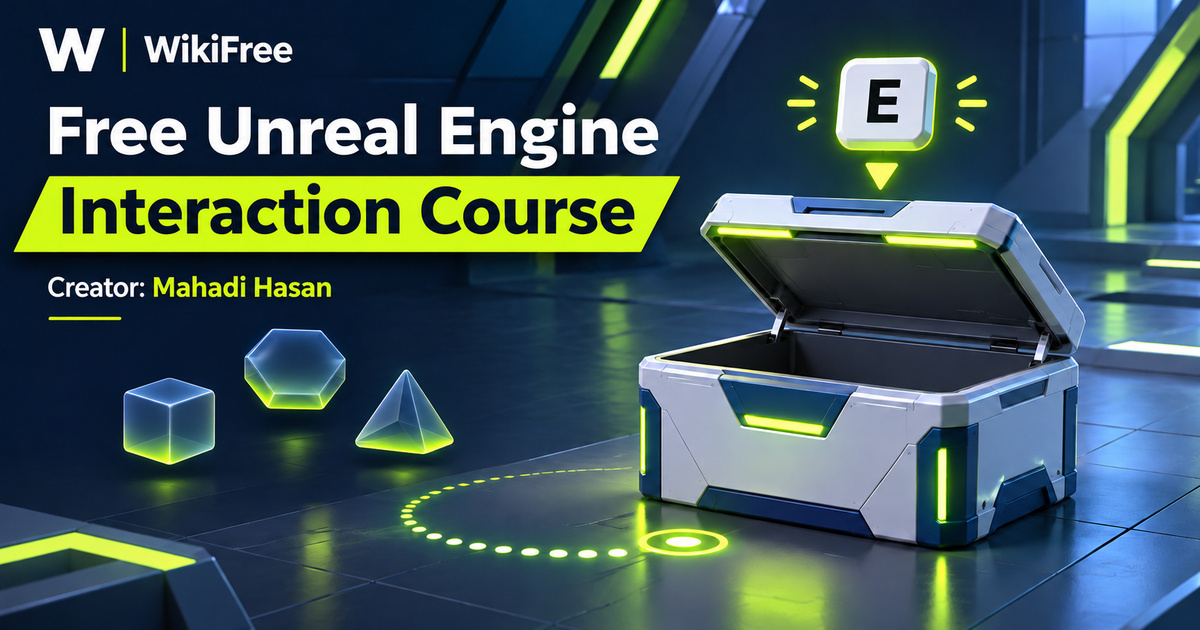
A box that opens at the right moment is a useful small game-development exercise. It brings several systems together: an object in the world, an interaction prompt, movement toward a target and an animation that communicates the result. Mahadi Hasan's free course uses that focused example to introduce a Blueprint-based interaction in Unreal Engine 5.
This is a project tutorial with a June 2024 update, rather than a complete introduction to every part of Unreal. Its seven listed lessons include an optional Blender animation stage and a longer Unreal section. Learners who already recognise actors, components and the Blueprint editor are likely to find the sequence easier to follow. The original page does not provide a reliable, detailed prerequisite list.
| Official course | Unreal Engine Open Sci-Fi Box With Animation |
|---|---|
| Created by | Mahadi Hasan |
| Platform | Udemy |
| Language | English |
| Level | Intermediate |
| Listed duration | 65 minutes; 7 lectures across 2 sections |
| Completion terms | Not included with a new free enrollment |
What you’ll learn
Follow the progression from a box actor and an interaction widget to movement setup, an Animation Blueprint and an Anim Notify State. The Blender section introduces preparation of an opening animation before the Unreal work. The useful scope is coordinating a small interaction; the listed sequence does not establish a full inventory system, multiplayer implementation, mobile-device testing programme or complete parkour mechanic.
Skills you’ll gain
- Blueprint interaction planning
- Actor and component organisation
- Interaction widget design
- Navigation target awareness
- Animation state coordination
- Notify State timing
Separate the prompt from the action
An interaction prompt tells a player that something can happen. It is not the same thing as the animation or the rule that allows the action. Keeping those responsibilities distinct gives a small project a clearer structure. When you revisit the work, you should be able to explain which condition displays the prompt and which event starts the response.
The course places widget creation before its movement and animation lessons. That ordering gives you a reason to pause and inspect each stage separately. A visible prompt, a successful movement request and a completed opening animation are three different observations. Treating them as separate checks can make troubleshooting less confusing than changing several systems at once.
Think about where movement can succeed
One lesson addresses moving an AI-controlled actor toward the box's opening location. Epic's navigation documentation explains that agents find paths using a navigation mesh generated from level collision geometry. A destination coordinate alone therefore does not prove that an agent can reach it. The environment and navigation setup matter alongside the interaction logic.
For your own practice, place the box in a simple test area before adding decorative obstacles. Observe the approach from more than one starting position. If one attempt fails, record where it began and what happened before adjusting the layout. This is an independent testing suggestion, not a claim that the course demonstrates every navigation failure or supplies a universal movement solution.
Give animation events a time window
The closing lessons introduce an Animation Blueprint and an Anim Notify State. Epic distinguishes a standard animation notify, which marks an event, from a Notify State, which spans a duration. A Notify State can expose beginning, update and ending events. That distinction helps explain why a temporary activity may need more than one trigger.
When practising, sketch the intended sequence in plain language before adding more nodes: approach, begin the interaction, play the response and return to normal control. Then compare that sequence with what happens on screen. The goal is to understand the timing relationship, not to copy a graph without knowing which condition it represents. This suggested planning exercise is separate from the instructor's recorded steps.
Keep the project within its demonstrated scope
The optional Blender lesson is roughly fourteen minutes, with about fifty minutes of Unreal lessons after it. The full listed duration is just over sixty-four minutes. Three downloadable resources are advertised, but those materials should not be treated as an unrestricted asset licence. Review individual asset terms before redistributing a project or reusing third-party animation files elsewhere.
The course description also contains references to rope physics and a parkour swing course. Those references do not expand this seven-lesson box interaction into a separate parkour curriculum. Similarly, a short example should not be presented as a tested production system. Use it to practise one interaction, then decide which additional requirements your own project actually needs.
Watching the course is free. Unreal Engine and any external assets have their own licensing conditions, which are separate from access to these lessons. Consult Epic's current licensing information when planning distribution or commercial work. The course does not guarantee a certificate, a finished game or compatibility with every later engine release.
Read about animation event timing: Epic documentation distinguishes a notify event from a Notify State duration. Review Unreal Engine licensing: Current engine licensing information is separate from free lesson access.
Related courses for your next step
- Compare another small game mechanicFree Roblox Luau Scripting Course
Explore obby mechanics in a different engine and scripting environment.
Beginner
- Describe simple graphics in codeFree SVG Basics Course
Explore a different route to geometric images with shapes, text and links.
Beginner
Frequently asked questions
Do I have to begin with the Blender lesson?
The instructor labels that section as skippable. Whether skipping it is practical depends on having suitable animation assets and understanding how they fit your own project.
Does this course teach a complete parkour system?
The listed lessons focus on opening a box. References to parkour elsewhere in the description should not be treated as additional completed lessons in this course.
Is an Anim Notify State the same as a single notify?
No. A standard notify marks an event, while a Notify State covers a duration and supports beginning, update and ending behavior.
Learner reviews
Tell other learners what you actually tried. Reviews are moderated and may come from learners who have started or completed the course.
No published learner reviews yet.
Sign in to write a reviewQuestions still belong in the discussion below. Review and ranking rules.
Questions & discussion
Share a useful question or correction. Comments appear after moderation. Please avoid personal or sensitive information.