Listed as Free on Udemy when checked on 7 November 2026. No coupon or subscription trial is required for the listed lessons. Enrollment needs a Udemy account; availability can change.
About this course
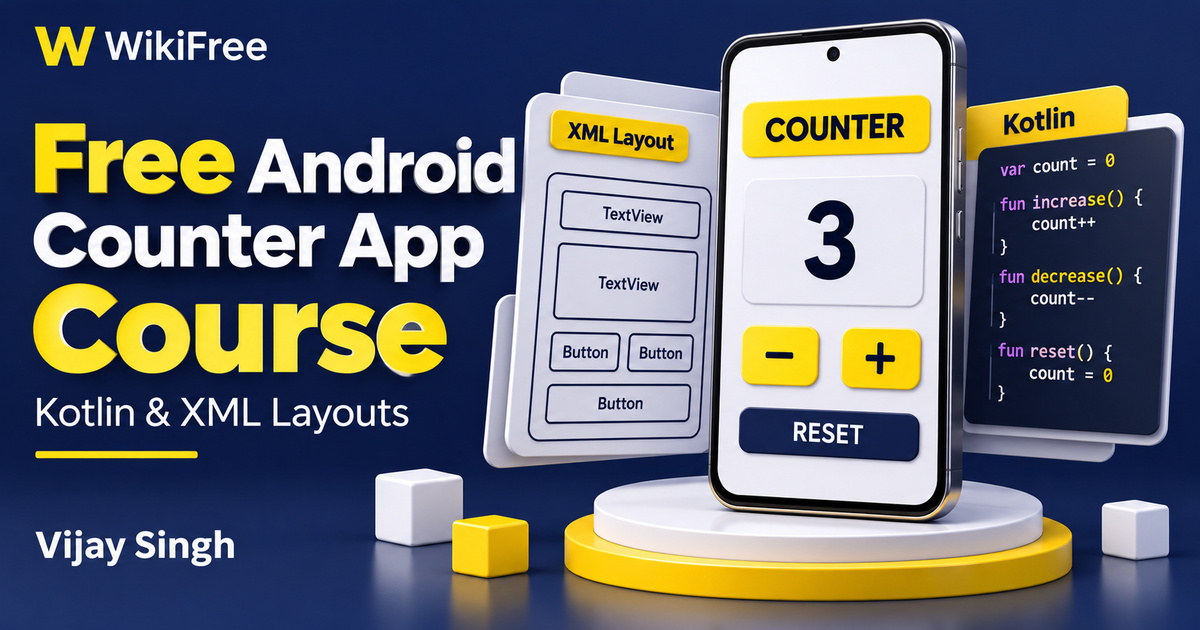
A counter is a small app with a useful teaching advantage: every button has a visible result. In this free Android counter app course, Vijay Singh introduces Android Studio, basic layouts and Kotlin before connecting them in one simple project. You can focus on the relationship between a number in memory, a displayed value and the action that changes it.
The thirteen sections contain thirteen videos totaling one hour, fourteen minutes and forty-three seconds. The sequence moves from installation and project structure to layout types, an ImageView, Kotlin fundamentals and three counter-app lessons. One downloadable resource is listed. The course is presented in English and is suitable for learners who have not programmed before.
A computer with internet access is the stated requirement. Allow additional time for installing the development tools and trying examples at your own pace. The material was updated in January 2025, so exact menus, project templates and SDK choices may differ in a newer Android Studio installation.
| Official course | Basic concepts of Android development : Build Your First App |
|---|---|
| Created by | Vijay Singh |
| Platform | Udemy |
| Language | English |
| Level | Beginner |
| Listed duration | 74 minutes; 13 lectures across 13 sections |
| Completion terms | Not included with a new free enrollment |
What you’ll learn
Understand how an Android project separates its screen layout, resources and Kotlin behavior. Compare LinearLayout, RelativeLayout and ConstraintLayout, recognize basic Kotlin values and functions, and follow the process of connecting counter controls to click listeners that update a displayed number.
Skills you’ll gain
- Android project structure
- XML layout reasoning
- Kotlin fundamentals
- View and event connections
- Counter state management
- Boundary-case planning
Find your way around the project
The setup lessons introduce the development environment and the structure of a first project. Look for the manifest, Kotlin source, layout resources and build configuration, then ask what each contributes. This is more useful than treating every generated file as something to memorize. The emulator provides a place to try an app, while the project configuration determines what the build tools produce.
Compare three layout approaches
The layout sequence offers three ways to reason about placement. LinearLayout arranges views along a horizontal or vertical direction. RelativeLayout describes positions in relation to a parent or another view. ConstraintLayout expresses relationships through constraints. Comparing the same two controls in each arrangement can help you see why a layout container is more than a background rectangle.
The separate ImageView lesson introduces placing an image in the screen. Pay attention to the available area and scaling behavior: filling a region can involve cropping part of the image. For a practice project, choose a simple asset you have permission to use and check its appearance at different screen sizes. Visual placement should support the task the screen is meant to perform.
Connect screen controls to Kotlin state
The Kotlin introduction covers variables, types, functions and classes before the counter project uses them together. In the app, the current count is state; the text showing it is a presentation of that state. A button’s click listener connects an interaction to a change in the value and then to an updated display. Keeping those roles distinct makes errors easier to locate.
The project first builds a screen with a counter display and increment, decrement and reset controls, then adds Kotlin behavior. The public lesson summary describes a zero guard for decrementing, so the learning example includes a boundary decision rather than allowing every click to subtract without limit. The additional-features lesson extends feedback with a reset message and color effects. Focus on understanding the event and state changes behind those additions.
Recognize the UI approach being taught
This is a Views-and-XML introduction. Android still documents XML layout resources and view hierarchies, while Jetpack Compose uses a different UI approach. The example connects views with findViewById. Current Android documentation also describes view binding, which generates references to views with IDs; it can be a useful next topic without pretending it is already part of this course.
Understand what the sample does not prove
Be careful about what a working counter demonstrates. A value held by an activity is not automatically a durable saved record. Android may recreate an activity during a configuration change, and retaining or restoring state requires an appropriate design. ViewModel and saved-state mechanisms are further areas to study. This short introduction does not establish that the sample handles every lifecycle, process-restoration or storage scenario.
Plan a bounded inventory tally
For an independent follow-up, sketch an inventory tally with a starting value of zero and a chosen upper limit of twenty. Write expected results for incrementing at nineteen and twenty, decrementing at zero and one, and resetting after several clicks. Then check whether the displayed value and stored value agree after each action. This is an editorial practice idea, not a supplied assessment or a test already performed.
When adapting setup choices, distinguish the minimum supported Android API level from the target API level. A version number mentioned in a demonstration is not a current publishing requirement. The free course teaches a small local app, not a complete Play Store release process. Its separate paid course bundle is optional, and no job, store approval, certificate or compatibility with every device is promised. Aim to explain each button’s behavior clearly before expanding the app.
Related courses for your next step
- Build your programming vocabularyFree JavaScript Scope and Async Course
Compare variables, scope and functions while keeping Kotlin and JavaScript behavior separate.
Intermediate
Frequently asked questions
Do I need prior coding experience?
No previous coding experience is required. The course introduces Android Studio and basic Kotlin before the counter project.
Does this course teach Jetpack Compose?
The reviewed lessons use Views, XML layouts and findViewById. Jetpack Compose is a separate UI approach, not established as a topic in this syllabus.
Is the paid bundle required to watch this course?
The specific introductory course is listed free. A separate paid course is advertised alongside it, but it is not part of the free course reviewed here.
Questions & discussion
Share a useful question or correction. Comments appear after moderation. Please avoid personal or sensitive information.