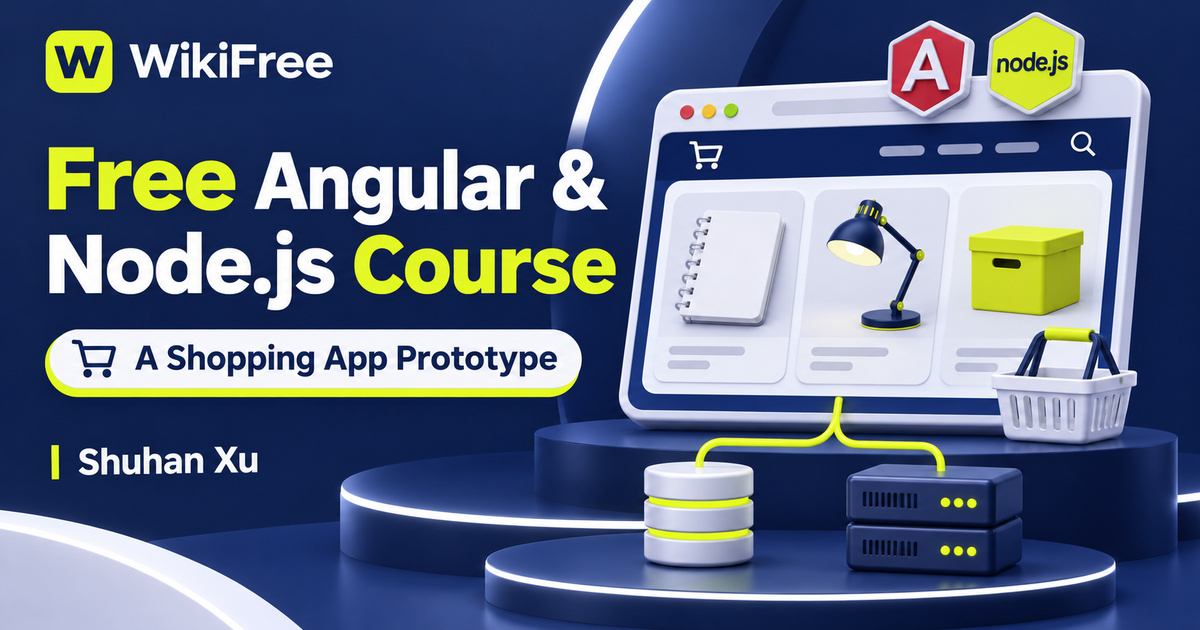
Listed as Free on Udemy when checked on 7 November 2026. No coupon or subscription trial is required for the listed lessons. Enrollment needs a Udemy account; availability can change.
About this course
A shopping interface is a useful way to see how a web application connects records, requests and screens. In this free Angular and Node.js course, Shuhan Xu uses a simplified shopping website to introduce that connection. The project moves from database design to a backend API and then to an Angular frontend, keeping the example small enough to follow as an architectural sketch.
The English-language curriculum contains five videos across four sections, totaling thirty minutes and thirty-five seconds. After the introduction, two backend lessons cover the schema and server. One frontend lesson builds the Angular shopping interface, and a final section called What’s missing? discusses testing and deployment. This is a short project introduction rather than an extensive commercial-store implementation.
Some coding experience is required. The source marks the course Beginner while addressing programmers at different experience levels who want an introduction to this stack. Basic JavaScript, HTML and the idea of a database record will help you follow the pace. The listing shows a June 2023 update, so use the recording as an example to compare with current framework and package documentation.
| Official course | Using nodejs, angular to create a shopping website |
|---|---|
| Created by | Shuhan Xu |
| Platform | Udemy |
| Language | English |
| Level | Beginner |
| Listed duration | 30 minutes; 5 lectures across 4 sections |
| Completion terms | Not included with a new free enrollment |
What you’ll learn
Identify the roles of a database schema, an ORM, a Node.js server and an Angular interface in a small application. Follow product data through API requests, distinguish frontend navigation from backend routes, and understand the limited scope of a shopping-cart prototype.
Skills you’ll gain
- Schema relationship basics
- Seed-data planning
- Backend API roles
- Angular frontend routing
- Product-data request tracing
- Prototype scope assessment
Start with relationships between records
The database-design lesson starts before the server code. Its public summary describes products and orders linked through an order-product table. That relationship is a useful reason to think about records separately from screens: one product may appear in different orders, and an order may contain several products. The lesson offers an introductory model, not a complete treatment of inventory, historical pricing or every rule needed for a real retailer.
Give sample data a route to the browser
The server lesson has three explicit parts in its authored description: table definitions and seed data, RESTful API design, and an ORM. The accompanying summary identifies Express and SQLite and describes product-list and product-detail endpoints. Seed records make an example easier to inspect because the frontend has something predictable to request. They should be treated as sample data rather than evidence of a live catalogue.
An ORM changes how application code interacts with stored records; it does not remove the need to understand the underlying relationships. As you follow the demonstration, keep a simple record of which component defines the data, which component retrieves it and which component turns it into an HTTP response. This separation helps locate a fault when a product exists in the database but fails to appear in the browser.
Connect views without overstating checkout
The Angular lesson connects the frontend to that backend. Its available public summary describes listing products, retrieving data through the HTTP client, opening product details and using a cart service while navigating toward a checkout view. Those are application-building concepts. A checkout screen alone does not establish a payment-provider integration, a completed financial transaction or a secure commercial ordering workflow.
Frontend routing determines which view the visitor sees inside the application. It is distinct from an API route on the server that returns data or performs an operation. A single-page application can change the displayed component without loading a new document for every navigation, while still making network requests for information. Avoid reading single-page as meaning that every possible record is downloaded at startup.
Check how requests are triggered
When adapting the HTTP calls, consult the current Angular documentation. HttpClient returns observables, and subscribing initiates a request; separate subscriptions can create separate backend requests. Understanding that behavior helps explain unexpected duplicate calls in a learning project. It is a follow-up consideration for your own implementation, not a claim that this brief course covers every reactive-programming pattern.
The closing testing-and-deployment video lasts two minutes and nineteen seconds. Its public summary names backend and frontend testing tools, but that short overview should not be read as proof of a complete automated suite or an operational release process. Use it to identify further topics to study. Passing an example test does not by itself establish security, data integrity or reliable production behavior.
Map a small catalogue before extending it
For an independent exercise, sketch a fictional stationery catalogue with two products. Draw the product-list view, a detail view and a cart, then label the data each view needs and where it should come from. Add an unavailable-product response and decide what the interface should display. Keep payment out of this exercise: the objective is to trace data and navigation, not to process a purchase.
Before extending a prototype into a public service, evaluate input validation, authorization, persistence and deployment separately. Angular’s own guidance warns that client-side route guards cannot serve as the sole access-control mechanism; authorization also belongs on the server. The course does not promise that its short example implements every protection or that its original package versions remain appropriate unchanged.
The introductory resource note does not establish the contents or current availability of a complete downloadable repository. Treat the listed videos as the confirmed learning scope. They are free to access under the course’s current offer, while optional hosting and external services may have separate terms. Use the project to understand the stack without assuming a ready-to-launch shop, guaranteed revenue or an accredited credential.
Related courses for your next step
- Practice another backend modelFree Node API Course
Compare CRUD route concepts while keeping SQLite and MongoDB data models distinct.
Beginner
Frequently asked questions
Is this suitable for someone with no coding experience?
Some coding experience is required. The course is a compact introduction to a web stack, not a complete first programming course.
Does the checkout view mean real payments are implemented?
No verified payment-provider integration is established by the public curriculum. The article describes a shopping application prototype.
Does the final lesson provide a full deployment and testing program?
No. It is a brief overview. Production security, automated coverage, infrastructure and external-service terms require further work.
Questions & discussion
Share a useful question or correction. Comments appear after moderation. Please avoid personal or sensitive information.