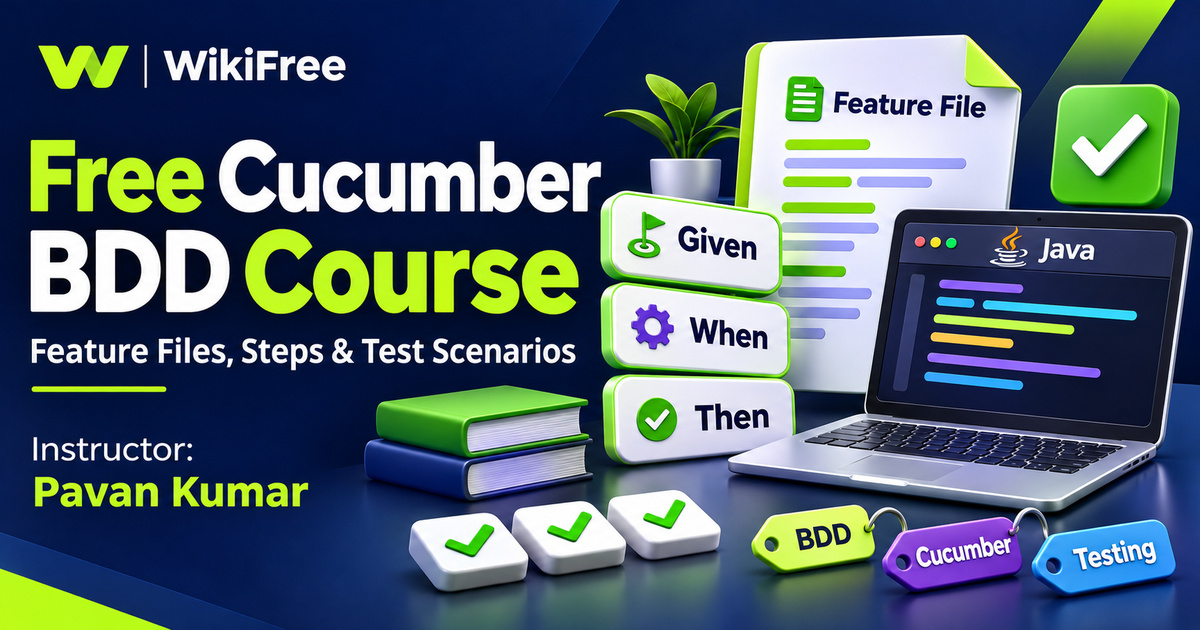
Listed as Free on Udemy when checked on 7 November 2026. No coupon or subscription trial is required for the listed lessons. Enrollment needs a Udemy account; availability can change.
About this course
A test is easier to discuss when its purpose is understandable before anyone reads the implementation. Pavan Kumar’s Learn Cucumber BDD Framework introduces that connection between a readable example of behavior and the Java code that exercises it. The course brings together Cucumber, Selenium and JUnit through feature files, step definitions and the organization of automated scenarios.
The free English course contains five long video lessons across four sections, totaling three hours, forty-eight minutes and fifty-eight seconds. Its listing dates from February 2019. Java and Selenium basics are explicit prerequisites, so this is a next step for someone who can already understand simple browser automation. The source labels it All Levels; the prerequisite knowledge makes an intermediate placement useful here.
| Official course | Learn Cucumber BDD Framework |
|---|---|
| Created by | Pavan Kumar |
| Platform | Udemy |
| Language | English |
| Level | Intermediate |
| Listed duration | 228 minutes; 5 lectures across 4 sections |
| Completion terms | Not included with a new free enrollment |
What you’ll learn
Compare test-driven and behavior-driven development, set up the course’s Eclipse-based Cucumber environment and connect Gherkin scenarios to step definitions. Explore test options, data-driven examples, tags and hooks, then use the final question-and-answer lesson to review the vocabulary. Focus on explaining the behavior a test demonstrates, as well as how it runs.
Skills you’ll gain
- Gherkin scenario writing
- Feature-file structure
- Java step definitions
- Data-driven test reasoning
- Tag-based test selection
- Hook and setup awareness
Start with a shared example
The opening lesson compares TDD and BDD and introduces Cucumber. A useful starting question is who needs to understand the example. A developer may be comfortable reading an assertion in Java, while a tester or product colleague may prefer a concrete scenario expressed in domain language. BDD encourages that shared discussion; installing a tool alone does not establish a collaborative development practice.
Separate the setup components
The setup lesson moves into Eclipse, its Cucumber support and the environment used for a Selenium Java test. Keep the editor, dependency libraries, test runner and browser automation components conceptually separate. Each has a different responsibility. Because the recordings come from 2019, match any installation steps and dependency choices against the current documentation for the versions you actually use, rather than assuming every historical menu or package remains unchanged.
Describe observable behavior
Gherkin gives a feature file structure through named features, scenarios and steps. Given describes the initial context, When describes an event, and Then describes an expected result. These are useful prompts for making an example precise. A scenario that simply lists many interface clicks can become difficult to discuss; choose language that keeps the behavior and its expected outcome visible.
Connect words with implementation
Step definitions connect that readable specification with executable code. Cucumber searches for matching definitions when it processes a step. The definition may call Selenium to interact with a browser and use assertions to evaluate an outcome. Writing a feature file does not, by itself, automate the browser or prove the application is correct: the implementation and checks must express the intended behavior.
Distinguish two uses of test data
The longest lesson develops feature files, step definitions, Cucumber options and data-driven tests together. Scenario outlines are useful when the same behavior should be checked with several combinations of values. In current Gherkin, an outline runs for each data row in its Examples section. A data table attached to a step serves a different purpose: it supplies structured information to that step, rather than automatically creating a separate scenario for every row.
Make test selection understandable
Tags provide a way to classify scenarios and select relevant groups for execution. Think about what a tag communicates to someone maintaining the suite: a business capability, a testing purpose or a specific execution condition. Tags should make selection understandable. They are not a substitute for the assertions that decide whether a scenario has actually passed.
Prepare scenarios carefully
The hooks lesson introduces setup and teardown around scenarios. This is the place to reason about low-level preparation and cleanup, such as the lifecycle of a browser session. Keep those details distinct from the meaningful starting context described in the scenario. Avoid designing examples that only work because another scenario has already run and left the application in a convenient state.
Check your testing vocabulary
The final lesson reviews frequently asked questions about Cucumber BDD. Use it as a vocabulary checkpoint after the longer demonstrations. Can you explain the difference between a feature and a scenario, between a step and its definition, or between selecting a tagged test and preparing its environment? Clear explanations help expose misunderstandings before they become confusing framework code.
Draft one clear search example
For optional practice, write a short library-catalog search scenario: a known book exists, a reader searches for its title, and the results show that book. Then propose two example rows with different titles and expected results. Identify which details belong in the readable scenario and which belong in Java setup or assertions. This is an editorial exercise, not a supplied instructor assignment or a laboratory reported as executed.
Keep the learning scope realistic
The course lists seven downloadable resources, but their contents are not represented here as independently inspected or tested. Watching the listed videos is free; separately chosen tools, infrastructure and other training can have their own terms. Approach this course as an introduction to a particular Cucumber workflow, with current documentation beside it, rather than a guarantee of production compatibility, certification or a testing job.
Related courses for your next step
- Understand the development environment around your testsFree Docker Containers Course
Explore container fundamentals for separately chosen development environments.
Beginner
Frequently asked questions
Do I need Java and Selenium first?
Yes. The instructor explicitly requires Java and Selenium basics. The course introduces Cucumber rather than programming from zero.
Are Scenario Outline examples and Data Tables the same?
No. An outline uses Examples rows to create repeated scenarios; a Data Table supplies structured data to a step definition.
Are the historical setup steps guaranteed to work unchanged?
No. The listing dates from 2019. Check current documentation and compatible dependencies for your chosen environment.
Questions & discussion
Share a useful question or correction. Comments appear after moderation. Please avoid personal or sensitive information.