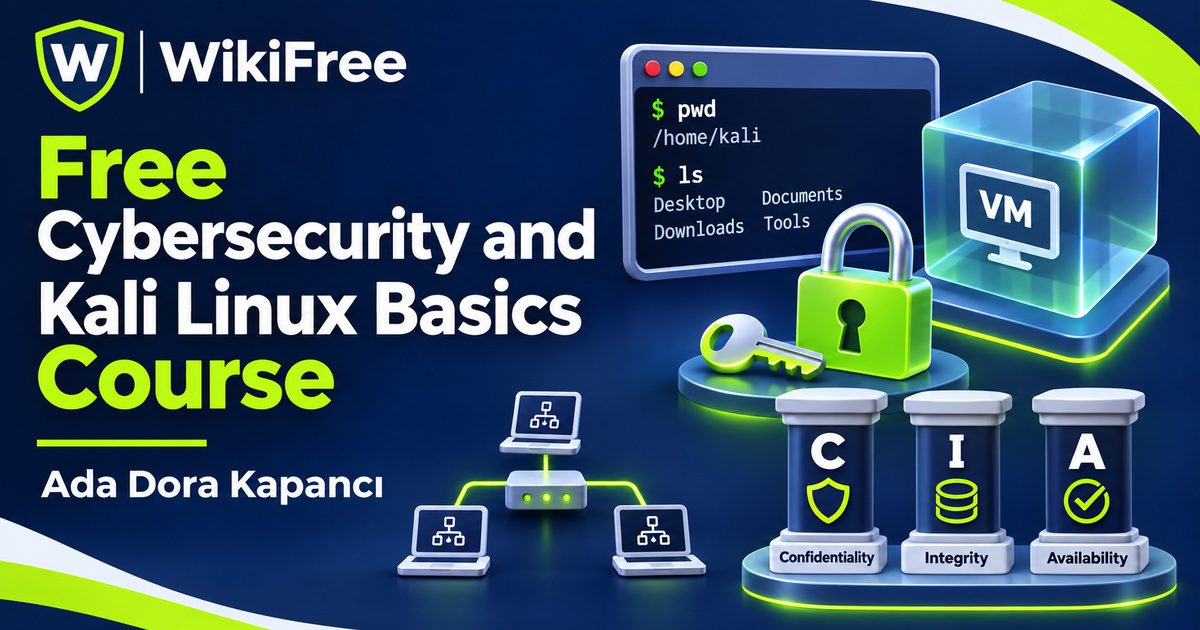
Listed as Free on Udemy when checked on 7 November 2026. No coupon or subscription trial is required for the listed lessons. Enrollment needs a Udemy account; availability can change.
About this course
Cybersecurity becomes easier to approach when basic security ideas connect with things you can recognize on a computer: files, users, permissions and network information. This free cybersecurity and Kali Linux basics course by Ada Dora Kapancı introduces that connection. It combines an overview of threats and responsible practice with a short introduction to working in a Linux terminal.
The English-language course has ten videos across seven sections, totaling fifty-one minutes and five seconds, plus a setup article listed with a two-second estimate. One downloadable resource is also listed. The course was last updated in April 2026. It offers an initial orientation rather than a complete penetration-testing methodology, an incident-response qualification or preparation sufficient to pass a professional certification exam.
No previous cybersecurity, hacking or coding experience is required. The course lists a computer with at least four gigabytes of RAM for VirtualBox and Kali Linux. That is the instructor’s stated starting requirement, not a guarantee that every computer or tool will run comfortably. Virtualization support, host resources and the configuration of the guest machine also matter. Check the current official setup documentation for your hardware before beginning.
| Official course | Cybersecurity for Beginners with Kali Linux |
|---|---|
| Created by | Ada Dora Kapancı |
| Platform | Udemy |
| Language | English |
| Level | Beginner |
| Listed duration | 51 minutes; 11 lectures across 7 sections |
| Completion terms | Not included with a new free enrollment |
What you’ll learn
Recognize confidentiality, integrity and availability as basic security goals; distinguish common threat categories; and understand why permission matters in security testing. Continue into terminal navigation, files and folders, users and permissions, basic network commands and package management, then consider sensible next steps for further study.
Skills you’ll gain
- Cybersecurity fundamentals
- Threat recognition
- Linux terminal orientation
- Users and permissions
- Network observation concepts
- Authorized practice awareness
Start with three security goals
The opening lesson introduces cybersecurity through the confidentiality, integrity and availability triad. These terms offer three different questions about information: who should be able to see it, whether it remains correct and whether it is available when needed. Thinking in those terms can make an unfamiliar security problem more concrete without requiring you to begin with specialized testing tools.
The next sections discuss different hacker labels and common threats, including phishing, malware and ransomware. The useful distinction is the context and authorization of an action, not a colorful label by itself. Treat historical examples as illustrations of concepts rather than complete accounts of an incident. This short overview does not make you ready to investigate a live attack or guarantee that a particular habit will prevent every threat.
Prepare a deliberate learning environment
The setup section contains a brief explanation video and a written guide entry. The public lesson summary refers to a downloadable guide, but its contents have not been reviewed here. The two-second article estimate does not describe installation time. A virtual machine provides a separate guest environment, yet its network and shared-resource settings still matter; simply running inside VirtualBox does not automatically isolate every interaction from the host or other systems.
Connect commands with their effects
The terminal section starts with moving around the file system and managing files. It then introduces users, permissions and sudo. This sequence connects what you are trying to do with the account and permissions under which it happens. Before making a change in your own practice environment, identify the target path and consider the effect of the operation. Higher privileges should serve a specific authorized task, not become a default response to an unfamiliar error.
Basic network commands introduce another kind of observation: identifying local network information, checking connectivity and inspecting connections. These are foundational administration ideas. The course description does not establish a full network assessment, and this article does not supply an external target to test. Use a machine and lab environment you control, or an explicitly authorized training environment, when exploring the material.
Understand package maintenance
The package-management lesson introduces apt and common maintenance operations. Keep the distinction between refreshing package information and upgrading installed packages clear: apt update refreshes the package list, while an upgrade changes installed software. Current Kali documentation should guide repository and upgrade choices. The lesson should not be read as a promise that any tool can be installed instantly or that every package change will be consequence-free.
Keep permission within scope
The ethics section brings permission and responsible practice back into focus. Technical ability is not permission to act on someone else’s system. Work within the agreed scope of an authorized lab or assessment and seek qualified guidance when legal requirements are unclear. This introductory lesson is not a substitute for jurisdiction-specific legal advice or a professional testing agreement.
For independent practice, draw a small map of a local training machine: its files, ordinary user account, administrator privileges and network connection. Next to each item, write one thing you can observe and one change that would require care. Then explain how the confidentiality, integrity and availability goals relate to your map. This is an editorial reflection exercise, not a supplied lab, executed command sequence or evidence that you have completed a security assessment.
Plan the next stage of learning
The closing career lesson introduces possible roles, further practice and certification paths. Those references are starting points for research; exam fees, external platform access and eligibility requirements are separate from this free course. No certification, job or guaranteed competence is promised. The practical aim is a clearer vocabulary for security and a more deliberate approach to basic terminal work before progressing to deeper study.
Related courses for your next step
- Build more confidence in the terminalFree Linux Command Line Course
Revisit everyday command-line concepts before taking on more specialized security tools.
Beginner
Frequently asked questions
Do I need previous cybersecurity experience?
No. The course starts with foundational concepts and basic terminal work, with a computer capable of running the intended virtual-machine setup.
Does this course authorize testing other systems?
No. Practice must stay within systems you control or a clearly authorized scope. Technical knowledge does not grant permission.
Are certification exams and external labs included?
No exam or external platform allowance is promised. These have separate terms, possible costs and requirements.
Questions & discussion
Share a useful question or correction. Comments appear after moderation. Please avoid personal or sensitive information.