Listed as Free on Udemy when checked on 7 November 2026. No coupon or subscription trial is required for the listed lessons. Enrollment needs a Udemy account; availability can change.
About this course
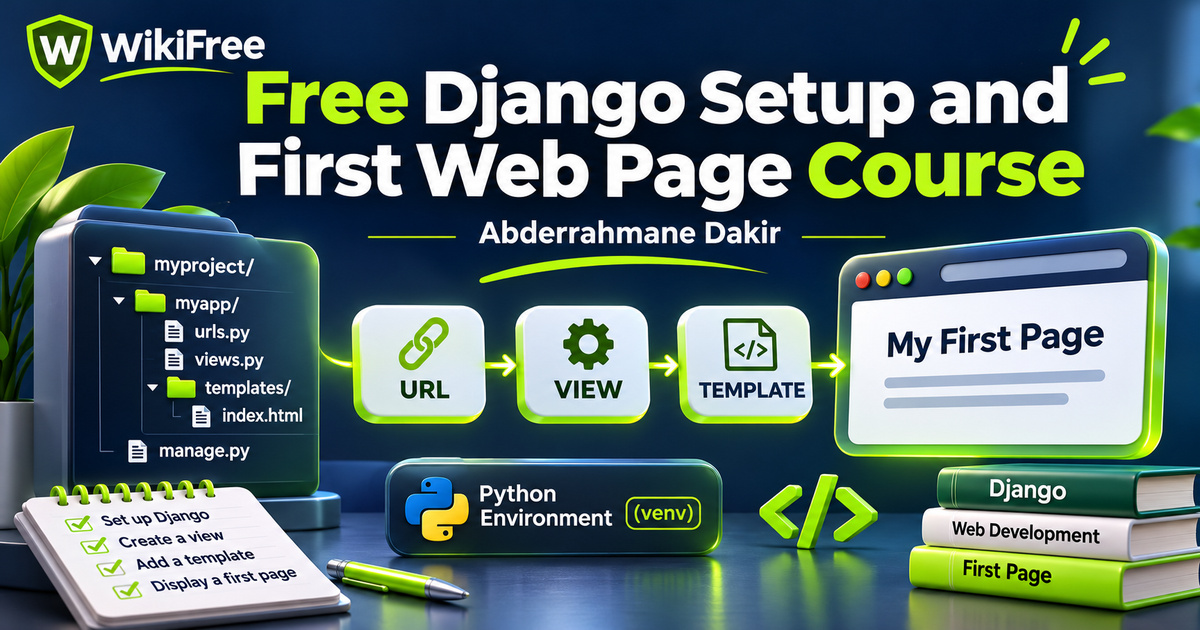
Before a Django website can serve a useful page, several small pieces need to fit together: a Python environment, a project, an application, a URL and a view. This free Django setup and first web page course by Abderrahmane Dakir introduces those connections. Its strongest use is as a short starting sequence for programmers who want to understand where their first Django code belongs.
The English-language course contains fifteen videos in seven sections, totaling forty-nine minutes. The listing was updated in December 2025 and presents the material around Django 5. Basic programming knowledge is required, preferably in Python. Installation examples introduce Windows tools, so learners using another operating system should consult the relevant current installation instructions rather than assume every screen or activation command will match.
Treat this as an introduction to environment setup and the request-to-page flow. The broader description discusses expertise and complete business websites, but the listed sequence ends with template setup. It does not establish a complete production deployment, a tested business application or the ability to analyze every Django project. Starting with a realistic destination makes this compact course easier to use well.
| Official course | Free Python Django website |
|---|---|
| Created by | Abderrahmane Dakir |
| Platform | Udemy |
| Language | English |
| Level | Beginner |
| Listed duration | 49 minutes; 15 lectures across 7 sections |
| Completion terms | Not included with a new free enrollment |
What you’ll learn
Prepare a Python editing environment, recognize the purpose of a project environment, and distinguish a Django project from an application. Explore the Model–View–Template structure, connect a URL to a simple view, and move from a plain response toward an HTML template.
Skills you’ll gain
- Python environment setup
- Django project structure
- Application organization
- URL and view connections
- Template fundamentals
- Local development workflow
Get the environment working first
The initial setup lessons introduce Python, Visual Studio Code, a Python extension and Git. The sequence includes running a first Python file before moving into Django. That order creates a useful checkpoint: if a basic script cannot run in the selected interpreter, adding a web framework is unlikely to clarify the problem. Editor extensions can assist development, but they do not replace knowing which interpreter and project folder you are using.
Clarify the environment terminology
Two lesson titles use the phrase “Virtual Machine.” Their public summaries describe Python virtual environments and venv. These are different concepts: a Python environment organizes an interpreter and its packages; it is not a complete guest operating system. Keep that distinction in mind when following setup material. A project environment helps separate dependencies, but it does not by itself provide a security sandbox or guarantee that every package version will work together.
Understand the project and app boundary
The project installation and file-structure lessons introduce the framework’s starting organization. Django’s project configuration and the code inside an application serve related but different purposes. A project brings configuration and applications together for a website, while an app groups a particular area of functionality. Recognizing that separation is more useful than memorizing a folder tree without understanding why each piece exists.
The Model–View–Template lesson connects the vocabulary to the path a request takes. URL configuration directs a request to a view, and a view produces a response. A template helps organize the HTML presented to the browser; models describe application data. A very small first page can introduce this structure without requiring a large database-backed feature. Do not assume that seeing the architecture means every part has already been implemented in depth.
Follow a request into a page
The first request-response lesson is the practical center of the course. It introduces a simple view and routing before the final lesson moves into template setup. This progression gives you a focused question to follow: what changes when the response comes from an HTML template rather than a short text value? It is a useful transition from testing that a route works to organizing page presentation.
The introduction previews a larger dynamic website, and the description mentions static files and template inheritance. The available fifteen-lesson sequence does not show separate, dedicated lessons for every advertised feature. Read those broader goals as context rather than a guarantee of a complete walkthrough. In particular, do not expect this short course alone to deliver a finished portfolio system, authentication flow, automated test suite or deployment procedure.
Plan a small page of your own
For independent practice, sketch a local page for a small reading club with a heading and a meeting description. On paper, identify the URL, the view that handles it and the template that presents the information. Then change only the proposed page wording and explain which part should be responsible. This is an editorial planning exercise, not a supplied course assignment or an application that has been built or tested here.
Recognize the next learning boundary
Keep local development separate from public hosting. Django’s runserver is intended for development, and the official documentation explicitly distinguishes it from a production server. A working local page is a useful learning milestone; publishing a real website requires additional decisions about settings, hosting, security and maintenance. No hosting allowance, domain, certificate or professional qualification is promised as part of this free viewing offer.
The course is a suitable first orientation if you already understand basic programming and want a clearer picture of the Django starting process. Follow the relationship between the pieces, check the documentation for the Python and Django versions you actually use, and plan further study around models, forms, testing and deployment when you are ready. The immediate goal is a coherent first page workflow, not an instant claim of expertise.
Related courses for your next step
- Refresh your Python foundationFree Python Programming Course
Review basic Python concepts before working with a web framework.
Beginner
Frequently asked questions
Is this a complete business website course?
The available sequence is a short introduction to setup, project organization, requests and templates. It does not establish a complete production website workflow.
Is a Python virtual environment a virtual machine?
No. A Python virtual environment organizes an interpreter and packages; a virtual machine runs a guest operating system.
Are hosting and professional certification included?
No hosting, domain or professional certification is promised. External services have their own terms and possible costs.
Questions & discussion
Share a useful question or correction. Comments appear after moderation. Please avoid personal or sensitive information.