Listed as Free on Udemy when checked on 8 November 2026. No coupon or subscription trial is required for the listed lessons. Enrollment needs a Udemy account; availability can change.
About this course
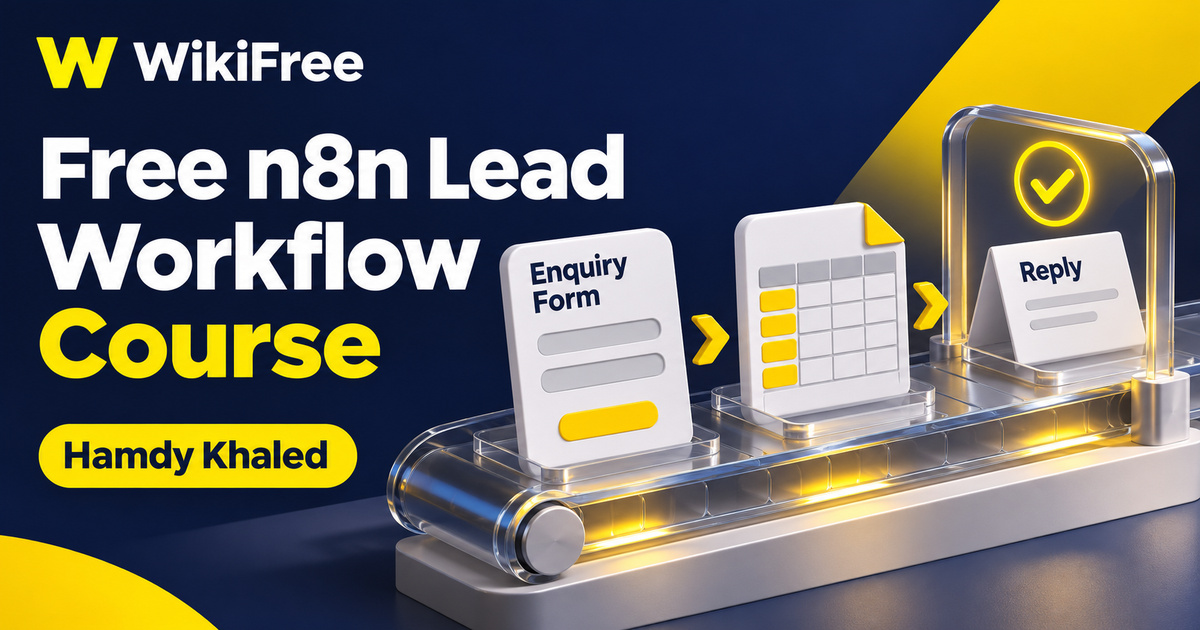
A new enquiry is useful only if the next person can understand it and act on it. Names, contact details, and requests need to arrive in consistent places before an AI assistant can prepare a sensible response. Hamdy Khaled's free n8n course introduces that sequence through a small project connecting a form, data preparation, Google Sheets, and suggested replies.
The focus is approachable: follow information from its arrival through several connected steps, rather than learning a large collection of unrelated integrations. The available lesson descriptions emphasize inspecting incoming data, checking spreadsheet records, and keeping a reply available for human review. This makes the course an introduction to organizing enquiries, with further testing needed before adapting a workflow to real customer operations.
| Official course | N8N for Beginners: Build Your First AI Lead Assistant |
|---|---|
| Created by | Hamdy Khaled |
| Platform | Udemy |
| Language | English |
| Level | Beginner |
| Listed duration | 57 minutes; 10 lectures across 3 sections |
| Completion terms | Not included with a new free enrollment |
What you’ll learn
Explore a local n8n setup and the relationship between a submitted form and the information received by a workflow. Follow the preparation of names, email fields, requests, identifiers, and timestamps, then see how those fields connect to spreadsheet columns. The final lessons introduce a focused prompt for drafting a response to the customer's request while keeping a person responsible for checking the result.
Skills you’ll gain
- Workflow tracing
- Form input design
- Data normalization
- Spreadsheet field mapping
- Reply prompt planning
- Human review design
Start with the record you need
The sequence moves from local installation into an enquiry form and data cleaning. It is worth deciding what a useful record looks like before connecting every tool. A request field should preserve the customer's meaning; an identifier should help you distinguish records; a timestamp should have a clear interpretation. A tidy-looking row is not enough if its fields have changed meaning along the way.
In particular, normalization and verification are different jobs. Removing unnecessary spaces can make a value easier to process, but it does not prove that an email address belongs to the submitter or that the request is accurate. Treat data preparation as a way to make subsequent steps consistent, without assuming it establishes facts that the form never checked.
Make the spreadsheet connection explicit
The Google Sheets lesson describes connecting the cleaned data and checking that submissions create readable records. Pay attention to field names and column destinations. n8n's current documentation distinguishes manual column mapping from automatic mapping, where incoming field names need to match the sheet's columns. A successful connection alone does not tell you whether the right value reached the right column.
The documentation also separates appending a row from appending or updating a matching row. That difference matters when you design your own follow-up experiment: submitting the same enquiry again may require a different business decision from receiving a new enquiry. The course should not be treated as proof of duplicate prevention unless you test the behavior you actually need.
Keep a draft separate from a sent message
The two reply lessons describe building a prompt from the request and preparing AI output for review. Read the resulting text against the information the workflow actually has. An assistant can write a fluent response while inventing an availability date, a price, or an action that nobody has approved. A useful review checks those details as well as tone and relevance.
The public outline is not a demonstration of an independently verified sending system. Use the course to study the form-to-record-to-draft sequence. If you later add delivery, make the review decision and the sending step explicit. The current n8n Form Trigger documentation also distinguishes test and production URLs; a successful editor test is not, by itself, evidence that a published workflow is operating as intended.
Practice with fictional enquiries
For an original exercise, invent three enquiries about a fictional repair service: one complete request, one without a contact field, and one asking for a price that your example data does not contain. Write the expected spreadsheet row and the expected reply behavior before running anything. The incomplete request should be recognizable, and the unknown price should remain unknown rather than becoming an invented quotation.
This is a review exercise, not a claim about the contents of the course's four advertised articles. Their titles include checklists and practice material, but access to their full contents is separate from the public outline. Beginners need a computer, an internet connection, and accounts for the demonstrated tools. Watching the lessons is free; hosting and AI service usage can have separate terms or charges. No particular model allowance, production deployment, or business result is guaranteed.
Check form execution modes: Distinguish test and production URLs. Check spreadsheet mapping: Review column mapping and append behavior.
Related courses for your next step
- Explore structured data in PythonFree Python Pandas Course
Compare another approach to arranging and inspecting data.
Beginner
Frequently asked questions
Do I need previous n8n experience?
No previous n8n experience or advanced programming knowledge is listed. Familiarity with forms and spreadsheet columns will help you follow the data flow.
Does the course automatically send replies to customers?
The reviewed lesson descriptions emphasize suggested replies prepared for human review. This article does not promise an automatic sending integration or a verified approval mechanism.
Are all the software services free?
The recorded Udemy lessons are offered free in English. Accounts, hosting, and AI services have their own terms and possible charges, separate from course access.
Learner reviews
Tell other learners what you actually tried. Reviews are moderated and may come from learners who have started or completed the course.
No published learner reviews yet.
Sign in to write a reviewQuestions still belong in the discussion below. Review and ranking rules.
Questions & discussion
Share a useful question or correction. Comments appear after moderation. Please avoid personal or sensitive information.