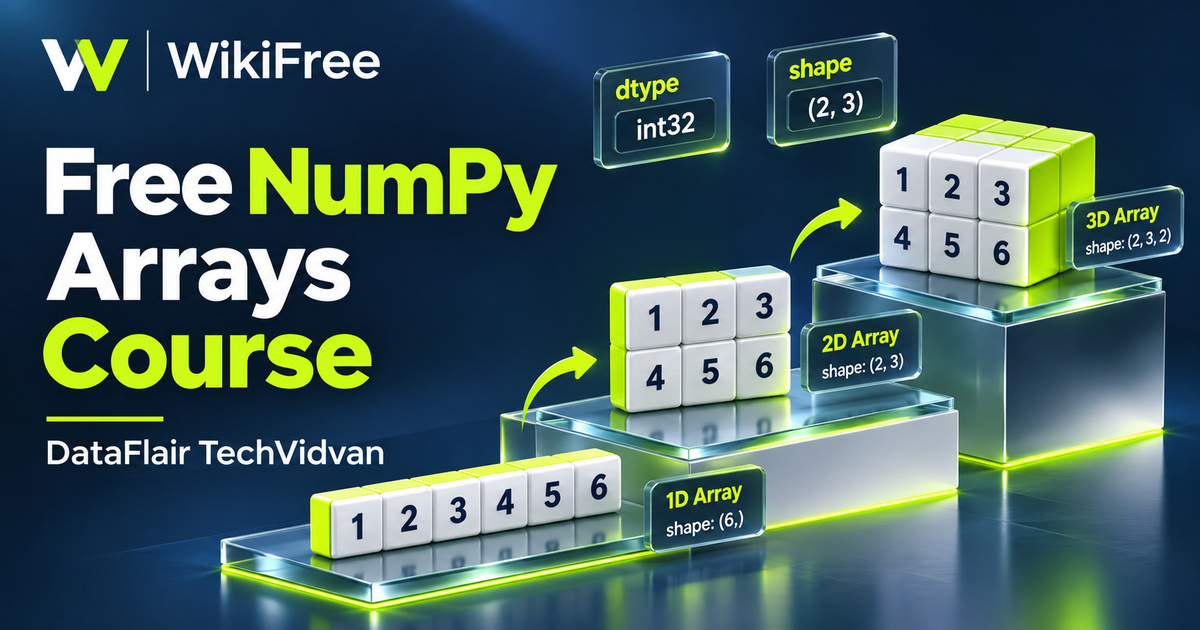
Listed as Free on Udemy when checked on 7 November 2026. No coupon or subscription trial is required for the listed lessons. Enrollment needs a Udemy account; availability can change.
About this course
Numbers become easier to work with when their arrangement has a clear meaning. This free NumPy course introduces the array as a practical structure for numerical Python: a row of measurements, a table of values or a collection with several dimensions. DataFlair TechVidvan focuses on getting comfortable with the objects and data types behind those representations.
NumPy Course for Beginners contains five videos in one section, totaling ninety-one minutes and six seconds. The sequence moves from an introduction and basic concepts to implementation, creating ndarray objects and working with data types. Basic Python knowledge is required, while previous NumPy or data-science experience is not. The listing was last updated in April 2025.
The course description also introduces a wider set of goals, including slicing, reshaping, broadcasting, masking and aggregations. The five lesson summaries emphasize array creation and types most clearly. Approach the course as a foundation for those later operations, rather than expecting a complete data-science or machine-learning program in a single sitting.
| Official course | NumPy Course for Beginners |
|---|---|
| Created by | DataFlair TechVidvan |
| Platform | Udemy |
| Language | English |
| Level | Beginner |
| Listed duration | 91 minutes; 5 lectures across 1 sections |
| Completion terms | Not included with a new free enrollment |
What you’ll learn
Understand why numerical code often uses NumPy arrays, and explore how to create arrays with different numbers of dimensions. Develop a working vocabulary for shape, size and data type, then connect that foundation with the indexing, mathematical operations and logical filtering described in the course overview.
Skills you’ll gain
- NumPy array creation
- Array dimensions
- Shape inspection
- Data-type selection
- Array indexing awareness
- Numerical Python foundations
Choose a useful representation
A Python list is a flexible general-purpose container. A NumPy array organizes elements under one data-type description, which helps numerical operations work efficiently on suitable data. That does not mean every small operation is automatically faster in NumPy. The amount of data, the operation and the representation all matter. Begin by choosing a structure that expresses your problem clearly.
The implementation and ndarray lessons develop the transition from familiar Python values to arrays. Keep three questions separate: how many axes does the array have, how long is each axis and what kind of values does it store? In NumPy, ndim reports the number of axes, shape records their lengths and dtype describes the stored element type. A variable name is not a substitute for any of those properties.
Make data types an explicit choice
Data types influence both representation and the calculations you can perform. Integer, floating-point, Boolean and string arrays serve different purposes. Inspecting an object with Python’s type function is different from converting an array’s stored values. For an explicit conversion, an array method such as astype expresses the requested type; check whether that conversion preserves the information your calculation needs.
When you move from construction to indexing, keep track of whether an operation shares data or copies it. A basic slice can be a view into the original array, so changing that view may change the original values. An explicit copy creates separate array storage. This distinction is useful when you want to experiment with a subset while keeping your starting measurements intact.
Connect shapes with operations
Broadcasting is another topic named in the course overview. It allows certain operations between arrays whose shapes differ, but it follows compatibility rules rather than stretching any two inputs together. Compare corresponding axes from the right: their lengths must match, or one must be one. Checking the intended shapes first is more useful than repeatedly trying expressions until an error disappears.
Practice with a small set of measurements
For an optional practice activity, represent six temperature measurements as a single row of values, then arrange them as two groups of three. Predict the shape and number of dimensions before inspecting the result. Try a floating-point representation and consider what would be lost if fractional measurements were converted to integers. Keep a short explanation beside each choice so the structure has a purpose.
Continue that small example by selecting a few values and deciding whether you want shared data or an independent copy. Then identify a meaningful summary, such as the highest reading or an average for a group. These are suggestions for your own practice, designed to connect array vocabulary with a concrete question. They do not require a large dataset or an elaborate machine-learning model.
The recorded lessons are listed as free, and NumPy itself is an open-source library. Any hosted notebook service you choose has separate account and usage terms. Use the course to become more deliberate about array creation and types, then continue into fuller data manipulation, visualization or modeling once those basics feel familiar. Completing this introduction alone does not establish professional readiness or guarantee interview outcomes.
Related courses for your next step
- Continue from arrays to tabular dataFree SQL to Python pandas Course
Explore how familiar data questions translate into pandas operations.
Beginner
Frequently asked questions
Do I need to know Python first?
Yes. Basic Python understanding is required, but prior NumPy or data-science experience is not.
Is this a complete machine-learning course?
No. Its five videos concentrate on NumPy foundations, especially arrays and data types. The wider course overview introduces operations that support later data work.
Is a sliced array always an independent copy?
No. Basic slicing can return a view that shares data with the original. Make an explicit copy when your experiment needs separate storage.
Questions & discussion
Share a useful question or correction. Comments appear after moderation. Please avoid personal or sensitive information.