Listed as Free on Udemy when checked on 7 November 2026. No coupon or subscription trial is required for the listed lessons. Enrollment needs a Udemy account; availability can change.
About this course
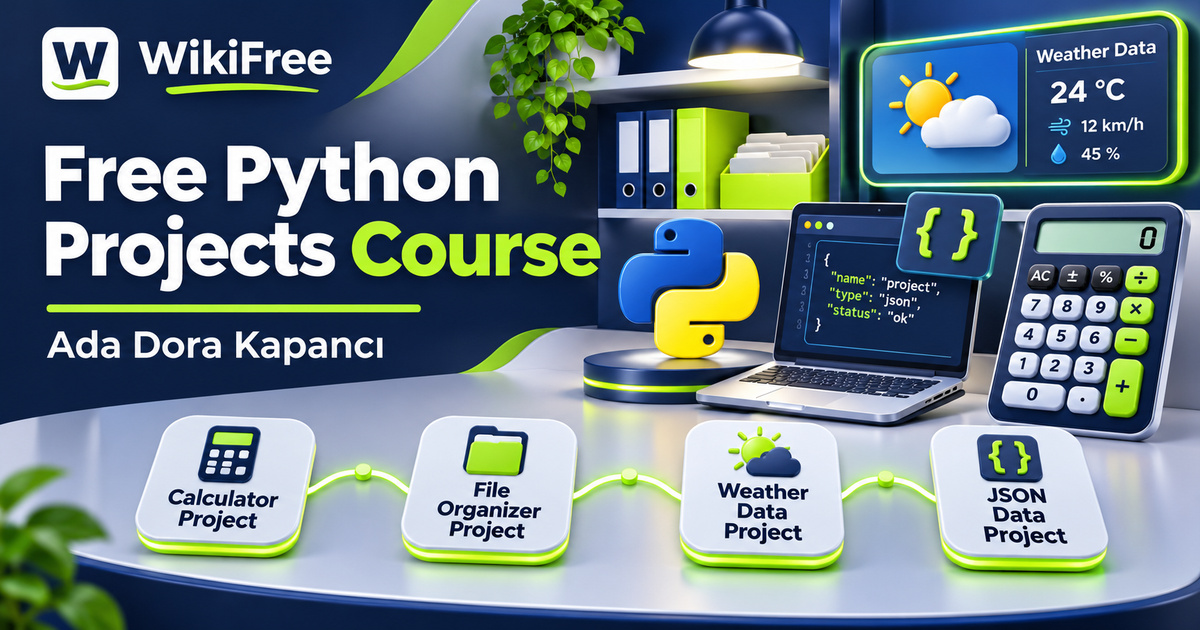
Knowing Python syntax and deciding what to build are different challenges. This free Python projects course by Ada Dora Kapancı offers a short sequence of concrete applications for learners who want to connect familiar language features with useful tasks. Its four project themes are a calculator, an automatic file organizer, a weather application and a currency and cryptocurrency price tracker.
The English-language course has sixteen videos in six sections, totaling fifty-three minutes and fifty seconds. An introduction leads into the four projects, and a final lesson covers preparing work for GitHub with a README. The course was last updated in September 2026. Its pace makes it a compact project introduction, with time for your own experimentation beyond the recorded lessons.
Basic Python syntax is recommended, and the requirements list a computer with Python and Visual Studio Code installed. You do not need advanced programming experience, but this is not a replacement for learning variables, conditions, loops and functions. The setup video is only fourteen seconds long, so arrive with a working environment rather than expecting a comprehensive installation workshop.
| Official course | Python by Building: 4 Real-World Projects for Beginners |
|---|---|
| Created by | Ada Dora Kapancı |
| Platform | Udemy |
| Language | English |
| Level | Beginner |
| Listed duration | 53 minutes; 16 lectures across 6 sections |
| Completion terms | Not included with a new free enrollment |
What you’ll learn
Connect functions and error handling with a calculator, explore files and folders through an organizer, and introduce API requests and JSON data through weather and price information. Finish by considering how to present a small project clearly on GitHub, including what it does, how to run it and where its limitations remain.
Skills you’ll gain
- Python project organization
- Functions and error handling
- File and folder operations
- API request concepts
- JSON response awareness
- GitHub README preparation
Start with a contained calculation
The calculator section begins with functions and error handling, then moves into application logic and completion. This is a manageable first setting for separating a calculation from the input that starts it. As you follow the material, pay attention to the difference between an ordinary result and a value the program cannot process. The course introduces this project sequence without promising a particular graphical interface or an exhaustive set of mathematical operations.
Understand the effect of file automation
The organizer changes the focus from values in memory to files and folders. Its three lessons cover working with those locations, automating organization and handling errors in the finished example. This makes it a useful setting for thinking about the effects a program has outside itself. A file operation changes something on disk, so successful execution should be checked against the intended destination and the files that were actually moved.
For your own experiments, use a disposable folder containing copies of a few sample files. Decide what should happen when two files would receive the same destination name, when a folder is missing or when a file cannot be moved. These are editorial practice questions, not claims about cases demonstrated in the recording. Python’s file-moving behavior depends on the destination and operating-system semantics; automation should not be assumed to preserve every existing file automatically.
Work with information from APIs
The weather project introduces APIs and HTTP requests, retrieves weather data and closes with error handling. It gives the course a different input source: information returned by another service. When reviewing your own version, separate the request from the response format and from the value you want to display. Receiving JSON does not by itself establish that every expected field exists, that its units are what you assumed or that the information is current.
The fourth project covers currency data, a converter and cryptocurrency prices. Here the subject is fetching and presenting data in a Python program. A displayed price or conversion is not a trading recommendation, an executable exchange quote or a guarantee of market accuracy. The public outline does not identify a specific API provider or service plan, so check the documentation, limits and possible costs of the service actually used before extending the example.
Make a project understandable to others
The closing GitHub lesson brings the projects together through a README and an upload workflow. A small repository becomes more useful when someone else can understand its purpose and setup. Describe the required environment, the expected inputs and any external service dependency. If a project needs credentials, keep private keys out of material you publish. The aim is understandable presentation of a learning project, not a promise of professional readiness or employment.
Plan a small extension
For an independent extension, write a short behavior checklist for one project before adding another feature. For the calculator, choose a valid input and an invalid input. For the weather application, describe what the interface should show if no usable response arrives. For the organizer, record where each sample file should end up. These are suggested exercises for your own work; no application has been run or tested on your behalf.
The course description also mentions package installation, saving and loading application data and executable programs. Those are stated aims, but the visible lesson outline does not establish a particular packaging tool or detailed distribution procedure. One downloadable resource is listed; its contents are not described here. Keep your expectations centered on the four named projects and the introductory programming techniques that connect them.
Separate lesson access from services
Free access applies to the currently offered lessons. External APIs, accounts or optional services may have separate terms and charges. No certificate, commercial deployment, guaranteed portfolio outcome or income is promised. This course is a starting point for turning basic Python knowledge into small, inspectable programs and learning what questions to ask when those programs meet files, users and outside data.
Related courses for your next step
- Revisit the Python fundamentalsFree Python First Programs Course
Review basic Python concepts before applying them across several small projects.
Beginner
Frequently asked questions
Is this suitable for someone with no Python knowledge?
Basic Python syntax is recommended. The course focuses on applying fundamentals through projects rather than teaching all syntax from the beginning.
Does the price tracker teach trading?
The listed project covers fetching currency data, conversion and cryptocurrency prices. This article presents it as a programming exercise and does not endorse trading decisions.
Are external APIs and certificates included?
No external service allowance or certificate is promised. Check the terms of any API used, separately from free access to the lessons.
Questions & discussion
Share a useful question or correction. Comments appear after moderation. Please avoid personal or sensitive information.