Listed as Free on Udemy when checked on 7 November 2026. No coupon or subscription trial is required for the listed lessons. Enrollment needs a Udemy account; availability can change.
About this course
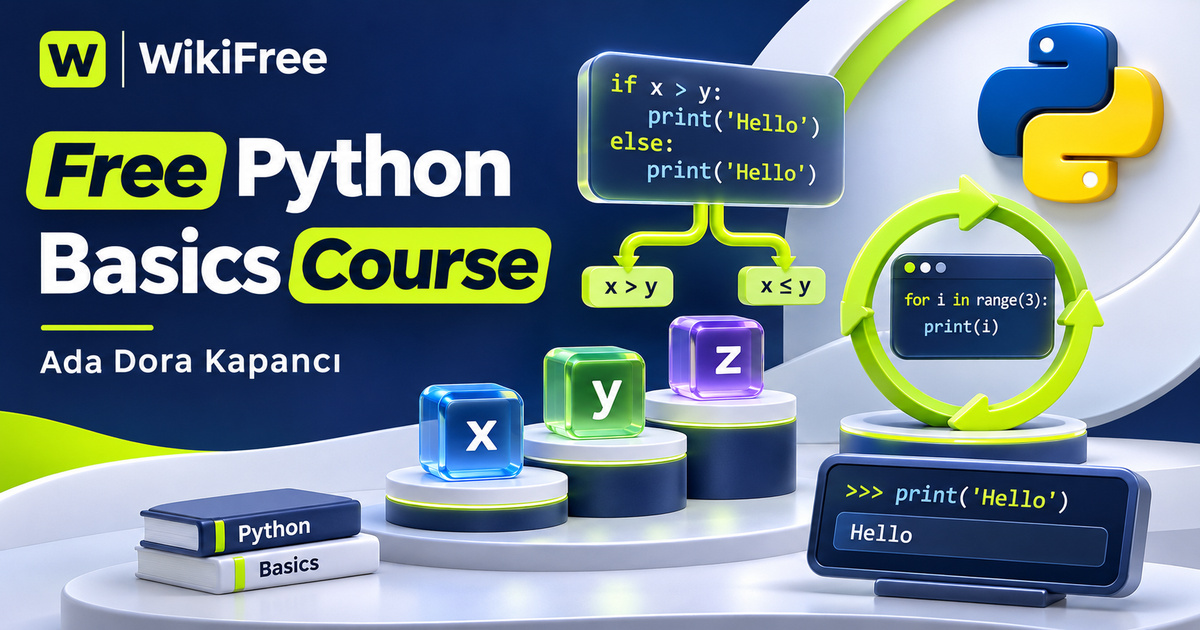
A first program becomes less mysterious when you can explain what each value means, why a branch runs and what makes a loop stop. This free Python basics course by Ada Dora Kapancı introduces those ideas through short lessons and two small project examples. It is intended for complete beginners who want an approachable first encounter with programming logic.
The English-language course contains twelve videos totaling thirty minutes, organized across five sections. The listing also includes a written setup article, a coding exercise, a quiz and one downloadable resource. The article’s one-second duration is a listing estimate, not a meaningful reading time. Allow additional time to install your tools, type examples, make mistakes and understand the result.
The stated requirements are a computer with internet access and no previous programming experience; basic English reading skills are helpful. Last updated in February 2026, the course begins with an introduction to Python, moves into a first program and core language features, then combines those features in a budget tracker and a number-guessing game. Its scope is introductory, not comprehensive software development training.
| Official course | Python for Beginners: Learn Python from Scratch |
|---|---|
| Created by | Ada Dora Kapancı |
| Platform | Udemy |
| Language | English |
| Level | Beginner |
| Listed duration | 30 minutes; 13 lectures across 5 sections |
| Completion terms | Not included with a new free enrollment |
What you’ll learn
Use variables and basic data types, perform calculations with operators, manipulate text, choose between branches with if, elif and else, and repeat work with for and while loops. Follow the small projects to see how user input and control flow can connect several concepts within a single program.
Skills you’ll gain
- Python variables and data types
- Arithmetic operators
- String operations
- Conditional logic
- For and while loops
- Small-program reasoning
Get from setup to a first result
The opening section explains what Python is used for and why people choose it. This provides orientation before syntax appears, but the practical work begins with setup and a Hello World lesson. The setup entry is described as a written guide for Python and Visual Studio Code. Its body is not reproduced here, and this article does not claim to verify every installation step or operating-system requirement in that guide.
The first coding lesson introduces print and the experience of running a small Python file. That simple feedback loop matters: change an instruction, run the program and compare what appears with what you expected. For a beginner, recognizing how an edit becomes output is a useful achievement before taking on longer programs or external libraries.
Give values meaning
Variables and data types give names and meaning to information. The course introduces numbers, strings and booleans, then follows with arithmetic operators and text operations. These lessons help connect the type of a value with what you can do with it. A number used in a calculation and text displayed to a person may look similar on screen while serving different purposes in a program.
The string lesson covers manipulating text, accessing characters and applying common methods. This makes a useful bridge from fixed messages to programs that handle changing information. When practicing, start with a short word whose characters you can count easily. Predict the result of a text operation before running it, then check whether the output matches your explanation.
Explain decisions and repetition
Conditions introduce choices. The lesson on if, else and elif explains how a program can behave differently according to input or data. The next lesson adds for and while loops so that work can repeat. Focus on the condition that controls a branch or keeps a loop running. Being able to describe that rule in ordinary language is more useful than copying indentation without understanding the structure.
Connect the ideas in small projects
The budget tracker combines variables, operators, conditions, loops and user input. It serves as a small programming example for bringing the earlier lessons together; it is not presented as accounting software, financial advice or a secure place to store sensitive records. The number-guessing project provides a different setting for the same control-flow ideas. Its stated purpose is an interactive coding exercise, with no wagering or financial reward described.
Practice before adding complexity
For independent practice, invent three sample entries for a simple expense list using fictional amounts. Write down which values are numbers, which are text and what should happen when input is unsuitable. Alternatively, describe the feedback a guessing game should give for a low guess, a high guess and a correct guess. These are editorial exercises for reinforcing the concepts, not supplied assignment answers or claims that a program has been executed.
The final lessons discuss practice and next steps. The broader description mentions lists, dictionaries and functions, but the visible curriculum does not identify dedicated lessons for those topics. Treat them as areas to study next rather than assuming this short course provides detailed coverage. Regularly revisiting a small example and explaining your changes can help you make that transition.
Understand what the introduction covers
The quiz, coding exercise and downloadable resource are listed, but their bodies have not been reviewed here and their availability under every enrollment option is not promised. Free access refers to the currently offered recorded lessons. No certificate, employment outcome, production-ready application or guaranteed mastery is included in this description. The goal is a clearer foundation for continued practice with Python.
Related courses for your next step
- Explore another introductory Python sequenceFree Python First Programs Course
Reinforce your understanding through another beginner-focused route into Python.
Beginner
Frequently asked questions
Do I need previous programming experience?
No. The course is designed for complete beginners with a computer, internet access and basic English reading skills.
Is the setup article a one-second video?
No. It is listed as an article. Its one-second estimate does not represent the time needed to read the guide or install software.
Does the course fully cover functions, lists and dictionaries?
Those topics appear in the broad description, but the visible lesson sequence does not give them dedicated lessons. Plan further study rather than assuming detailed coverage.
Questions & discussion
Share a useful question or correction. Comments appear after moderation. Please avoid personal or sensitive information.