Listed as Free on Udemy when checked on 8 November 2026. No coupon or subscription trial is required for the listed lessons. Enrollment needs a Udemy account; availability can change.
About this course
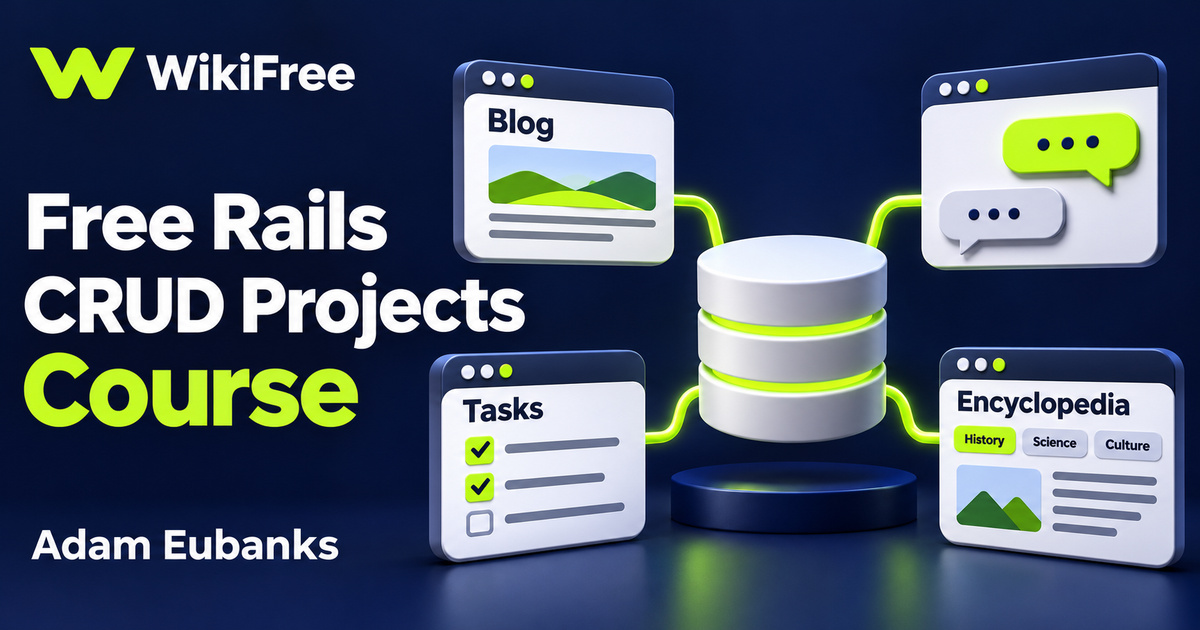
A blog, a messaging app, a task list and a small encyclopedia can look very different while sharing familiar building blocks. They need records, pages, forms and routes that connect a request to the right behavior. Adam Eubanks uses these four examples to introduce Rails development through repeated practice, giving learners several chances to recognize the same architectural ideas in different settings.
This free English course suits learners who already understand basic Ruby and want an introduction to building Rails applications. Its October 2019 material should be approached as a historical project walkthrough: some tools and integrations have changed or disappeared. The useful starting point is understanding how the pieces relate, with current documentation alongside the recordings when adapting an example.
| Official course | Learn Rails: Quickly Code, Style and Launch 4 Web Apps |
|---|---|
| Created by | Adam Eubanks |
| Platform | Udemy |
| Language | English |
| Level | Intermediate |
| Listed duration | 166 minutes; 84 lectures across 10 sections |
| Completion terms | Not included with a new free enrollment |
What you’ll learn
Follow the relationship between models, views and controllers, then explore migrations, partials, routes and the Gemfile. The projects introduce Devise for authentication, Bootstrap presentation, category handling and an administrative interface. Short Git and deployment sections connect local development to a wider workflow. Expect guided examples and repetition rather than comprehensive coverage of modern Rails security, operations or every gem used in the recordings.
Skills you’ll gain
- Rails project structure
- MVC reasoning
- Migration planning
- CRUD workflow reading
- Route and view mapping
- Dependency awareness
Four projects, different questions
The blog begins with application setup and introduces user authentication, post restrictions, routing and presentation. Its styling exercises include navigation, index and detail pages. That combination makes the blog a useful place to distinguish the data a page represents from the layout used to display it. A later lesson revisits a login bug, reinforcing that a first working screen is not the end of development.
The messaging project goes further into manually written models and controllers. Conversations and messages become separate concepts, while routes and views connect them to the interface. Use this example to ask how a request reaches the appropriate controller and which records it should access. The course’s comparison with a familiar messaging service describes the project idea; it does not establish equivalent scale, privacy protections or reliability.
The task list returns to scaffolding and focuses on presentation, forms and small routing fixes. The encyclopedia-style project adds categories, migrations, models, console entries and selectors. Comparing these two projects can help you see why generating a starting structure and designing a useful application are different stages. Neither example should be treated as a finished service ready to hold other people’s information.
Understand the boundaries behind the screen
Authentication establishes who a user is; authorization determines which records and actions that user may access. Hiding an edit link is a presentation decision, not sufficient protection for its underlying request. Rails’ security guidance explains why access checks must consider the current user’s rights. Read the course’s Devise and restriction topics with that distinction in mind rather than assuming a styled sign-in page completes application security.
Likewise, a migration describes a database change over time. It is different from editing an ordinary record through a model. When following the category example, identify which step changes the schema, which creates category data and which displays a category selection. This separation gives the repeated project steps a clearer purpose than simply copying commands in sequence.
Use the historical tooling with care
Several details require explicit updating. Atom has been archived, and the Google+ web integrations shown in the blog no longer function. Treat that integration lesson as historical context rather than an available comment feature. The course also describes Heroku as free hosting, but its old free dyno and database plans ended in 2022. Optional hosting costs are separate from free access to the lessons.
Bootstrap themes, Devise, Active Admin and other dependencies need version-specific documentation before use with a current application. The course does not establish that its complete dependency combination works unchanged today. Its deployment section demonstrates an older workflow, not a current production deployment checklist. You can study the architecture without publishing a service or purchasing hosting.
A small exercise before implementation
Try this independent planning exercise: sketch a fictional reading-club catalogue with books and categories. Trace one request from its route to a controller, the records needed and the view that displays them. Then mark who may edit a book and where that permission must be checked. This is an editorial practice suggestion, separate from the instructor’s projects or contest material.
The public curriculum lists ten sections and 84 timed entries, totaling about two hours and 46 minutes, and advertises nine articles. Short promotional and resource-oriented entries are part of that outline, so the duration is not a promise of uninterrupted coding instruction. Work through the examples slowly, compare related steps and consult current documentation before choosing an implementation. The result to aim for is a clearer understanding of Rails project structure, not a guaranteed job, certificate or production-ready application.
Review current Rails security guidance: Consider record-level authorization before implementing an example. Read about migrations: Distinguish database schema changes from ordinary record operations.
Related courses for your next step
- Compare another Git introductionFree Git Version Control Course
Explore branch, merge and undo topics in another introductory course.
Beginner
- See a later automation topicFree Jenkins CI/CD Course
Explore pipeline concepts after developing foundational workflow knowledge.
Beginner
Frequently asked questions
Is this course free, and is Heroku hosting included?
The course currently offers free lesson access. Hosting and other external services are separate; the historical free Heroku plans shown in the material have ended.
Can I start without programming experience?
The instructor requires basic Ruby and says the course is not designed for learners with no programming experience. It introduces Rails projects rather than teaching programming from the beginning.
Will every example work unchanged with current Rails?
That is not established. The recordings include retired tools and integrations, and current dependencies require version-specific checks. Use the projects for learning their structure and adapt them with current documentation.
Learner reviews
Tell other learners what you actually tried. Reviews are moderated and may come from learners who have started or completed the course.
No published learner reviews yet.
Sign in to write a reviewQuestions still belong in the discussion below. Review and ranking rules.
Questions & discussion
Share a useful question or correction. Comments appear after moderation. Please avoid personal or sensitive information.