Listed as Free on Udemy when checked on 8 November 2026. No coupon or subscription trial is required for the listed lessons. Enrollment needs a Udemy account; availability can change.
About this course
A useful issue tracker helps a team remember what happened, what remains unclear and what somebody should do next. Yannick Warnier’s free Redmine course introduces that work through a recorded tour of a Redmine 0.9 installation associated with Chamilo development. It is a compact historical introduction for people who already understand software development and have some experience with development management and version control.
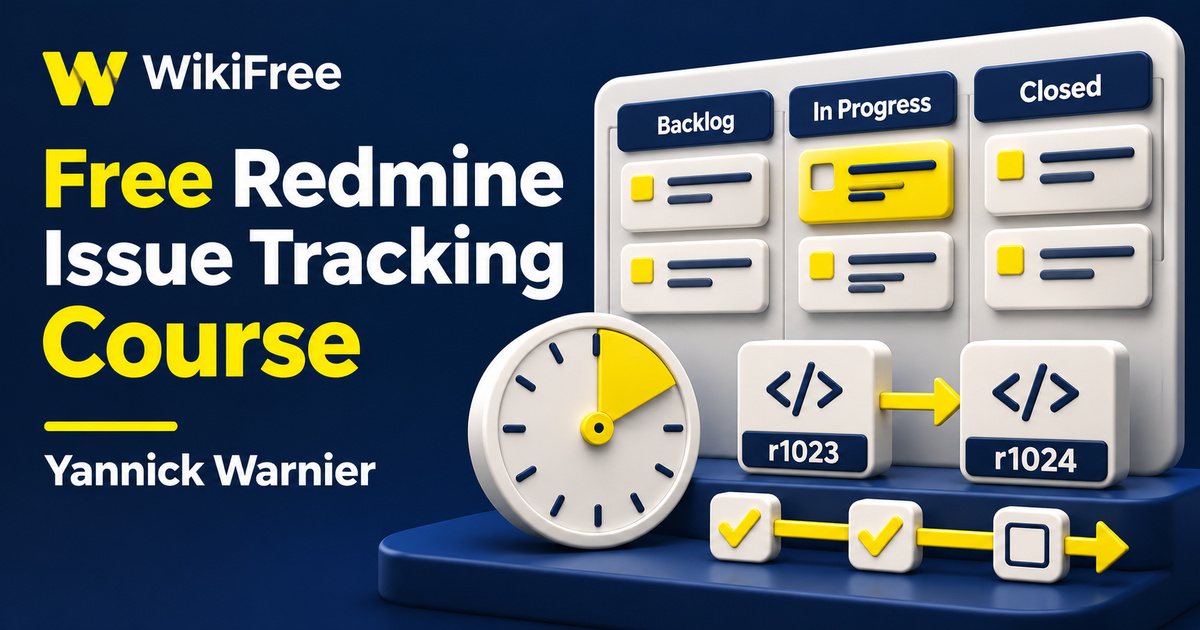
The English course contains one section and one 48-minute, 10-second lecture. Its public outline covers the interface, account creation, creating and modifying issues, time tracking and additional features. The course description also introduces repository integration and saving project searches in Firefox. Published in 2012, the recording shows an old interface; it should be approached as a study of project workflow rather than instructions for deploying a current server.
| Official course | Redmine 0.9 for web developers |
|---|---|
| Created by | Yannick Warnier |
| Platform | Udemy |
| Language | English |
| Level | Intermediate |
| Listed duration | 48 minutes; 1 lecture across 1 section |
| Completion terms | Not included with a new free enrollment |
What you’ll learn
Explore how a development team organizes work around issues, updates their records and associates time with project activity. The tour provides a starting point for thinking about the relationship between a reported problem, its changing status and the code work behind it. Existing development knowledge will help you distinguish the purpose of an action from the particular screen used to perform it.
Skills you’ll gain
- Issue reporting
- Workflow interpretation
- Project navigation
- Time-entry reasoning
- Revision awareness
- Development handoffs
Read status labels in their project context
Current Redmine documentation explains that trackers distinguish kinds of issues and that permitted status transitions depend on the tracker and the user’s role. Administrators can designate more than one status as closed, and field requirements can vary with workflow configuration. A label such as “Resolved” therefore needs to be understood within the team’s actual setup.
For a learner, the practical question is what evidence a transition represents. A developer finishing a change, a reviewer accepting it and a reporter confirming the result are different events. Write down which event your example status describes. This turns a sequence of clicks into a conversation about responsibility, without assuming that every project uses the same process or that the recording defines your organization’s rules.
Practice with a deliberately small report
Try this independent writing exercise alongside your study: imagine a fictional equipment-booking page that accepts an end time earlier than its start time. Create a plain-text issue with a specific title, three reproduction steps, the expected behavior and the observed result. Use invented details throughout; there is no need to enter private project information into a public demonstration system.
Next, add a short update explaining what you checked and what remains unknown. For example, does the problem occur only when the two times are on the same day? Keep that question separate from an untested explanation of the cause. A strong report lets another person repeat an observation without having to accept your diagnosis first.
Finally, write two handoff notes. One describes a proposed validation change; the other describes the evidence a reviewer would need before accepting it. If you include a fictional revision reference, label it as an example rather than an actual commit. This exercise is an editorial suggestion, separate from the recorded course, and requires neither a Redmine installation nor permission to modify a real project.
Treat time entries as records, not conclusions
Redmine’s current time-tracking documentation allows time to be recorded against an issue or directly against a project. Availability depends on the project’s enabled modules and permissions. A decimal entry such as 0.5 hours means thirty minutes; it does not mean fifty minutes.
Extend your fictional report with one entry for investigation and another for reviewing the proposed behavior. Describe the activity beside the duration so that somebody reading it later can understand what the time represents. The total alone does not establish that the issue is complete, correctly fixed or valuable. Keep the completion decision tied to the evidence and acceptance conditions you wrote earlier.
Use the recording with current documentation
Redmine’s download page places 4.x and older releases outside its supported branches, which includes the 0.9 version shown here. Use maintained release guidance for any real deployment; this course does not replace installation, upgrade or security planning. You can study its workflow ideas without installing the historical release. Free access concerns the recorded lessons, while any separately arranged hosting or project environment remains your responsibility.
Review issue workflows: Consult current tracker and role configuration guidance. Review time tracking: Check current time-entry behavior. Check supported releases: Use maintained release guidance for real deployments.
Related courses for your next step
- Connect issue work with revision historyFree Git Version Control Course
Explore branches, merges and undo operations in a separate Git introduction.
Beginner
Frequently asked questions
Is this a current Redmine installation course?
No. It is a historical tour of Redmine 0.9. Consult current official release and deployment documentation before operating a real server.
Do I need development experience?
The stated requirements include software development, development management and basic version-control experience. The course is most useful when those ideas are already familiar.
Is a certificate or hosted project included?
Neither is promised here. The free offer is for the recorded course; hosting, organizational access and any certificate arrangements should be checked separately.
Learner reviews
Tell other learners what you actually tried. Reviews are moderated and may come from learners who have started or completed the course.
No published learner reviews yet.
Sign in to write a reviewQuestions still belong in the discussion below. Review and ranking rules.
Questions & discussion
Share a useful question or correction. Comments appear after moderation. Please avoid personal or sensitive information.