Listed as Free on Udemy when checked on 7 November 2026. No coupon or subscription trial is required for the listed lessons. Enrollment needs a Udemy account; availability can change.
About this course
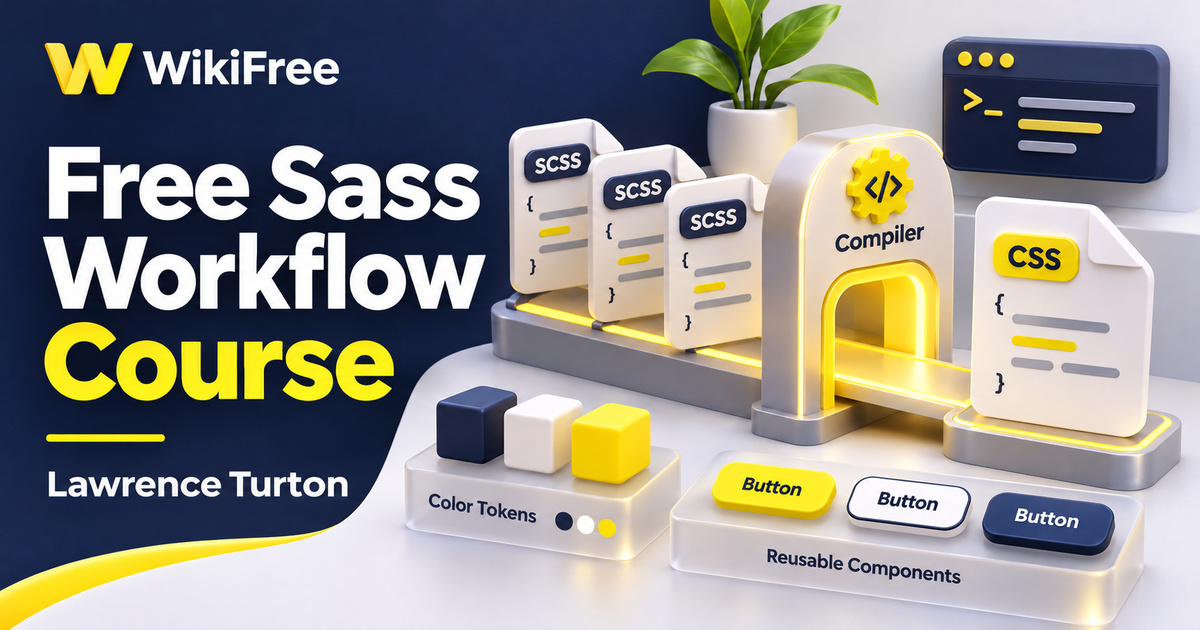
Repeated colors, similar button rules and growing stylesheets can make a small website harder to maintain. Sass Workflow, taught by Lawrence Turton, introduces a preprocessing approach to that problem. It connects command-line compilation with variables, reusable styling patterns and small projects, giving CSS learners a way to think about how their source files produce the stylesheet a browser receives.
The free English course lists twenty-one videos across four sections, totaling two hours, fifty-seven minutes and thirty seconds, plus fourteen downloadable resources. Basic CSS knowledge is required; HTML is strongly recommended and command-line familiarity is helpful. The source level is Beginner. The material was last updated in June 2016, so its tooling and several syntax choices need to be read alongside current Sass documentation.
| Official course | Sass Workflow |
|---|---|
| Created by | Lawrence Turton |
| Platform | Udemy |
| Language | English |
| Level | Beginner |
| Listed duration | 177 minutes; 21 lectures across 4 sections |
| Completion terms | Not included with a new free enrollment |
What you’ll learn
Follow a workflow from Sass or SCSS source to generated CSS, then explore variables, placeholders, mixins and file organization. Study lists, maps, arithmetic, conditionals, loops and custom functions. The later lessons apply those ideas to a grid system, media-query generation and buttons, with additional coverage of source maps and compiler tooling.
Skills you’ll gain
- Sass compilation
- Reusable mixins
- Stylesheet organization
- Lists and maps
- Compile-time control flow
- Generated CSS inspection
Make the compilation step visible
The setup section starts with installation and command-line use, then introduces watching a source file for changes. This makes the build step visible: editing a source file and serving the generated CSS are related but separate actions. Keep track of the input path, output path and compiler version in your own practice folder. A file watcher only helps when it is watching the intended file.
Update the tools around the examples
The recorded environment includes Atom and later Koala demonstrations. Atom was officially sunset in December 2022, and the course’s older setup should not be treated as a current installation recommendation. Use maintained tooling and current Dart Sass instructions when trying the language concepts. The historical screenshots remain useful for understanding the role of an editor, terminal and compiler without requiring those exact applications.
Name repeated styling decisions
Variables and mixins help make repeated decisions explicit. A variable can name a shared value; a mixin can collect related declarations and accept arguments. The important question is what should vary and what should remain consistent. Giving every isolated value a name or wrapping every declaration in a mixin does not automatically make a stylesheet clearer.
Compare reuse mechanisms
The inheritance lesson introduces placeholders and shared selector behavior. Compare the CSS produced by an extension with the CSS produced by including a mixin. These mechanisms express different relationships, so choose according to the intended result rather than simply looking for the shortest source file. Reading the compiled output is part of understanding an abstraction, especially when selectors interact across several files.
Translate imports into a module plan
The import lesson reflects the older Sass file-sharing model. Sass @import is now deprecated in Dart Sass, and the current module system uses @use and @forward. Learn the organizational problem demonstrated in the recording, then consult the module documentation before applying it to a new project. Do not assume that replacing a keyword alone resolves every namespace or dependency difference.
Organize styling data
Lists and maps introduce structured data for styling decisions. A list keeps related values in sequence, while a map associates keys with values. The course then connects these structures with mathematical expressions and control flow. When reading an example, identify the data, the rule that transforms it and the CSS that the transformation produces.
Control the amount of generated CSS
The advanced section includes if directives and for, each and while loops. These operate during Sass compilation; they are not browser event handlers or live interface logic. A loop can generate useful families of rules, but it can also produce far more CSS than a page needs. Check the number of generated selectors and whether each one serves an actual design requirement.
Separate returned values from emitted styles
Keep a precise distinction between functions and mixins. A Sass function computes and returns a value; it cannot simply emit arbitrary style rules as though it were a mixin. For arithmetic in current Sass, use math.div for division where appropriate rather than copying deprecated slash-division syntax. These details matter when adapting the older function and operator lessons to a modern compiler.
Use debugging tools realistically
The extended section adds source maps, a Sass-generated grid, media-query work and buttons. Source maps help relate generated CSS to its source during debugging, but they do not guarantee a particular reduction in development time. Likewise, compiler integrations may provide extra processing such as prefixing; those capabilities depend on the configured tools rather than being an automatic promise of the Sass language.
Try a small button system
For an optional editorial exercise, define a small set of spacing values and two button variants for a simple page. Use a map only where named lookups help, and a mixin only where a repeated group of declarations deserves a shared interface. Compile the result, inspect its selectors and compare the rendered variants. This is independent practice, not an instructor-supplied assignment or a claim about the downloadable resources.
Explain the output before extending it
Treat the course as a structured introduction to reusable stylesheet reasoning, with historical tooling clearly separated from present-day implementation choices. Its grid example is a generated styling system, not evidence of comprehensive instruction in the modern CSS Grid specification. Build confidence by explaining the output of each change, then test that output in the page where it will be used.
Related courses for your next step
- Strengthen the CSS underneath your SassExplore CSS Basics
Review selectors and boxes before introducing a preprocessing workflow.
Beginner
Frequently asked questions
Do I need CSS knowledge first?
Yes. The course expects basic CSS knowledge and recommends familiarity with HTML.
Should I install the exact tools shown in the recording?
Use current, maintained tooling. The course includes historical Atom and Koala examples, and Atom has been sunset.
Does Sass run the course’s loops in the browser?
No. Sass control flow runs during compilation to generate CSS; it is separate from browser-side interaction logic.
Questions & discussion
Share a useful question or correction. Comments appear after moderation. Please avoid personal or sensitive information.