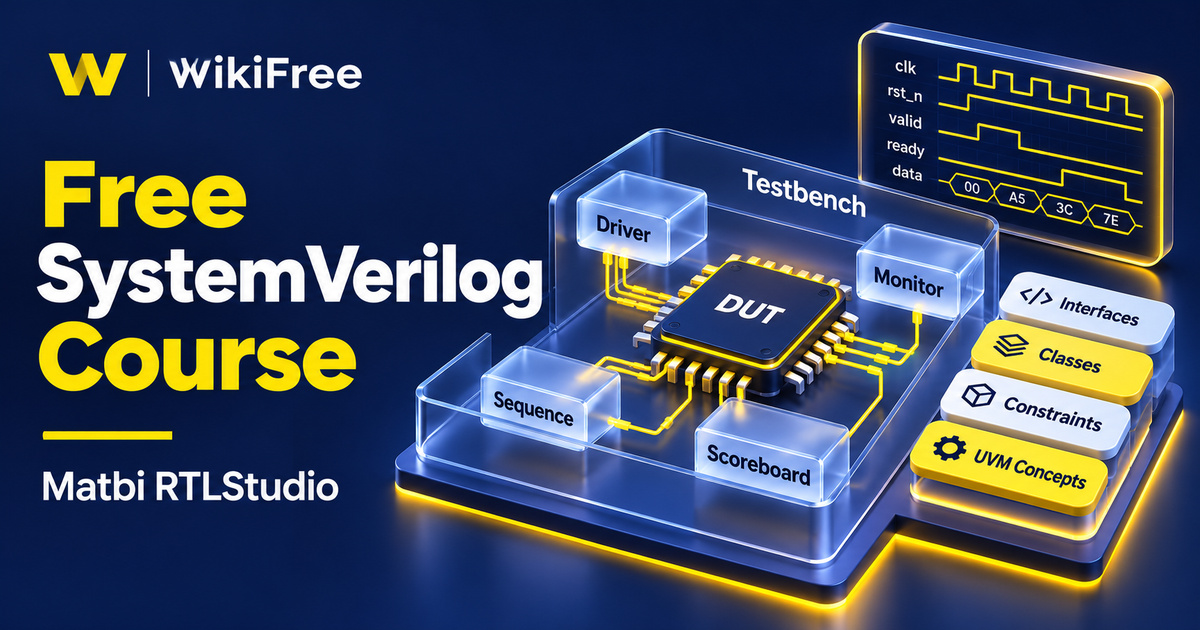
Listed as Free on Udemy when checked on 9 November 2026. No coupon or subscription trial is required for the listed lessons. Enrollment needs a Udemy account; availability can change.
About this course
SystemVerilog becomes easier to approach when you can connect each language feature to a small design or testbench task. This free course from Matbi RTLStudio offers a compact route from familiar Verilog signals toward more structured RTL and object-oriented verification. It suits learners who have met modules and always blocks and want a guided introduction to the vocabulary that appears in larger verification environments.
The Udemy course contains 31 lectures across five sections, including an opening trailer and 30 short lessons. Its listed running time is about 59 minutes. That makes it a concise starting point to revisit while studying, with practice taking additional time. The recorded lessons are free and presented in English; following the instructor’s browser lab workflow requires a separate RTLStudio Pro account.
| Official course | RTLStudio: Master SystemVerilog HDL & Verification |
|---|---|
| Created by | Matbi RTLStudio |
| Platform | Udemy |
| Language | English |
| Level | Intermediate |
| Listed duration | 59 minutes; 31 lectures across 5 sections |
| Completion terms | Not included with a new free enrollment |
What you’ll learn
Explore SystemVerilog declarations, grouped data, combinational and sequential processes, and interfaces before moving into classes and verification coordination. Later lessons introduce constrained random stimulus, functional coverage, assertions, and a small Mini-UVM environment. The learning thread connects expressing a design with observing and checking its behavior, rather than treating every new keyword as an isolated definition.
Skills you’ll gain
- SystemVerilog data modeling
- RTL process organization
- Interface and package use
- Object-oriented testbench concepts
- Verification synchronization
- Assertions and coverage awareness
Begin with clearer design structure
The opening material moves into logic declarations and SystemVerilog source files. The design section then brings together named types, enumerations, arrays, structures, and formatted strings. These topics provide a useful way to think about what a value represents and how related information belongs together. A named state or grouped packet field can make a small example easier to discuss than an unexplained collection of integers.
Separate lessons address always_comb and always_ff, followed by interfaces, modports, and package imports. Pay attention to the purpose of each construct: describing a process, organizing connections, or sharing definitions. Moving to SystemVerilog does not remove the need to reason about drivers, timing, and assignment behavior. Treat the early examples as a foundation for those decisions, not permission to replace every declaration mechanically.
Follow the transition into testbench code
The next section introduces dynamic arrays, queues, and associative arrays before turning to classes and handles. Local and static members, virtual interfaces, inheritance, and virtual methods extend that discussion. This progression is useful because verification code often needs ways to organize information and reusable behavior that differ from the circuit description itself.
Keep a simple distinction in your notes: what belongs to the hardware model, and what belongs to the environment checking it? An interface and a virtual interface are related ideas, but their roles should not be blurred. Likewise, recognizing a class declaration is a starting point; understanding object lifetime, references, and interactions takes further practice. The short lessons give you a route into these questions without promising exhaustive language coverage.
Read verification results with a purpose
The final section brings together casting, clocking blocks, mailboxes, semaphores, constraints, coverage, and assertions. It finishes with Mini-UVM architecture and integration. Use that ending as an introduction to how verification pieces cooperate. A small teaching environment is not equivalent to comprehensive UVM methodology training or an independently validated production testbench.
The instructor’s public companion outline identifies manual coverage bins for its Verilator-oriented example. This is a useful reminder to check the capabilities of the simulator actually in use. Tracking selected scenarios does not prove every design behavior is correct, and a successful run only reports what that particular test checked. The practical habit to develop is asking which stimulus was applied, which outcome was expected, and which observation supports the result.
Make room for deliberate practice
For an optional study exercise, create a three-column note beside one lesson: feature, intended role, and evidence you would inspect. For example, distinguish how a connection is organized from how an expected response is checked. This is an editorial study suggestion, not an additional instructor assignment. You can begin the notes while watching and expand them when you have suitable tool access.
No FPGA board or desktop CAD installation is required for the course’s described browser approach. However, free Udemy viewing does not include a promise of free RTLStudio Pro access. Check that service’s current terms before planning hands-on work. If basic Verilog still feels unfamiliar, build confidence there first, then return to this compact introduction with a clearer understanding of the circuit being verified.
Explore the instructor’s public SystemVerilog outline: The external lab track and account access are separate from free Udemy viewing.
Related courses for your next step
- Explore SystemVerilog verificationFree SystemVerilog Course: Build a Foundation for SOC Verification
Explore another introduction to SystemVerilog verification concepts.
Intermediate
Frequently asked questions
Are all recorded lessons free?
The current Udemy listing offers this English-language course free. RTLStudio Pro access for the described hands-on workflow is separate and is not included by that free viewing offer.
Is this a complete UVM qualification?
No. It introduces SystemVerilog and ends with a small Mini-UVM example. It does not establish professional certification, complete methodology training, or production readiness.
Do I need an FPGA board?
The stated workflow runs in a browser and does not require an FPGA board. Basic Verilog knowledge is helpful, and the instructor specifies a separate RTLStudio Pro account for practicing the labs.
Questions & discussion
Share a useful question or correction. Comments appear after moderation. Please avoid personal or sensitive information.