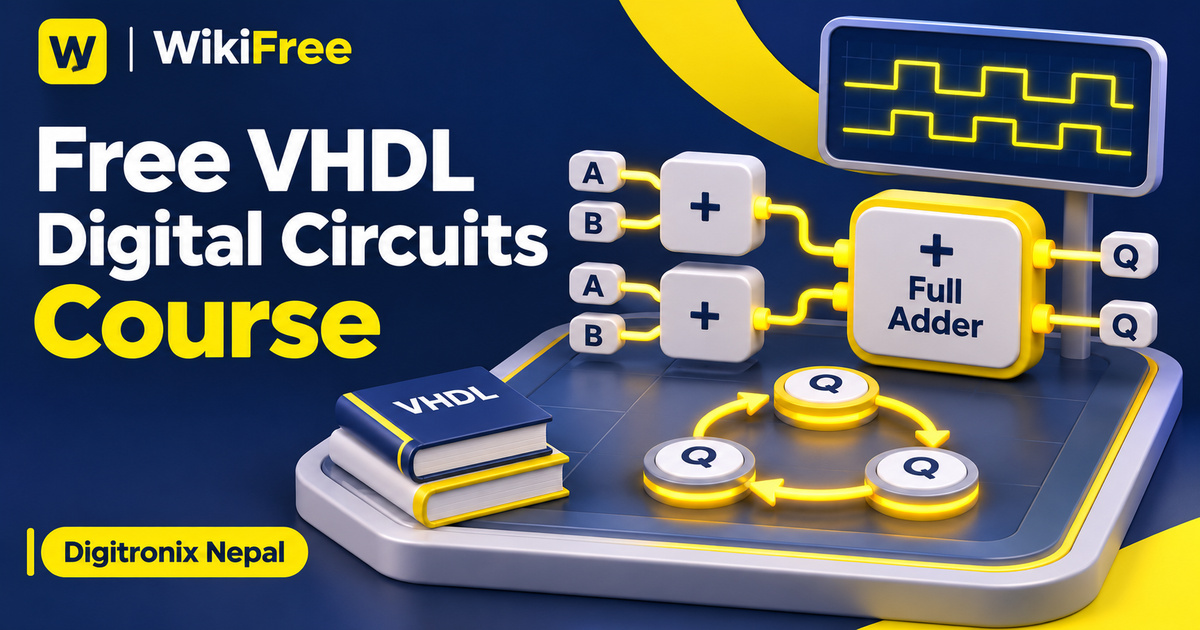
Listed as Free on Udemy when checked on 7 November 2026. No coupon or subscription trial is required for the listed lessons. Enrollment needs a Udemy account; availability can change.
About this course
An adder, a register and a state machine solve different kinds of digital-design problems. Learning how to describe each one makes VHDL more useful than memorizing a collection of keywords. This free VHDL digital circuits course moves through those building blocks with examples in Intel Quartus Prime, connecting language constructs with the behavior of the circuit being described.
Digitronix Nepal teaches the course in English for learners with a basic understanding of digital design and logic gates. The source classifies it as intermediate, while the description says it progresses from basic to intermediate material. Its seven sections contain nine videos totaling 122 minutes and 18 seconds. Electrical engineering and computer science learners are the stated audience; this is a compact introduction to several design methods, not a complete FPGA engineering curriculum.
| Official course | VHDL Programming with Intel Quartus Prime Tool |
|---|---|
| Created by | Digitronix Nepal |
| Platform | Udemy |
| Language | English |
| Level | Intermediate |
| Listed duration | 122 minutes; 9 lectures across 7 sections |
| Completion terms | Not included with a new free enrollment |
What you’ll learn
Follow logic-gate examples through VHDL design and simulation. Compare testbench-based work in ModelSim with the Vector Waveform Generator approach shown in Quartus. Study conditional statements and processes, then connect them with combinational circuits, structural composition, sequential circuits and finite state machines. Use the examples to identify what a design stores, computes and tests.
Skills you’ll gain
- VHDL circuit description
- Logic-gate simulation
- Conditional logic modeling
- Structural component composition
- Sequential circuit reasoning
- Finite state machine planning
Begin with behavior you can explain
The opening section introduces VHDL and the Quartus Prime environment through basic logic-gate design. A small circuit is a useful starting point because you can state its intended behavior independently of the tool. For example, a truth table gives you expected outputs to compare with a simulation. Keep that expected behavior beside the implementation so that a successful compile is not mistaken for a complete correctness check.
The conditional-statements lesson names with-select, when-else, if-else and case, alongside the process statement. These provide different ways to express design behavior. A process in VHDL describes hardware behavior; it should not simply be interpreted as an ordinary software thread. When modeling combinational logic, pay attention to all relevant input cases and assignments, because incomplete assignments can infer storage that was not intended.
Compare two simulation approaches
The simulation section first demonstrates a NAND-gate design with ModelSim and Quartus Prime. The course description also identifies writing a testbench as part of the learning path. A testbench provides selected input conditions and lets you examine the responses. Its usefulness depends on the cases you choose, so record what has actually been exercised rather than treating a waveform display as proof of every requirement.
A short overview then introduces the Vector Waveform Generator, followed by an AND-and-OR gate example using that method. This gives learners two ways to approach stimulus and waveform inspection within the recorded workflow. Functional simulation and timing analysis have different purposes: obtaining an expected logical result does not by itself establish that a design meets timing on a chosen physical device.
Build larger functions from smaller parts
The combinational-circuit lesson names adders, decoders and multiplexers. The following section changes the viewpoint to structural modeling, specifically building a full adder from half-adder modules. This is an opportunity to distinguish describing a function directly from assembling it out of connected components. Trace the interfaces between the smaller blocks, including which signals represent inputs, outputs and intermediate connections.
The sequential-circuit section introduces flip-flops, registers and counters. These designs bring stored state into the discussion, so the relationship between a clock, an input change and an output update matters. The lesson description refers to a later counter-design lab, but the current curriculum does not list a separate counter-lab lecture. Treat the counter work as part of the listed sequential-circuit scope rather than assuming an additional lesson is included.
Move toward stored state and control
The final section covers finite state machines. Its authored description names a sequence detector and a greatest-common-divisor calculator as examples. Start by identifying states, transition conditions and outputs before translating that plan into language constructs. For an editorial study exercise, choose a small sequence-detection problem and write a transition table, then list input sequences that would test both expected progress and reset behavior. This is a study prompt, not a claim that a circuit has been implemented or tested.
The course was last updated in April 2019, so its ModelSim and Quartus demonstrations should be approached with version differences in mind. Current Altera licensing lists Quartus Prime Lite without a license fee or key requirement, and Questa FPGA Starter without a license fee but with a required key. Check edition, device and system support separately. Watching the lessons is free; hardware, software access and any optional external costs are separate. Six supporting resources are listed, and no hosted laboratory, completed hardware build or professional credential is promised here.
Review current Altera licensing: Check the distinction between free editions and license-key requirements.
Related courses for your next step
- See an implementation-and-debugging exampleFree VHDL FPGA Design Course
Follow a separate recorded workflow from simulation to board testing.
Beginner
- Strengthen the computing foundationsComputer Architecture and Digital Logic
Explore the digital-logic ideas behind computing systems.
See course details
Frequently asked questions
Is this suitable for someone new to digital electronics?
The stated prerequisite is basic digital design and logic gates. The course is classified as intermediate and covers basic-to-intermediate VHDL, so prior digital-logic study is helpful.
Which simulation methods are included?
The listed lessons cover ModelSim simulation and a Vector Waveform Generator approach in Quartus, including NAND and AND/OR gate examples.
Does the course include a separate counter laboratory?
The sequential lesson describes counter work and mentions a later lab, but no separate counter-lab lecture appears in the current nine-video curriculum. No hosted lab access is promised.
Questions & discussion
Share a useful question or correction. Comments appear after moderation. Please avoid personal or sensitive information.