Listed as Free on Udemy when checked on 7 November 2026. No coupon or subscription trial is required for the listed lessons. Enrollment needs a Udemy account; availability can change.
About this course
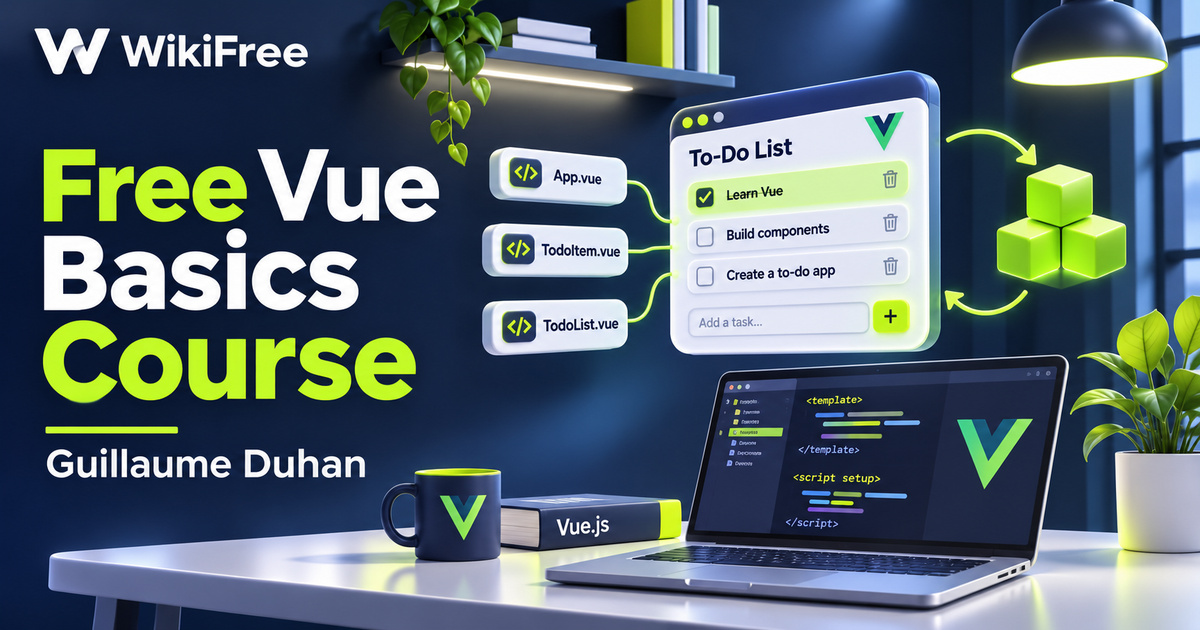
A to-do list is a useful place to discover what a component framework actually does. An input changes some data, a list displays it, and a button asks the application to remove an item. This free Vue basics course by Guillaume Duhan follows those connections through short lessons on templates, data binding, components, props and events, before introducing a different way to organize reactive code with Vue 3.
The English-language course contains nineteen videos across three sections, totaling seventy-seven minutes and eight seconds. The main section develops basic interface behavior and a three-part to-do example. Six shorter lessons introduce Vue 3, followed by a brief conclusion. Although the requirements field says none, the description expects some HTML, CSS and JavaScript knowledge. It is best approached as an introduction to Vue after those web fundamentals.
Last updated in October 2021, the course describes its main material as Vue 2 basics with a Vue 3 introduction. Its description of Vue 3 as beta is historical. Vue 2 reached end of life on 31 December 2023 and no longer receives standard updates or fixes. For a new project, use a supported Vue version and its documentation; treat the recording as a conceptual learning resource rather than a current installation recipe.
| Official course | Vue.js Tutorial for beginners (2021) |
|---|---|
| Created by | Guillaume Duhan |
| Platform | Udemy |
| Language | English |
| Level | Beginner |
| Listed duration | 77 minutes; 19 lectures across 3 sections |
| Completion terms | Not included with a new free enrollment |
What you’ll learn
Follow data from an input into a rendered list, divide interface behavior into components, pass information through props and communicate changes through emitted events. Explore computed values, watchers, lifecycle hooks and reusable logic, then compare these ideas with the introductory Vue 3 lessons on reactive state, ref, setup and onMounted.
Skills you’ll gain
- Vue component structure
- Reactive data concepts
- List rendering
- Props and emitted events
- Computed values and watchers
- Vue version awareness
Connect the project to the interface
The first lessons connect installation and project structure with the familiar ingredients of a webpage. Instead of viewing HTML, CSS and JavaScript as unrelated files, you begin to see how a component brings presentation and behavior together. The course introduces the project layout and then moves into data, functions and directives. Check current tooling requirements before repeating an older setup command.
List rendering makes the relationship between state and display more concrete. A collection supplies the information to render, while an input supplies a new value. The to-do sequence first builds a dynamic list, then separates it into components. That progression gives each new concept a purpose: component boundaries help organize the interface rather than simply adding more files.
Trace communication between components
Props and events provide the central communication pattern in the example. Information can pass from a parent component to a child through props, while the child can emit an event that the parent handles. When following the removal lesson, focus on which component owns the list and which component requests a change. This distinction is more transferable than memorizing a particular variable name.
Choose where reactive behavior belongs
Computed values, lifecycle hooks and watchers add another layer of behavior. A computed value can describe information derived from existing state; a watcher can respond to a change when an action is needed. Lifecycle hooks help place work at a relevant stage of a component’s existence. The lesson on watcher practices is an opportunity to ask whether a new watcher is necessary or whether a derived value would express the intention more clearly.
The lesson titled Computed & filters needs version context. Vue 3 removed the Vue 2 template-filter feature; its migration guidance points to methods or computed properties instead. That change does not remove JavaScript array filtering. Similarly, mixins remain supported in Vue 3, but the current documentation prefers Composition API composables for sharing component logic. Learning to recognize the older pattern is useful without treating it as the recommended choice for every new application.
Compare the Vue 3 introduction
The Vue 3 initiation section revisits familiar ideas through a new template, reactive state and props declarations. It then introduces setup, onMounted and ref, followed by computed values and watchers. Use this section to compare where related logic lives in the two styles. It is a short introduction, not a complete migration workshop, and the Options API should not be mistaken for a feature that exists only in Vue 2.
Practice with a packing checklist
For independent practice, sketch a small packing checklist with three items. Identify the component that owns the list, the input that proposes a new item and the child event that requests removal. Decide whether an item count should be derived from the list or stored separately. Then describe how you would preserve the same behavior while reorganizing the reactive code. This is an editorial exercise, not a supplied assignment or a claim that the application has been tested.
The final Vue 3 lesson points toward an article about the Composition API. That title is part of a video lesson; it does not establish that an additional article has been read or that a separate downloadable resource is included. The course provides a compact route through component fundamentals, not a promise of authentication, persistent storage, deployment, testing coverage or a production-ready application.
Understand the scope of free access
Free access applies to the currently offered lessons. Optional services or future hosting have separate terms, and no certificate or employment outcome is promised. The useful result is a clearer understanding of how data, components and user actions fit together, plus enough version awareness to continue learning from current documentation.
Related courses for your next step
- Strengthen your JavaScript foundationFree JavaScript Scope and Async Course
Review function behavior, scope and asynchronous concepts before extending a component-based interface.
Intermediate
Frequently asked questions
Is this exclusively a Vue 3 course?
No. The author describes Vue 2 basics followed by a short Vue 3 introduction. Use current documentation when applying the concepts.
Do I need previous coding experience?
Some HTML, CSS and JavaScript knowledge is expected in the description, even though the requirements field says none.
Does the course include a production-ready application or certificate?
Neither is promised. The course introduces component fundamentals through small examples, and free access is separate from optional services.
Questions & discussion
Share a useful question or correction. Comments appear after moderation. Please avoid personal or sensitive information.