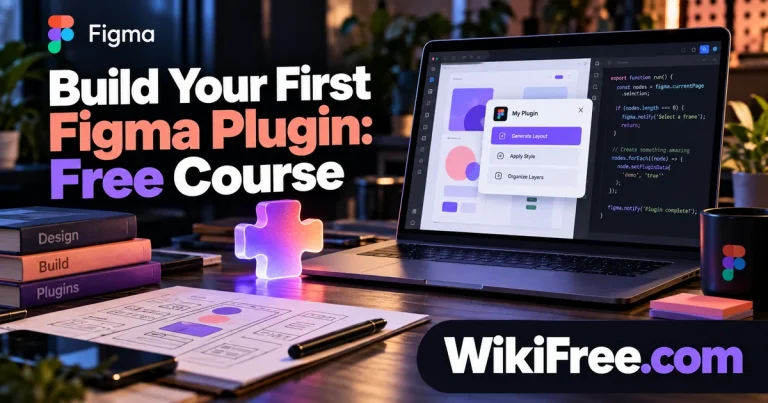
Build Your First Figma Plugin: Free Course
Create a first Figma plugin through this free six-video teaching sequence. The original series announcement and all five numbered lessons are preserved, from the overview and Plugins API introduction…
Company
Courses and learning resources
Explore Figma courses and learning resources listed on Coursya. Search the complete catalogue, compare subjects and levels, and follow new additions.
See matching new resources in your interests feed.
Choose your next step
Learning route: Create a Figma plugin · Show all routes
Showing 1–1 of 1 listings.

Create a first Figma plugin through this free six-video teaching sequence. The original series announcement and all five numbered lessons are preserved, from the overview and Plugins API introduction…
Need a starting point?
Choose Design for Beginners to connect the tool’s main operations within a project. Rebuild a small screen independently so you can explain its structure.
1 matching listingsThe student course introduces frames, shapes, typography and prototypes. Choose it when that teaching context fits your starting point.
1 matching listingsStudy design systems after you can create individual screens. Focus on reusable components, documentation and the decisions needed to keep a shared system useful.
1 matching listingsLearn to extend Figma after you have a basic understanding of programming. Build a small plugin and check its behavior on a test file.
1 matching listingsThis page brings together the published, available listings assigned to Figma on Coursya. New listings appear automatically. Counts refer to our current library; the provider may offer additional courses elsewhere.
Read each course page for prerequisites, study time, learning access and recognition. Free learning does not always include a free certificate, exam, software or hosted lab. Listings marked unavailable or awaiting review are excluded.
Choose whether to allow Google Analytics to measure visits, or also Meta to measure how our Facebook and Instagram ads lead to content views and purchases. Optional tracking stays off until you allow it. You can change your choice at any time. Privacy details